
What is Endpoint Privilege Manager
Introduction
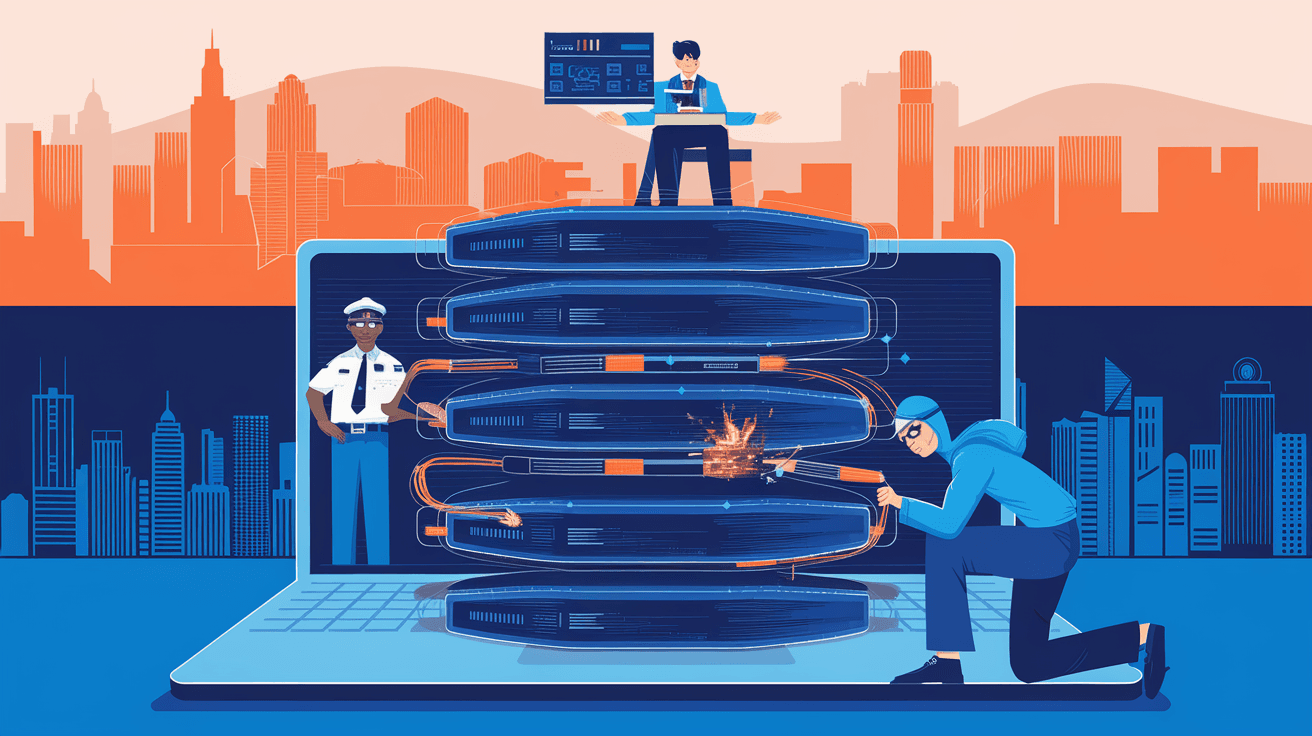
You might have heard about Endpoint Privilege Manager but aren’t quite sure what it does or why it matters. In today’s digital world, managing who can do what on your devices is crucial. Endpoint Privilege Manager (EPM) is a tool that helps you control user permissions on computers and other devices, keeping your systems safe from threats.
We all use devices that need protection from unauthorized access or accidental changes. EPM makes sure users have just the right amount of access they need—no more, no less. This article will explain what Endpoint Privilege Manager is, why it’s important, and how it works to protect your devices.
What is Endpoint Privilege Manager?
Endpoint Privilege Manager is a security solution designed to control and manage user privileges on endpoint devices like laptops, desktops, and servers. It helps organizations reduce risks by limiting administrative rights and enforcing the principle of least privilege.
How EPM Works
- Privilege Elevation: Allows users to run specific applications with higher privileges without giving full admin rights.
- Access Control: Restricts users from accessing sensitive system areas or installing unauthorized software.
- Policy Enforcement: Applies rules consistently across all endpoints to maintain security standards.
- Audit and Reporting: Tracks user activities and privilege changes for compliance and security monitoring.
By managing privileges carefully, EPM prevents malware from spreading and stops users from making harmful changes, whether intentional or accidental.
Why is Endpoint Privilege Manager Important?
You might wonder why controlling user privileges is such a big deal. The truth is, many security breaches happen because users have more access than they need. Endpoint Privilege Manager helps fix this problem.
Key Benefits of Using EPM
- Reduces Attack Surface: By limiting admin rights, attackers have fewer ways to exploit your system.
- Prevents Malware Spread: Malware often needs admin rights to cause damage; EPM blocks this.
- Improves Compliance: Many regulations require strict control over user access and activity monitoring.
- Enhances Productivity: Users get the access they need without waiting for IT support to grant permissions.
- Simplifies IT Management: Centralized control makes it easier to enforce security policies.
In short, EPM protects your devices and data while making life easier for both users and IT teams.
How Endpoint Privilege Manager Enhances Security
Security is the main reason organizations use Endpoint Privilege Manager. It acts as a gatekeeper, ensuring users only do what they’re allowed to do.
Key Security Features
- Least Privilege Enforcement: Users operate with minimal rights, reducing the chance of accidental or malicious damage.
- Application Control: Only approved applications can run with elevated privileges.
- Credential Theft Prevention: Stops malware from stealing admin credentials by limiting their use.
- Real-Time Monitoring: Detects and blocks suspicious privilege escalation attempts immediately.
- Integration with Other Security Tools: Works alongside antivirus, firewalls, and SIEM systems for layered defense.
These features help create a strong security posture, making it harder for attackers to succeed.
Common Use Cases for Endpoint Privilege Manager
You might be curious about where and how EPM is used in real life. Here are some common scenarios:
- Corporate Environments: Companies use EPM to control employee access and protect sensitive data.
- Healthcare: Hospitals restrict access to patient records and medical software.
- Finance: Banks enforce strict controls to comply with regulations and prevent fraud.
- Education: Schools limit software installations and protect student data.
- Government: Agencies safeguard classified information and maintain compliance.
In each case, EPM helps balance security with user convenience.
How to Implement Endpoint Privilege Manager Effectively
If you decide to use Endpoint Privilege Manager, it’s important to implement it correctly to get the best results.
Steps for Successful Implementation
- Assess Current Privileges: Identify who has admin rights and what they actually need.
- Define Policies: Create clear rules about which users can elevate privileges and for what tasks.
- Choose the Right EPM Solution: Look for features like ease of use, integration options, and reporting capabilities.
- Pilot Testing: Start with a small group to test policies and adjust settings.
- User Training: Educate users about why privileges are limited and how to request access when needed.
- Monitor and Adjust: Continuously review logs and tweak policies to improve security and usability.
Following these steps helps ensure your EPM deployment is smooth and effective.
Popular Endpoint Privilege Manager Solutions
There are several well-known EPM products available, each with unique features. Here are a few examples:
| Product Name | Key Features | Ideal For |
| BeyondTrust Endpoint Privilege Management | Granular privilege control, application control, compliance reporting | Large enterprises |
| CyberArk Endpoint Privilege Manager | Credential theft prevention, real-time monitoring, integration with PAM | Regulated industries |
| ManageEngine Endpoint Privilege Manager Plus | User-friendly interface, policy automation, detailed audit logs | Small to medium businesses |
| Ivanti Endpoint Manager | Centralized management, software restriction, cloud support | Hybrid IT environments |
Choosing the right tool depends on your organization’s size, industry, and security needs.
Challenges and Considerations
While Endpoint Privilege Manager offers many benefits, there are some challenges to keep in mind.
Potential Challenges
- User Resistance: Some users may feel restricted or frustrated by limited privileges.
- Complex Policy Management: Defining and maintaining policies can be time-consuming.
- Compatibility Issues: Some legacy applications may not work well with privilege restrictions.
- Initial Setup Effort: Deploying EPM requires planning and resources.
How to Overcome These Challenges
- Communicate clearly with users about the benefits.
- Automate policy management where possible.
- Test applications thoroughly before enforcing restrictions.
- Provide quick support for privilege requests.
By addressing these issues proactively, you can maximize the value of your EPM solution.
Future Trends in Endpoint Privilege Management
The world of cybersecurity is always evolving, and Endpoint Privilege Manager is no exception. Here are some trends shaping its future:
- AI and Machine Learning: Using AI to detect unusual privilege use and automate responses.
- Cloud Integration: Managing privileges across cloud and on-premises devices seamlessly.
- Zero Trust Security: Enforcing strict access controls based on continuous verification.
- User Behavior Analytics: Monitoring user actions to spot risky behavior early.
- Automation: Streamlining privilege requests and approvals to reduce delays.
Staying updated on these trends will help you keep your security strategy effective.
Conclusion
Endpoint Privilege Manager is a powerful tool that helps you control who can do what on your devices. By limiting user privileges, it reduces security risks, prevents malware spread, and supports compliance. Whether you’re running a small business or a large enterprise, EPM can protect your systems without slowing down your users.
Implementing Endpoint Privilege Manager takes some effort, but the benefits are well worth it. With the right policies, tools, and user education, you can create a safer digital environment. As cyber threats continue to grow, managing endpoint privileges will remain a key part of your security strategy.
FAQs
What devices does Endpoint Privilege Manager protect?
EPM protects endpoint devices such as laptops, desktops, servers, and sometimes mobile devices, ensuring users have controlled access to system resources.
How does Endpoint Privilege Manager differ from traditional admin rights?
Unlike traditional admin rights that grant full control, EPM enforces least privilege by allowing only necessary access, reducing security risks.
Can Endpoint Privilege Manager prevent malware attacks?
Yes, by limiting admin rights and controlling application execution, EPM helps prevent malware from gaining the access it needs to spread.
Is Endpoint Privilege Manager suitable for small businesses?
Absolutely. Many EPM solutions are designed to fit small and medium businesses, offering scalable security without complex management.
How does EPM support compliance requirements?
EPM provides detailed audit logs and enforces access policies, helping organizations meet regulatory standards like HIPAA, GDPR, and PCI DSS.




