
What is Endpoint Privilege Management
Introduction
You might have heard about Endpoint Privilege Management (EPM) but wondered what it really means for your business or personal devices. In simple terms, EPM is a security approach that controls who can do what on your computers, laptops, and other devices. It helps stop hackers from gaining access to sensitive information by limiting user permissions.
We all use devices that connect to the internet, and these endpoints are common targets for cyberattacks. By managing privileges carefully, you reduce risks and keep your data safer. In this article, I’ll explain what Endpoint Privilege Management is, why it’s important, and how it works to protect your digital world.
What is Endpoint Privilege Management?
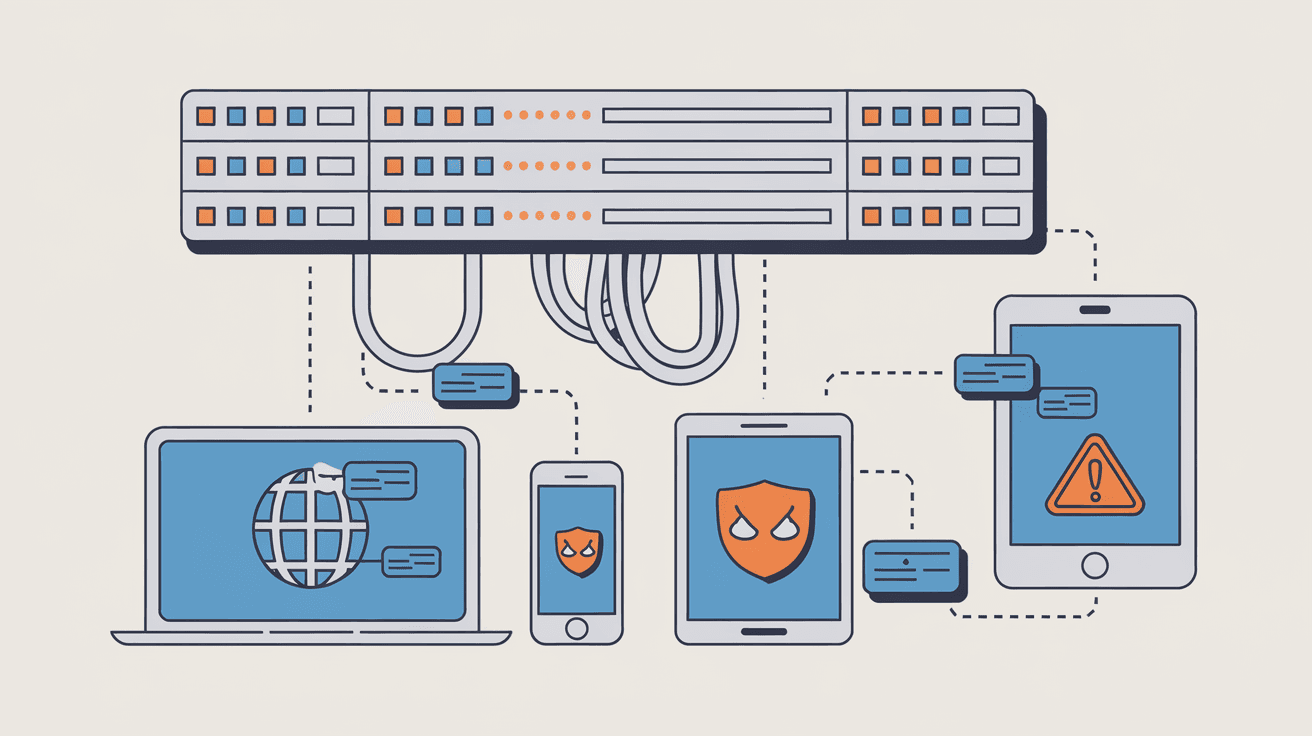
Endpoint Privilege Management is a cybersecurity strategy that controls and limits user permissions on endpoint devices. Endpoints include laptops, desktops, mobile devices, and servers. The goal is to ensure users only have the access they need to perform their tasks, nothing more.
This approach helps prevent unauthorized actions that could lead to data breaches or malware infections. Instead of giving users full administrative rights, EPM enforces the principle of least privilege. This means users get the minimum level of access required, reducing the attack surface.
Key Features of Endpoint Privilege Management
- Least Privilege Enforcement: Users operate with limited rights, only elevated when necessary.
- Just-in-Time Access: Temporary permissions granted only for specific tasks.
- Application Control: Restricts which apps can run or install on endpoints.
- Audit and Monitoring: Tracks user activities and privilege changes for security reviews.
- Policy Automation: Automatically applies rules based on user roles or device types.
By combining these features, EPM strengthens endpoint security and helps organizations comply with regulations.
Why is Endpoint Privilege Management Important?
You might wonder why managing privileges on endpoints is so critical. The answer lies in the nature of cyber threats today. Attackers often exploit excessive user permissions to install malware, steal data, or move laterally within networks.
Here are some reasons why EPM matters:
- Reduces Risk of Malware: Limiting admin rights prevents unauthorized software installations.
- Stops Insider Threats: Controls what employees or contractors can access or change.
- Protects Sensitive Data: Ensures only authorized users can view or modify critical information.
- Supports Compliance: Helps meet standards like GDPR, HIPAA, and PCI DSS by controlling access.
- Improves Incident Response: Detailed logs help detect and investigate suspicious activities.
Without EPM, endpoints become vulnerable entry points for cybercriminals. Managing privileges effectively is a proactive way to defend your digital assets.
How Does Endpoint Privilege Management Work?
Understanding how EPM works can help you see its value. The process involves several steps and technologies that work together to control access on endpoints.
1. User Role Definition
First, organizations define roles and responsibilities. Each role has specific access needs. For example, a regular user might only need to run approved applications, while an IT admin requires broader permissions.
2. Policy Creation and Enforcement
Based on roles, security teams create policies that specify what users can and cannot do. These policies are enforced through software agents installed on endpoints.
3. Privilege Elevation
When a user needs higher privileges temporarily, EPM solutions provide just-in-time elevation. This means users get admin rights only for the time needed to complete a task, then those rights are revoked.
4. Application Control
EPM tools monitor and control which applications can run. They block unauthorized or risky software, reducing the chance of malware infections.
5. Monitoring and Auditing
All privilege changes and user actions are logged. Security teams review these logs to detect unusual behavior or policy violations.
Technologies Involved
- Endpoint Agents: Software installed on devices to enforce policies.
- Central Management Console: Allows admins to set policies and monitor endpoints.
- Integration with Identity Systems: Connects with Active Directory or cloud identity providers for user authentication.
- Automation Tools: Automatically adjust privileges based on context or behavior.
This layered approach ensures that privilege management is dynamic, secure, and easy to manage.
Benefits of Implementing Endpoint Privilege Management
If you’re considering EPM, it’s helpful to know the benefits it brings. Many organizations report improved security and operational efficiency after adopting EPM solutions.
Enhanced Security
- Limits attack vectors by reducing unnecessary admin rights.
- Prevents malware from spreading through unauthorized software.
- Detects and stops insider threats early.
Compliance and Governance
- Meets regulatory requirements for access control.
- Provides audit trails for security reviews and investigations.
- Supports policies for data protection and privacy.
Operational Efficiency
- Reduces helpdesk tickets related to permission issues.
- Automates privilege management, saving time for IT teams.
- Enables secure remote work by controlling endpoint access.
Cost Savings
- Lowers risk of costly data breaches.
- Minimizes downtime caused by security incidents.
- Reduces expenses related to manual privilege management.
By managing endpoint privileges, you protect your organization while improving productivity.
Common Challenges in Endpoint Privilege Management
While EPM offers many benefits, implementing it can come with challenges. Being aware of these helps you prepare better.
User Resistance
Users may resist restrictions on their access, feeling it slows down their work. Clear communication and training can ease this.
Complexity of Policies
Creating the right policies for diverse roles and devices can be complex. Start simple and refine over time.
Integration Issues
EPM tools must integrate smoothly with existing IT systems. Compatibility problems can delay deployment.
Balancing Security and Usability
Too strict controls can frustrate users, while too loose controls weaken security. Finding the right balance is key.
Continuous Management
Privileges need ongoing review and adjustment as roles and threats evolve. This requires dedicated resources.
Addressing these challenges ensures your EPM program is effective and sustainable.
How to Choose the Right Endpoint Privilege Management Solution
Choosing an EPM solution can be overwhelming with many options available. Here are factors to consider:
- Ease of Deployment: Look for solutions that are easy to install and configure.
- Scalability: Ensure it can grow with your organization’s needs.
- Integration: Check compatibility with your existing identity and security tools.
- Automation Capabilities: Automation reduces manual work and errors.
- Reporting and Analytics: Good visibility helps monitor and improve security.
- User Experience: Solutions should minimize disruption for end users.
- Vendor Support: Reliable support is crucial for troubleshooting and updates.
You may want to test a few solutions with pilot projects before full rollout.
Best Practices for Effective Endpoint Privilege Management
To get the most from EPM, follow these best practices:
- Apply Least Privilege Principle: Always start with minimal access and elevate only when needed.
- Use Just-in-Time Access: Grant temporary admin rights for specific tasks.
- Regularly Review Privileges: Conduct periodic audits to remove unnecessary permissions.
- Educate Users: Train employees on security policies and the importance of privilege management.
- Monitor and Respond: Continuously monitor endpoint activities and respond to anomalies.
- Automate Where Possible: Use automation to enforce policies and reduce errors.
- Integrate with Other Security Tools: Combine EPM with antivirus, endpoint detection, and identity management.
These steps help maintain strong security without hindering productivity.
Conclusion
Endpoint Privilege Management is a vital part of modern cybersecurity. By controlling who can do what on your devices, it reduces the risk of cyberattacks and data breaches. You and your organization benefit from stronger security, better compliance, and smoother operations.
Implementing EPM requires careful planning, the right tools, and ongoing management. But the payoff is worth it—safer endpoints and peace of mind knowing your digital assets are protected. Whether you manage a small business or a large enterprise, understanding and applying Endpoint Privilege Management is a smart move in today’s threat landscape.
FAQs
What devices are considered endpoints in Endpoint Privilege Management?
Endpoints include laptops, desktops, mobile phones, tablets, servers, and any device that connects to your network and accesses data.
How does Endpoint Privilege Management improve security?
It limits user permissions to only what’s necessary, preventing unauthorized software installation and reducing the risk of malware and insider threats.
Can Endpoint Privilege Management help with regulatory compliance?
Yes, EPM supports compliance by enforcing access controls and providing audit logs required by standards like GDPR, HIPAA, and PCI DSS.
What is just-in-time access in EPM?
Just-in-time access grants temporary elevated privileges to users only for the time needed to complete specific tasks, then revokes them automatically.
Is Endpoint Privilege Management difficult to implement?
It can be challenging due to policy complexity and user resistance, but starting small, communicating clearly, and choosing the right tools make it manageable.




