
What is Endpoint Isolation
Introduction
You might have heard about endpoint isolation but wondered what it really means and why it matters. In today’s digital world, where cyber threats are everywhere, protecting your devices is more important than ever. Endpoint isolation is a powerful security method that helps keep your computers, phones, and other devices safe from attacks.
In this article, I’ll explain what endpoint isolation is, how it works, and why you should care about it. Whether you manage a business network or just want to protect your personal devices, understanding endpoint isolation can help you stay secure.
What Is Endpoint Isolation?
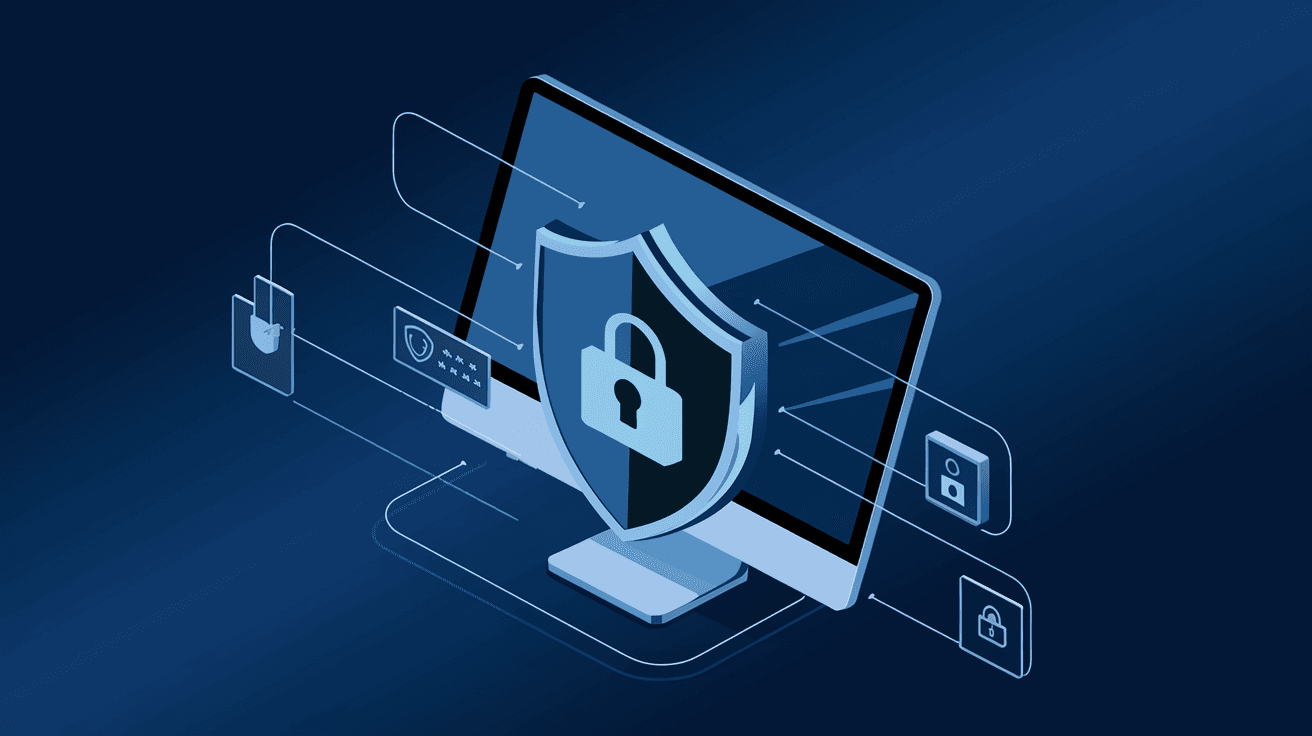
Endpoint isolation is a cybersecurity technique that separates a device, or endpoint, from the rest of the network when it is suspected of being compromised. An endpoint can be any device like a laptop, smartphone, or tablet connected to a network. When a device is isolated, it can no longer communicate freely with other devices or systems until the threat is resolved.
This method helps prevent malware, ransomware, or hackers from spreading across the network. Instead of shutting down the device completely, endpoint isolation limits its network access, allowing security teams to investigate and fix the problem safely.
How Endpoint Isolation Works
- Detection: Security software detects suspicious activity on an endpoint.
- Isolation: The device is automatically or manually disconnected from the network.
- Investigation: IT or security teams analyze the device to find the cause.
- Remediation: The threat is removed or the device is cleaned.
- Reintegration: Once safe, the device is reconnected to the network.
This process helps contain threats quickly and reduces damage.
Why Is Endpoint Isolation Important?
Endpoint isolation is crucial because endpoints are often the weakest link in cybersecurity. Devices can be infected by phishing emails, malicious downloads, or unsecured Wi-Fi networks. Once infected, a single device can spread malware to others, causing widespread damage.
Here’s why endpoint isolation matters:
- Stops Threat Spread: Isolating a device prevents malware from moving to other devices.
- Protects Sensitive Data: It helps keep confidential information safe by limiting access.
- Supports Compliance: Many regulations require quick response to security incidents.
- Reduces Downtime: Instead of shutting down the entire network, only the affected device is isolated.
- Improves Incident Response: Security teams can focus on one device without risking the whole system.
By isolating endpoints, organizations can respond faster and reduce the impact of cyberattacks.
Types of Endpoint Isolation
There are several ways to isolate an endpoint, depending on the tools and network setup. Here are the most common types:
Network Isolation
This method blocks the device’s access to the network. The device can still operate locally but cannot send or receive data over the network.
- Example: A laptop infected with malware is disconnected from Wi-Fi but can still run programs offline.
- Benefit: Stops malware from spreading through network connections.
Quarantine Isolation
The device is moved to a separate, restricted network segment called a quarantine zone. It can communicate only with security systems for scanning and cleaning.
- Example: An infected smartphone is placed in a quarantine VLAN where it can be scanned but not access company resources.
- Benefit: Allows safe investigation without full disconnection.
Application Isolation
This isolates specific applications or processes on the device rather than the whole device. It limits the damage caused by a compromised app.
- Example: A suspicious app is sandboxed to prevent it from accessing files or the internet.
- Benefit: Minimizes risk without disrupting the user’s entire device.
How Endpoint Isolation Fits Into Cybersecurity
Endpoint isolation is part of a larger strategy called Endpoint Detection and Response (EDR). EDR tools monitor devices continuously, detect threats, and can trigger isolation automatically.
Integration with Other Security Measures
- Antivirus and Anti-malware: Detect threats before isolation is needed.
- Firewalls: Control network traffic to and from endpoints.
- Zero Trust Security: Assumes no device is trusted by default, so isolation is a natural step.
- Security Information and Event Management (SIEM): Collects data to help decide when to isolate devices.
Together, these tools create a strong defense against cyber threats.
Real-World Examples of Endpoint Isolation
Many organizations use endpoint isolation to protect their networks. Here are some examples:
- Healthcare: Hospitals isolate infected devices to protect patient data and keep critical systems running.
- Finance: Banks isolate endpoints to prevent fraud and data breaches.
- Education: Schools isolate compromised student devices to stop malware from spreading across campus networks.
- Government: Agencies isolate endpoints to protect sensitive information from cyber espionage.
These examples show how endpoint isolation helps maintain security in different industries.
Challenges of Endpoint Isolation
While endpoint isolation is effective, it also has challenges:
- User Disruption: Isolating a device can interrupt work, especially if done automatically.
- False Positives: Sometimes safe devices get isolated by mistake.
- Complex Networks: Managing isolation in large or hybrid networks can be difficult.
- Resource Intensive: Requires skilled IT staff and advanced tools.
Despite these challenges, endpoint isolation remains a key tool in cybersecurity.
How to Implement Endpoint Isolation
If you want to use endpoint isolation, here are some steps to follow:
- Choose the Right Tools: Look for EDR or endpoint security solutions with isolation features.
- Set Clear Policies: Define when and how devices should be isolated.
- Train Your Team: Make sure IT and security staff know how to respond.
- Monitor Continuously: Use real-time monitoring to detect threats early.
- Test Regularly: Practice isolation procedures to ensure they work smoothly.
- Communicate with Users: Inform users about isolation policies to reduce confusion.
Following these steps helps you protect your network effectively.
Future Trends in Endpoint Isolation
As cyber threats evolve, endpoint isolation is also advancing:
- AI and Machine Learning: These technologies improve threat detection and automate isolation faster.
- Cloud Integration: Endpoint isolation now works across cloud and hybrid environments.
- Zero Trust Expansion: Isolation becomes part of a broader zero trust approach.
- User Behavior Analytics: Helps identify risky behavior before threats occur.
- Improved User Experience: New tools aim to reduce disruption during isolation.
These trends make endpoint isolation smarter and more user-friendly.
Conclusion
Now you know that endpoint isolation is a vital security method that helps protect your devices and networks from cyber threats. By separating infected or suspicious devices, it stops malware from spreading and gives security teams time to fix problems safely.
Whether you manage a business or just want to keep your personal devices safe, understanding and using endpoint isolation can make a big difference. As cyber threats grow more complex, endpoint isolation will continue to be an essential part of keeping your digital world secure.
FAQs
What devices are considered endpoints?
Endpoints include any device connected to a network, such as laptops, smartphones, tablets, desktops, and even IoT devices like printers or smart sensors.
Can endpoint isolation affect my work?
Yes, isolating a device can limit network access and disrupt some tasks, but it helps prevent bigger security problems by stopping threats quickly.
Is endpoint isolation automatic or manual?
It can be both. Many security systems automate isolation when threats are detected, but IT teams can also isolate devices manually.
How does endpoint isolation differ from quarantine?
Isolation usually means cutting off network access, while quarantine places the device in a restricted network area for safe scanning and cleaning.
Does endpoint isolation replace antivirus software?
No, it complements antivirus and other security tools by containing threats when they are detected, adding an extra layer of protection.




