
What is Email Spoofing
Introduction
You probably get a lot of emails every day, but have you ever wondered if the sender is really who they say they are? Email spoofing is a trick that cybercriminals use to make an email look like it comes from someone you trust. This can be confusing and dangerous because it often leads to scams or malware attacks.
In this article, I’ll explain what email spoofing is, how it works, and why it’s a problem. I’ll also share practical tips to help you spot spoofed emails and protect yourself from falling victim to these scams. Understanding email spoofing is key to staying safe online.
What is Email Spoofing?
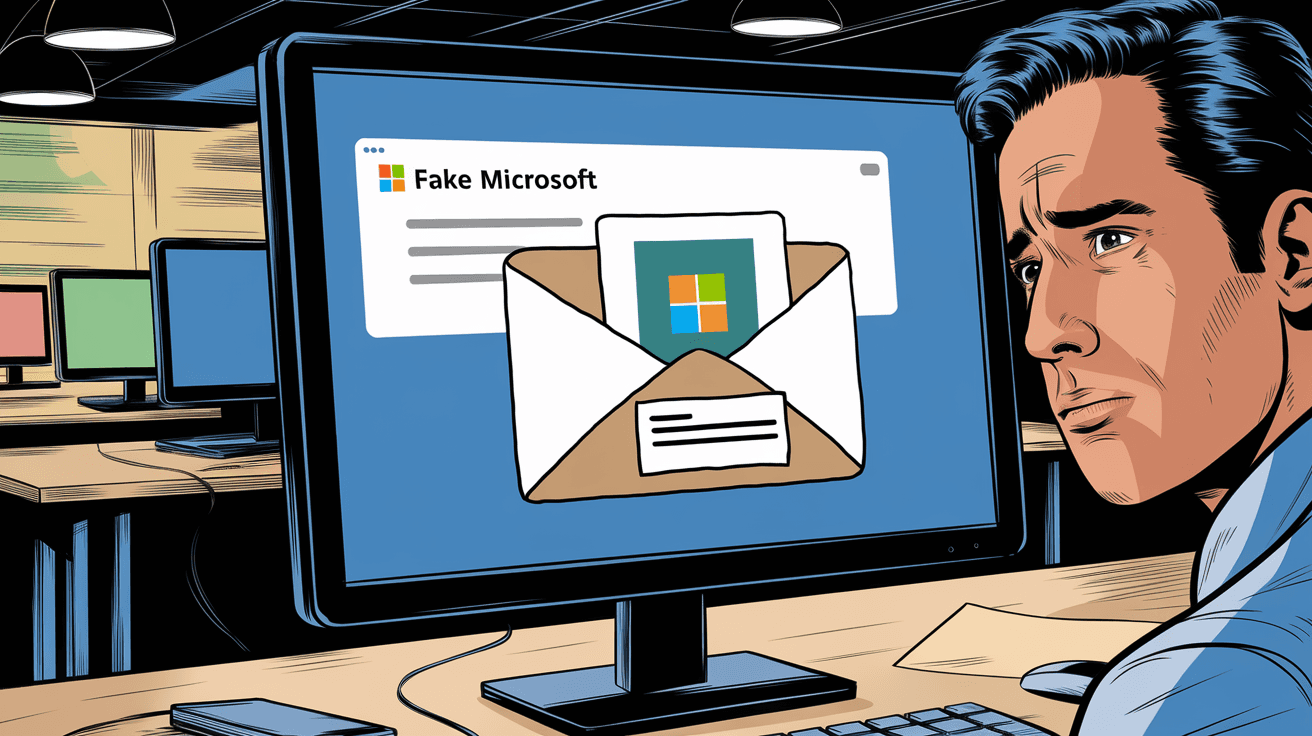
Email spoofing is when someone sends an email that appears to come from a different source than the real sender. The goal is to trick you into trusting the email. Spoofers change the "From" address so it looks like it’s from a friend, company, or even a government agency.
This technique is often used in phishing attacks, where the attacker tries to steal your personal information or infect your device with malware. Spoofed emails can look very real, making it hard to tell they’re fake.
How Email Spoofing Works
- The attacker forges the sender’s email address.
- They send the email through a fake or compromised mail server.
- The recipient sees the fake sender address in their inbox.
- The email may contain links or attachments designed to steal data or spread malware.
Because email protocols like SMTP don’t verify the sender’s identity by default, spoofing is possible without much technical skill.
Why is Email Spoofing Dangerous?
Email spoofing can cause serious problems for individuals and businesses. Here’s why it’s dangerous:
- Phishing Attacks: Spoofed emails often ask you to click on malicious links or provide sensitive info like passwords or credit card numbers.
- Malware Distribution: Attachments in spoofed emails can contain viruses or ransomware.
- Financial Fraud: Attackers may pretend to be company executives and request fake payments.
- Reputation Damage: Businesses can lose trust if their domain is spoofed to send spam or scams.
- Data Breaches: Spoofed emails can lead to unauthorized access to private information.
Because spoofed emails look so convincing, many people fall victim to these scams every year.
Common Types of Email Spoofing Attacks
There are several ways attackers use email spoofing. Here are the most common types:
1. Phishing Emails
These emails pretend to be from banks, online stores, or social media sites. They ask you to log in or update your account details. The links usually lead to fake websites designed to steal your credentials.
2. Business Email Compromise (BEC)
In BEC scams, attackers spoof a company executive’s email to trick employees into transferring money or sharing confidential info. These attacks can cause huge financial losses.
3. Spam and Malware Emails
Spoofed emails are used to send spam or malware. They might look like newsletters or promotional offers but contain harmful attachments or links.
4. CEO Fraud
This is a type of BEC where the attacker pretends to be the CEO or another high-ranking official. They send urgent requests for wire transfers or sensitive data.
How to Spot a Spoofed Email
It’s not always easy to tell if an email is spoofed, but there are some signs you can watch for:
- Check the sender’s email address carefully. Look for misspellings or strange domain names.
- Look for generic greetings like "Dear Customer" instead of your name.
- Beware of urgent or threatening language pushing you to act quickly.
- Hover over links to see if the URL matches the supposed sender.
- Check for poor spelling and grammar. Legitimate companies usually proofread their emails.
- Look at the email headers if you know how; they can reveal the real sender.
If you’re unsure, contact the sender directly using a phone number or email address you trust.
How Email Spoofing is Detected and Prevented
Email providers and organizations use several methods to detect and prevent spoofing:
1. SPF (Sender Policy Framework)
SPF lets domain owners specify which mail servers are allowed to send emails on their behalf. Receiving servers check SPF records to verify the sender.
2. DKIM (DomainKeys Identified Mail)
DKIM adds a digital signature to emails. The recipient’s server can verify this signature to confirm the email wasn’t altered and is from the claimed domain.
3. DMARC (Domain-based Message Authentication, Reporting & Conformance)
DMARC builds on SPF and DKIM. It tells receiving servers what to do if an email fails authentication, like rejecting or quarantining the message. It also sends reports back to the domain owner.
4. Email Filtering and AI
Modern email systems use filters and artificial intelligence to detect suspicious emails based on content, sender reputation, and behavior patterns.
How You Can Protect Yourself from Email Spoofing
While companies work to stop spoofing, you also need to be careful. Here are some steps you can take:
- Enable two-factor authentication (2FA) on your email and important accounts.
- Never click on links or download attachments from unknown or suspicious emails.
- Verify requests for sensitive info by contacting the sender through a different channel.
- Keep your software and antivirus updated to protect against malware.
- Use email services with strong spam and phishing filters.
- Educate yourself and others about common email scams.
What to Do If You Receive a Spoofed Email
If you think an email is spoofed, don’t panic. Here’s what you can do:
- Do not reply or click any links.
- Mark the email as spam or phishing in your email client.
- Report the spoofed email to your IT department or email provider.
- Delete the email from your inbox.
- If you clicked a link or shared info, change your passwords immediately and monitor your accounts for suspicious activity.
The Future of Email Spoofing Protection
Email spoofing remains a challenge, but new technologies are improving defenses:
- AI and machine learning are becoming better at spotting spoofed emails.
- Improved authentication protocols are being adopted more widely.
- Blockchain-based email verification is being explored as a way to secure sender identities.
- User education continues to be a vital part of defense.
As email remains a key communication tool, staying informed and cautious is your best protection.
Conclusion
Email spoofing is a sneaky way attackers trick you by faking the sender’s address. It can lead to phishing, malware, and financial scams. But by understanding how spoofing works and knowing the warning signs, you can protect yourself.
Use tools like SPF, DKIM, and DMARC to help stop spoofing, and always be cautious with unexpected emails. Staying alert and following simple safety steps will keep your information and devices safe from these common cyber threats.
FAQs
What is the difference between email spoofing and phishing?
Email spoofing is the act of faking the sender’s address, while phishing is a broader attack that uses spoofed emails to steal information or spread malware.
Can email spoofing be completely prevented?
No system is perfect, but using SPF, DKIM, and DMARC greatly reduces spoofing risks. User awareness is also crucial.
How can I check if an email is spoofed?
Look closely at the sender’s address, check links by hovering over them, and watch for unusual language or requests.
Is email spoofing illegal?
Yes, email spoofing is illegal in many countries because it is often used for fraud and cybercrime.
What should I do if I accidentally clicked a link in a spoofed email?
Change your passwords immediately, run a full antivirus scan, and monitor your accounts for suspicious activity. Contact your IT support if available.




