
What is Egress Filtering System
Introduction
When you think about protecting your network, you probably focus on stopping threats from coming in. But what about the data leaving your network? That’s where an egress filtering system comes in. It helps control and monitor outbound traffic to keep your information safe.
In this article, I’ll explain what an egress filtering system is, how it works, and why it’s important for your business or personal network. You’ll also learn practical ways to implement it and avoid common mistakes.
What Is an Egress Filtering System?
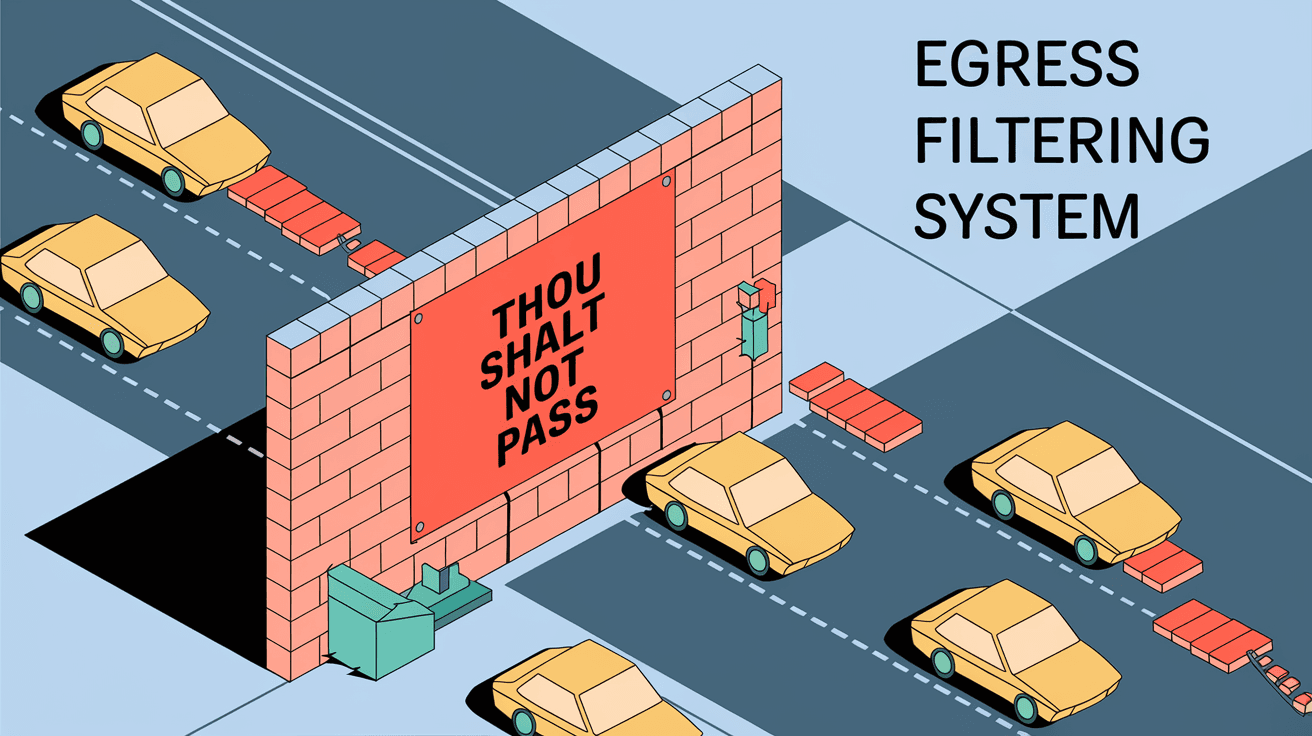
An egress filtering system is a security measure that monitors and controls the data leaving a network. Unlike ingress filtering, which blocks unwanted incoming traffic, egress filtering focuses on outbound traffic. It ensures that only authorized data and communications leave your network.
This system helps prevent sensitive information from leaking out and stops malware or unauthorized software from sending data to external attackers. It acts as a gatekeeper, checking every outgoing connection against a set of rules.
Key Functions of Egress Filtering
- Data Loss Prevention: Stops confidential data from leaving the network.
- Malware Control: Blocks infected devices from communicating with harmful servers.
- Policy Enforcement: Ensures users follow company or regulatory rules.
- Traffic Monitoring: Tracks outbound traffic for suspicious activity.
How Does Egress Filtering Work?
Egress filtering works by inspecting outbound network packets and applying rules to decide whether to allow or block them. These rules are usually set by network administrators based on security policies.
The system checks various parts of the data packet, such as:
- Source IP address: Where the data is coming from inside the network.
- Destination IP address: Where the data is going outside the network.
- Port number: The communication channel used.
- Protocol: Type of communication, like HTTP or FTP.
If the packet matches a rule that blocks it, the system stops it from leaving. Otherwise, it lets the data pass through.
Types of Egress Filtering
- IP-based Filtering: Blocks or allows traffic based on IP addresses.
- Port-based Filtering: Controls traffic by blocking certain ports.
- Protocol Filtering: Allows or blocks specific protocols.
- Content Filtering: Inspects the actual data content for sensitive information.
Why Is Egress Filtering Important?
You might wonder why you need to control outbound traffic. Here are some reasons why egress filtering is crucial:
Protecting Sensitive Data
Without egress filtering, confidential information like customer data, financial records, or intellectual property can accidentally or intentionally leave your network. This can lead to data breaches and legal problems.
Preventing Malware Communication
Malware often tries to send data back to its command center. Egress filtering can block these attempts, stopping malware from spreading or stealing information.
Enforcing Compliance
Many industries have rules about data protection. Egress filtering helps meet these requirements by controlling what data leaves your network.
Reducing Insider Threats
Sometimes, employees or contractors may try to send sensitive data outside. Egress filtering limits their ability to do so.
How to Implement an Egress Filtering System
Setting up an effective egress filtering system requires careful planning and ongoing management. Here’s how you can do it:
1. Define Your Policies
Start by deciding what kind of outbound traffic is allowed. Consider:
- Which applications need internet access?
- What data is sensitive?
- Are there any regulatory requirements?
2. Choose the Right Tools
You can implement egress filtering using:
- Firewalls with outbound filtering capabilities.
- Network security appliances.
- Cloud-based security services.
3. Configure Rules
Set rules based on your policies. For example:
- Block all outbound traffic except for approved services.
- Allow only specific IP addresses or domains.
- Restrict certain protocols or ports.
4. Monitor and Update
Regularly check logs and alerts to spot unusual activity. Update rules as your network or threats change.
5. Educate Users
Make sure everyone understands the importance of egress filtering and follows best practices.
Common Challenges and How to Overcome Them
Implementing egress filtering isn’t always easy. Here are some common issues and tips to handle them:
Overblocking Legitimate Traffic
Sometimes, strict rules block necessary communications. To avoid this:
- Test rules in a controlled environment.
- Use exceptions for trusted applications.
- Communicate with users about changes.
Managing Complexity
Large networks have many devices and applications. Simplify management by:
- Grouping similar rules.
- Using centralized management tools.
- Automating rule updates when possible.
Keeping Up with New Threats
Cyber threats evolve quickly. Stay ahead by:
- Regularly updating filtering rules.
- Using threat intelligence feeds.
- Combining egress filtering with other security measures.
Egress Filtering vs. Ingress Filtering: What’s the Difference?
Both egress and ingress filtering are important for network security, but they serve different purposes.
| Feature | Egress Filtering | Ingress Filtering |
| Traffic Direction | Outbound (leaving the network) | Inbound (entering the network) |
| Main Goal | Prevent data leaks and malware exit | Block unauthorized access and attacks |
| Focus Area | Data leaving the network | Data entering the network |
| Common Use Cases | Data loss prevention, malware control | Firewall protection, intrusion prevention |
Understanding both helps you build a stronger security posture.
Real-World Examples of Egress Filtering
Many organizations use egress filtering to protect their networks. Here are some examples:
- Financial Institutions: Banks use egress filtering to prevent customer data leaks and comply with regulations like PCI DSS.
- Healthcare Providers: Hospitals block unauthorized data transfers to protect patient privacy under HIPAA.
- Corporate Networks: Companies restrict access to social media or file-sharing sites to reduce distractions and data risks.
- Government Agencies: They enforce strict egress filtering to protect classified information.
Best Practices for Maintaining Egress Filtering Systems
To keep your egress filtering system effective, follow these best practices:
- Regular Audits: Review filtering rules and logs frequently.
- Update Policies: Adapt to new business needs and threats.
- Use Layered Security: Combine egress filtering with antivirus, intrusion detection, and encryption.
- Train Staff: Keep users aware of security risks and policies.
- Backup Configurations: Save your settings to recover quickly from failures.
Conclusion
An egress filtering system is a vital part of network security. It helps you control what data leaves your network, protecting sensitive information and stopping malware. By understanding how it works and implementing it carefully, you can reduce risks and meet compliance requirements.
Remember, egress filtering is not a one-time setup. It requires ongoing attention and updates to stay effective. When combined with other security measures, it creates a strong defense that keeps your network safe from both external and internal threats.
FAQs
What is the main purpose of an egress filtering system?
The main purpose is to control and monitor outbound network traffic to prevent data leaks, block malware communication, and enforce security policies.
How does egress filtering differ from ingress filtering?
Egress filtering manages outgoing traffic, while ingress filtering controls incoming traffic. Both protect the network but focus on different directions.
Can egress filtering block all internet access?
Yes, it can block all outbound traffic except for approved services, but this requires careful configuration to avoid disrupting legitimate use.
Is egress filtering required for compliance?
Many regulations, like HIPAA and PCI DSS, recommend or require egress filtering to protect sensitive data and ensure security.
What tools are used for egress filtering?
Common tools include firewalls with outbound filtering, network security appliances, and cloud-based security platforms that allow rule-based control of outbound traffic.




