
What is Document Classification Policy
Introduction
When you work with sensitive information, you need a clear way to organize and protect it. That’s where a document classification policy comes in. It helps you label documents based on their importance and sensitivity, so you know exactly how to handle each one.
In this article, I’ll explain what a document classification policy is, why it’s important, and how you can create one that fits your organization’s needs. By the end, you’ll understand how this policy keeps your information safe and easy to manage.
What Is a Document Classification Policy?
A document classification policy is a set of rules that helps you categorize documents based on their sensitivity and importance. It tells you how to label, store, and share documents to keep information secure and organized.
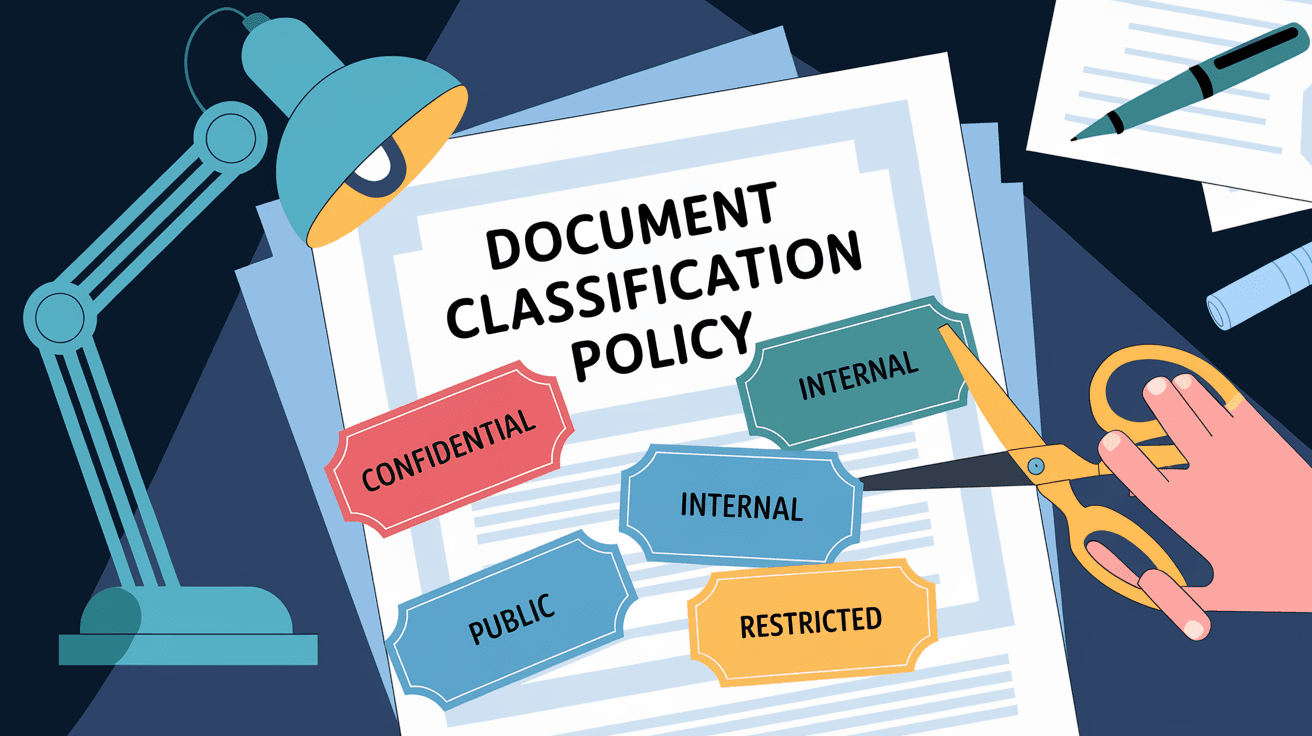
This policy usually divides documents into different classes, such as public, internal, confidential, and restricted. Each class has specific handling instructions to protect the data from unauthorized access or accidental leaks.
Why Organizations Use Document Classification Policies
- To protect sensitive information from being exposed.
- To comply with legal and regulatory requirements.
- To improve information management and retrieval.
- To reduce risks related to data breaches or misuse.
By having a clear classification policy, everyone in the organization knows how to treat each document, which reduces confusion and mistakes.
Key Components of a Document Classification Policy
A good document classification policy includes several important parts. These help make the policy clear and easy to follow.
Classification Levels
Most policies use levels or categories to classify documents. Common levels include:
- Public: Information anyone can see, like marketing materials.
- Internal: Information meant for employees but not the public.
- Confidential: Sensitive information that should only be shared with certain people.
- Restricted: Highly sensitive data with strict access controls.
Each level defines who can access the document and how it should be handled.
Labeling and Marking
Documents should be clearly labeled with their classification level. This can be done by:
- Adding headers or footers on documents.
- Using watermarks.
- Including metadata tags in digital files.
Clear labeling helps users quickly identify the sensitivity of a document.
Handling and Storage Guidelines
The policy should explain how to store and share documents based on their classification. For example:
- Public documents can be shared freely.
- Confidential documents require encryption and limited access.
- Restricted documents might need multi-factor authentication to access.
These rules help prevent unauthorized access and data leaks.
Roles and Responsibilities
The policy should define who is responsible for classifying documents and enforcing the rules. This usually includes:
- Document owners who decide the classification.
- IT staff who manage security controls.
- Employees who follow the policy when handling documents.
Clear roles ensure accountability and smooth policy implementation.
Why Is Document Classification Policy Important?
Having a document classification policy is crucial for several reasons. It protects your organization’s data and helps you avoid costly mistakes.
Protects Sensitive Information
Classifying documents ensures that sensitive data is only accessible to authorized people. This reduces the risk of data breaches and protects your company’s reputation.
Helps Meet Legal and Regulatory Requirements
Many industries have strict rules about how data must be handled. A classification policy helps you comply with laws like GDPR, HIPAA, or industry-specific regulations.
Improves Efficiency and Organization
When documents are classified, it’s easier to find and manage them. Employees spend less time searching for information and more time focusing on their work.
Reduces Risk of Human Error
Clear guidelines reduce confusion about how to handle documents. This lowers the chance of accidental sharing or loss of sensitive information.
How to Create a Document Classification Policy
Creating a document classification policy might seem complicated, but you can follow these simple steps to build one that works for your organization.
1. Identify Your Information Types
Start by listing the types of documents your organization handles. Examples include:
- Financial reports
- Employee records
- Customer data
- Marketing materials
- Legal contracts
Understanding your information helps you decide how to classify it.
2. Define Classification Levels
Choose classification levels that fit your needs. Most organizations use four or five levels, but you can customize them. Make sure each level has clear definitions and handling rules.
3. Set Labeling Standards
Decide how you will label documents. This can include:
- Visible markings on printed documents.
- Metadata tags for digital files.
- Automated classification tools.
Clear labeling makes the policy easy to follow.
4. Establish Handling Procedures
Write rules for how to store, share, and dispose of documents at each classification level. Include details like:
- Encryption requirements
- Access controls
- Retention periods
These procedures protect your data throughout its lifecycle.
5. Assign Roles and Responsibilities
Define who will classify documents, monitor compliance, and provide training. Assigning clear roles helps enforce the policy.
6. Train Your Team
Make sure everyone understands the policy and knows how to apply it. Regular training and reminders keep the policy effective.
7. Review and Update Regularly
Information and risks change over time. Review your policy at least once a year and update it as needed to stay current.
Examples of Document Classification Policies
Different organizations use classification policies tailored to their needs. Here are a few examples:
| Organization Type | Classification Levels | Special Considerations |
| Healthcare | Public, Internal, Confidential, Restricted | Must comply with HIPAA for patient data. |
| Financial Services | Public, Internal, Confidential, Highly Confidential | Strong encryption and audit trails required. |
| Government | Unclassified, Confidential, Secret, Top Secret | Strict access controls and clearance levels. |
These examples show how classification policies vary but always focus on protecting sensitive information.
Common Challenges in Implementing Document Classification Policies
Even with a good policy, organizations face challenges when putting it into practice.
User Resistance
Employees may find classification rules confusing or time-consuming. This can lead to inconsistent application.
Complexity of Information
Some documents contain mixed information that fits multiple classifications, making it hard to label correctly.
Keeping Up with Changes
New types of data and regulations require frequent updates to the policy.
Technology Limitations
Not all systems support automated classification or secure storage, which can slow down implementation.
How to Overcome These Challenges
- Provide clear, simple guidelines.
- Use automated tools to assist classification.
- Offer ongoing training and support.
- Regularly review and improve the policy.
The Role of Technology in Document Classification
Technology plays a big role in making classification easier and more accurate.
Automated Classification Tools
These tools use artificial intelligence to scan documents and assign classifications based on content. This saves time and reduces errors.
Encryption and Access Controls
Modern software can automatically encrypt documents and restrict access based on classification levels.
Document Management Systems (DMS)
DMS platforms help organize, store, and track documents according to classification policies. They provide audit trails and compliance reports.
Cloud Solutions
Cloud storage providers offer secure environments with built-in classification and protection features, making it easier to manage documents remotely.
Conclusion
A document classification policy is essential for protecting your organization’s sensitive information. It helps you organize documents, control access, and comply with legal requirements. By clearly defining classification levels, labeling rules, and handling procedures, you create a safer and more efficient workplace.
Creating and maintaining a good classification policy takes effort, but the benefits are worth it. With the right approach and technology, you can reduce risks, improve compliance, and make your information easier to manage. Start building your policy today to keep your data secure and your team informed.
FAQs
What is the main purpose of a document classification policy?
Its main purpose is to organize and protect documents by labeling them based on sensitivity, ensuring proper handling and security.
How many classification levels are typical in a policy?
Most policies use between three to five levels, such as public, internal, confidential, and restricted.
Who is responsible for classifying documents?
Usually, document owners classify documents, while IT and management enforce the policy and provide training.
Can technology help with document classification?
Yes, automated tools and document management systems can assist in labeling, securing, and tracking documents.
How often should a document classification policy be updated?
It should be reviewed and updated at least once a year or whenever there are significant changes in data or regulations.




