
What is DNS Monitoring
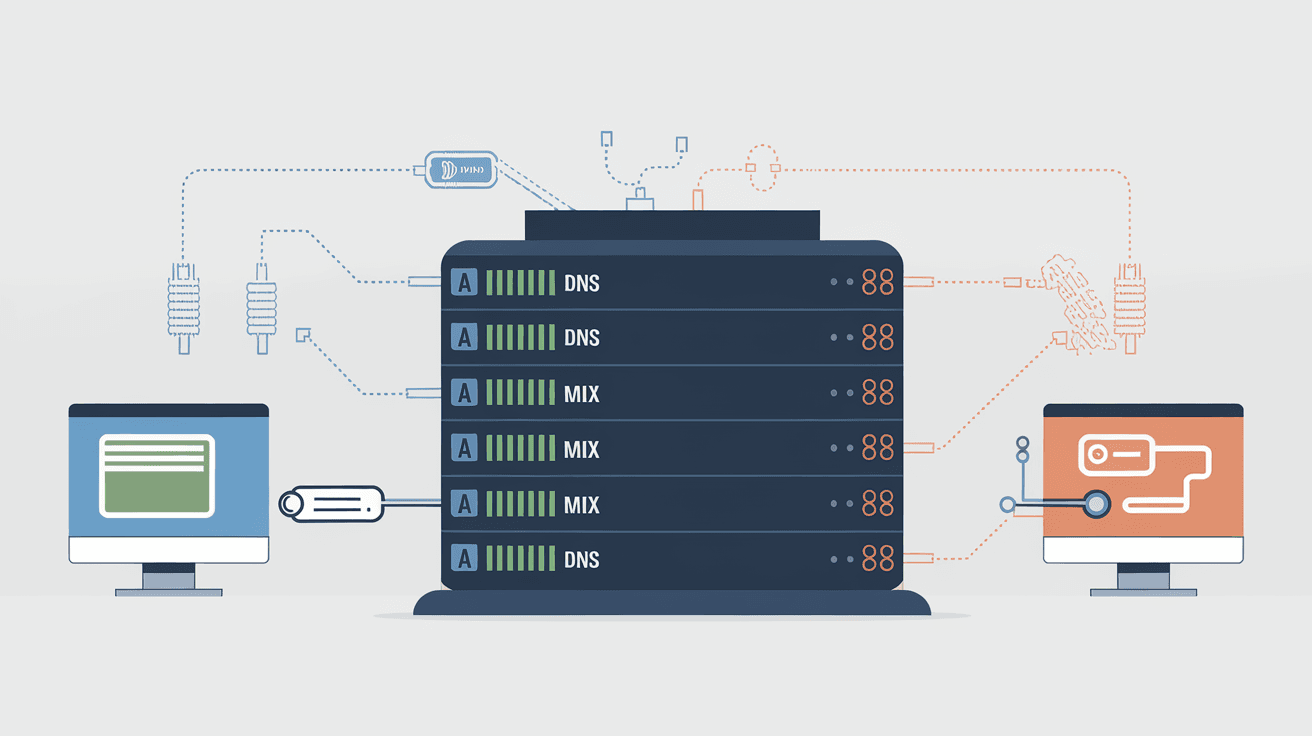
Introduction
You might not realize it, but every time you visit a website, your device talks to something called the Domain Name System, or DNS. DNS is like the internet’s phonebook, translating website names into IP addresses so your browser can find the right server. But what happens if this system slows down or gets attacked? That’s where DNS monitoring comes in.
DNS monitoring helps you keep an eye on the health and performance of your DNS services. It alerts you if something goes wrong, so you can fix issues before your users even notice. In this article, I’ll explain what DNS monitoring is, why it’s important, and how you can use it to protect your online presence.
What is DNS Monitoring?
DNS monitoring is the process of continuously checking the Domain Name System to ensure it is working correctly. It involves tracking the availability, speed, and security of DNS servers that translate domain names into IP addresses.
When you monitor DNS, you watch for problems like slow responses, incorrect DNS records, or attacks such as DNS spoofing. This helps prevent website downtime, slow loading times, and security breaches.
How DNS Monitoring Works
- Regular DNS Queries: Monitoring tools send test queries to your DNS servers to check if they respond correctly.
- Response Time Measurement: They measure how fast the DNS server replies to requests.
- Record Verification: They verify that DNS records (like A, CNAME, MX) are accurate and haven’t been tampered with.
- Alerting: If something is wrong, the system sends alerts via email, SMS, or other methods.
- Reporting: Provides detailed reports on DNS health and performance over time.
Why is DNS Monitoring Important?
DNS is a critical part of the internet’s infrastructure. If DNS fails, users can’t reach your website or services. Here’s why monitoring DNS is essential:
Prevent Downtime
If your DNS server goes down or becomes unreachable, your website becomes inaccessible. DNS monitoring helps detect outages early so you can fix them quickly.
Improve Performance
Slow DNS responses can delay website loading times. Monitoring helps identify performance bottlenecks so you can optimize your DNS setup.
Enhance Security
DNS is a common target for cyberattacks like DNS spoofing or cache poisoning. Monitoring can detect suspicious activity and alert you to potential threats.
Maintain Accuracy
DNS records can be accidentally changed or corrupted. Monitoring ensures your DNS records remain accurate, preventing misdirected traffic.
Common DNS Issues Detected by Monitoring
DNS monitoring tools can detect a variety of problems that affect your domain’s availability and security:
- DNS Server Downtime: When DNS servers stop responding.
- Slow DNS Resolution: Delays in translating domain names.
- Incorrect DNS Records: Wrong IP addresses or missing records.
- DNS Cache Poisoning: Attackers redirecting users to fake sites.
- DNS Hijacking: Unauthorized changes to DNS settings.
- TTL Misconfigurations: Time-to-live values that cause outdated data.
- Zone Transfer Failures: Problems syncing DNS data between servers.
How to Set Up DNS Monitoring
Setting up DNS monitoring involves choosing the right tools and configuring them to watch your DNS infrastructure.
Choose a DNS Monitoring Tool
There are many DNS monitoring services available, both free and paid. Some popular options include:
- Pingdom: Offers DNS uptime and performance monitoring.
- DNS Spy: Focuses on DNS record changes and security.
- Catchpoint: Provides advanced DNS analytics and alerts.
- Site24x7: Monitors DNS along with other website metrics.
Configure Monitoring Parameters
- Select Domains: Add the domains you want to monitor.
- Set Query Types: Choose which DNS records to check (A, MX, CNAME, etc.).
- Define Alert Thresholds: Set limits for response times or error rates.
- Choose Alert Methods: Decide how you want to be notified (email, SMS, webhook).
Regularly Review Reports
Check monitoring reports to spot trends or recurring issues. Use this data to improve your DNS setup and prevent future problems.
Best Practices for Effective DNS Monitoring
To get the most out of DNS monitoring, follow these best practices:
- Monitor Multiple DNS Servers: Check all your authoritative DNS servers to ensure redundancy.
- Use External Monitoring: Monitor DNS from outside your network to simulate real user experience.
- Combine with Other Monitoring: Integrate DNS monitoring with website and network monitoring for full visibility.
- Automate Alerts: Set up automatic notifications to respond quickly to issues.
- Test DNS Changes: Monitor DNS before and after making changes to catch errors early.
- Secure Your DNS: Use DNSSEC and other security measures to protect your DNS data.
The Role of DNS Monitoring in Cybersecurity
DNS is often targeted by attackers because it controls how users reach websites. DNS monitoring plays a key role in defending against threats.
Detecting DNS Attacks
- DNS Spoofing: Monitoring can spot unexpected changes in DNS records.
- DDoS Attacks: Sudden spikes in DNS queries can indicate denial-of-service attacks.
- Phishing and Malware: Monitoring can detect unauthorized domain redirects.
Enhancing DNS Security
- DNSSEC Validation: Some monitoring tools check if DNSSEC is properly implemented.
- Alerting on Changes: Immediate alerts on DNS record changes help prevent hijacking.
- Logging and Auditing: Monitoring provides logs for forensic analysis after an attack.
How DNS Monitoring Supports Business Continuity
For businesses, website availability and performance are crucial. DNS monitoring helps maintain smooth operations by:
- Reducing Downtime: Early detection of DNS failures minimizes service interruptions.
- Improving User Experience: Fast DNS responses keep websites loading quickly.
- Protecting Brand Reputation: Preventing DNS attacks avoids customer trust issues.
- Supporting Compliance: Some industries require DNS monitoring as part of security policies.
Conclusion
DNS monitoring is a vital tool to keep your online services running smoothly and securely. By continuously checking your DNS servers, you can catch problems early, improve performance, and defend against cyber threats. Whether you run a small website or a large business, DNS monitoring helps ensure your users always find you online.
Setting up DNS monitoring is easier than you might think, and the benefits far outweigh the effort. With the right tools and best practices, you can protect your domain’s health and keep your internet presence reliable. Start monitoring your DNS today to avoid surprises tomorrow.
FAQs
What does DNS monitoring check?
DNS monitoring checks the availability, speed, and accuracy of DNS servers. It verifies DNS records and alerts you if there are errors, slow responses, or security issues.
How often should I monitor my DNS?
Continuous monitoring is best. Many tools perform checks every few minutes to catch problems quickly and keep your DNS reliable.
Can DNS monitoring prevent cyberattacks?
While it can’t stop attacks alone, DNS monitoring detects suspicious activity early, helping you respond faster to threats like DNS spoofing or hijacking.
Is DNS monitoring expensive?
There are free and paid options. Basic monitoring can be affordable or free, while advanced tools with security features may cost more.
What happens if DNS monitoring alerts me?
You should investigate the issue immediately. Alerts help you fix DNS problems before they affect your website or users.




