
What is DNS Filtering
Introduction
You might have heard about DNS filtering but wonder what it really means and why it matters. DNS filtering is a powerful tool that helps protect your devices and networks from harmful websites and unwanted content. It works quietly in the background, making your internet experience safer and more controlled.
In this article, I’ll explain what DNS filtering is, how it works, and why you should consider using it. Whether you want to block malicious sites or control what content is accessible, understanding DNS filtering will help you make smarter online choices.
What is DNS Filtering?
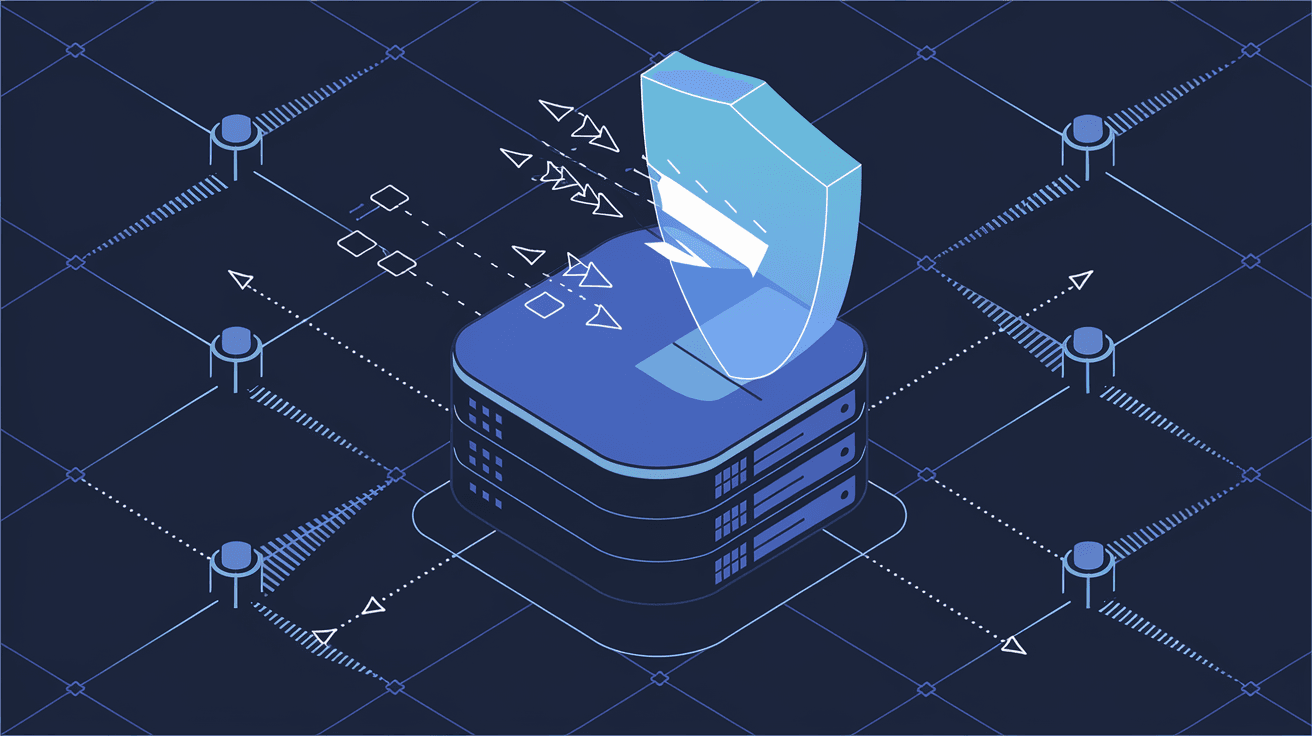
DNS filtering is a security technique that blocks access to specific websites or online content by controlling the Domain Name System (DNS) requests. When you type a website address, your device asks a DNS server to translate that name into an IP address. DNS filtering intercepts this request and decides whether to allow or block it based on predefined rules.
This process helps prevent users from visiting harmful or inappropriate sites. It’s like a gatekeeper that checks every website request and stops the bad ones before they reach your device.
How DNS Filtering Works
- When you enter a website URL, your device sends a DNS query.
- The DNS filtering service checks the requested domain against a list of allowed or blocked sites.
- If the domain is safe, the DNS server returns the IP address, and the website loads.
- If the domain is blocked, the DNS server either returns an error or redirects you to a warning page.
This filtering happens quickly and transparently, so you usually don’t notice it unless a site is blocked.
Why is DNS Filtering Important?
DNS filtering plays a crucial role in online safety and content management. Here’s why it’s important:
- Protects Against Malware and Phishing: Many cyberattacks start by tricking users into visiting malicious websites. DNS filtering blocks these sites before they can harm your device.
- Controls Content Access: Parents and organizations can restrict access to inappropriate or distracting content, such as adult sites or social media.
- Improves Network Performance: By blocking unwanted sites, DNS filtering reduces unnecessary traffic, which can speed up your internet connection.
- Simplifies Security Management: It’s easier to manage security policies at the DNS level than on individual devices.
Types of DNS Filtering
There are different ways DNS filtering can be implemented, depending on your needs and setup.
1. Cloud-Based DNS Filtering
Cloud-based DNS filtering services operate on external servers. You configure your network or devices to use these DNS servers, which filter requests in real-time.
- Easy to set up and manage.
- Updates filtering lists automatically.
- Scalable for businesses of all sizes.
2. On-Premises DNS Filtering
This method uses hardware or software installed within your network to filter DNS requests.
- Offers more control and customization.
- Requires maintenance and updates.
- Suitable for organizations with strict security policies.
3. Hybrid DNS Filtering
Combines cloud and on-premises filtering for flexibility and enhanced security.
- Balances control and ease of use.
- Can filter traffic both inside and outside the network.
How DNS Filtering Protects Against Cyber Threats
Cyber threats like malware, ransomware, and phishing attacks often rely on users visiting dangerous websites. DNS filtering helps stop these threats early by blocking access to known malicious domains.
Examples of Protection
- Malware Sites: DNS filtering blocks sites that host viruses or spyware.
- Phishing Pages: It prevents access to fake websites designed to steal your login details.
- Command and Control Servers: Some malware communicates with remote servers; DNS filtering stops this communication by blocking those domains.
By stopping these threats at the DNS level, you reduce the risk of infection and data loss.
DNS Filtering for Parental Controls
Parents want to keep their children safe online, and DNS filtering is a simple way to do that. It can block access to adult content, gambling sites, or social media platforms during certain hours.
How to Use DNS Filtering for Families
- Choose a DNS filtering service with parental control features.
- Set up profiles for different family members.
- Customize filtering levels based on age and preferences.
- Schedule internet access times to limit screen time.
This approach helps create a safer and healthier online environment for kids.
DNS Filtering in Businesses and Schools
Organizations use DNS filtering to protect their networks and enforce acceptable use policies. It helps prevent employees or students from accessing harmful or distracting websites.
Benefits for Organizations
- Security: Blocks phishing and malware sites to protect sensitive data.
- Productivity: Limits access to social media, streaming, or gaming sites during work hours.
- Compliance: Helps meet regulatory requirements by controlling content access.
- Monitoring: Provides reports on internet usage and blocked attempts.
Many businesses combine DNS filtering with other security tools for a layered defense.
Setting Up DNS Filtering
Setting up DNS filtering is usually straightforward, especially with cloud-based services.
Basic Steps to Get Started
- Choose a DNS Filtering Provider: Popular options include Cisco Umbrella, OpenDNS, and Cloudflare Gateway.
- Change Your DNS Settings: Configure your router or devices to use the provider’s DNS servers.
- Customize Filtering Rules: Select categories or specific domains to block or allow.
- Test and Monitor: Check that filtering works as expected and review logs regularly.
Most providers offer user-friendly dashboards to manage settings and view reports.
Limitations of DNS Filtering
While DNS filtering is effective, it has some limitations you should know about.
- Cannot Filter Encrypted DNS: DNS over HTTPS (DoH) or DNS over TLS (DoT) can bypass traditional DNS filtering unless the filtering service supports these protocols.
- Limited Granularity: DNS filtering blocks or allows entire domains, so it can’t block specific pages within a site.
- False Positives: Sometimes safe sites may be blocked accidentally.
- Bypass Methods: Tech-savvy users might bypass DNS filtering using VPNs or proxy servers.
Despite these limits, DNS filtering remains a valuable first line of defense.
DNS Filtering vs. Other Security Methods
DNS filtering is one part of a broader security strategy. Here’s how it compares to other methods:
| Security Method | What It Does | How It Works with DNS Filtering |
| Firewall | Blocks unauthorized network traffic | Works alongside DNS filtering for layered security |
| Antivirus Software | Detects and removes malware | DNS filtering prevents malware from entering |
| Content Filtering Proxy | Filters web content at HTTP level | More granular but requires more resources |
| VPN | Encrypts internet traffic | Can bypass DNS filtering if not configured properly |
Using DNS filtering together with these tools provides better protection.
Future Trends in DNS Filtering
DNS filtering continues to evolve with new technologies and threats.
- Integration with AI: Some services use AI to detect new malicious domains faster.
- Support for Encrypted DNS: Filtering providers are adapting to DNS over HTTPS and TLS.
- Cloud-Native Security: More organizations are adopting cloud-based filtering for flexibility.
- User Behavior Analytics: Combining DNS data with user behavior to improve threat detection.
Staying updated on these trends helps you maintain strong security.
Conclusion
DNS filtering is a simple yet powerful way to protect your devices and networks from harmful websites and unwanted content. By controlling DNS requests, it stops threats before they reach you and helps manage what can be accessed online. Whether you’re a parent, business owner, or just someone who cares about online safety, DNS filtering offers an easy way to improve your internet experience.
Setting up DNS filtering is straightforward, and many services provide flexible options to fit your needs. While it has some limitations, combining DNS filtering with other security tools creates a strong defense against cyber threats. Understanding and using DNS filtering empowers you to take control of your online safety and content access.
FAQs
What is the main purpose of DNS filtering?
DNS filtering mainly blocks access to harmful or unwanted websites by controlling DNS requests. It helps protect users from malware, phishing, and inappropriate content.
Can DNS filtering block specific web pages?
No, DNS filtering works at the domain level, so it blocks entire websites but cannot filter individual pages within a site.
How does DNS filtering improve network security?
It prevents devices from connecting to malicious domains, stopping threats like malware and phishing before they can cause harm.
Is DNS filtering effective against encrypted DNS?
Traditional DNS filtering struggles with encrypted DNS protocols like DoH and DoT unless the filtering service supports them.
Can I use DNS filtering at home?
Yes, many DNS filtering services are easy to set up on home routers or individual devices, making it a great tool for family internet safety.




