
What is Defacement Attack
Introduction
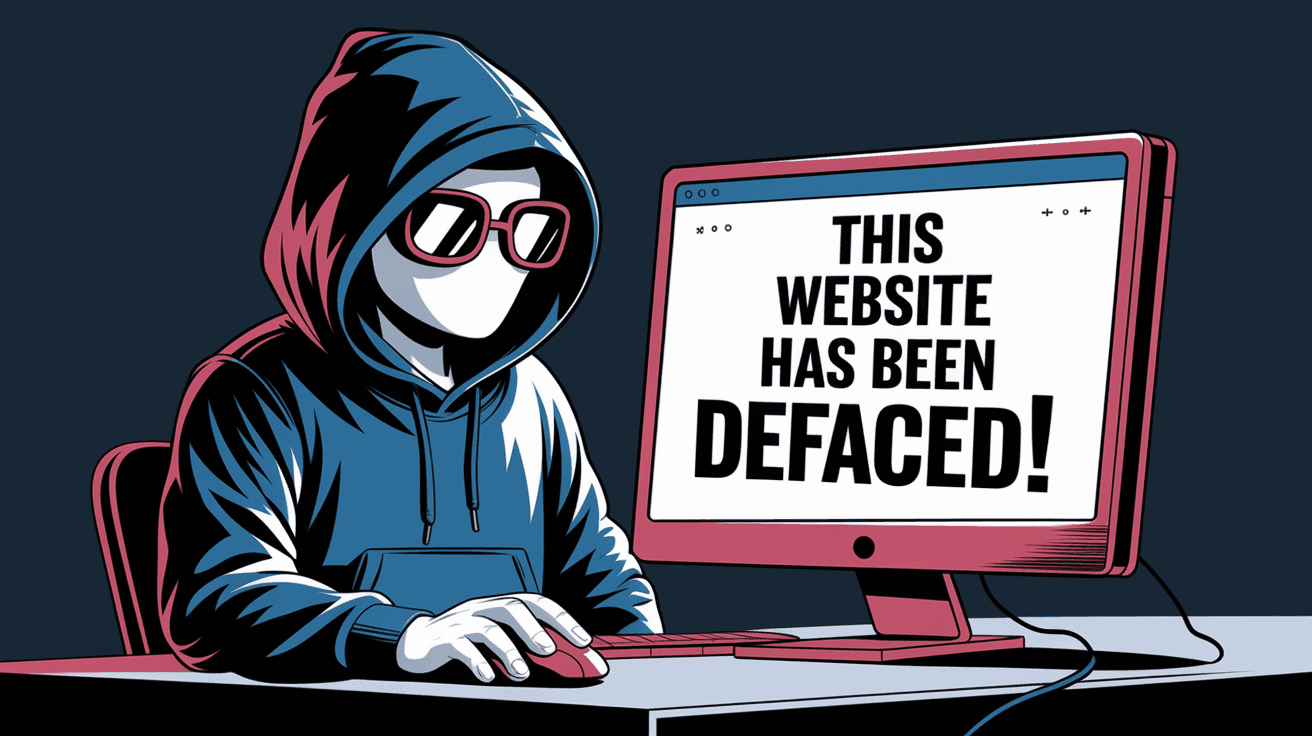
You might have heard about defacement attacks but wondered what they really mean. A defacement attack is a type of cyberattack where hackers change the appearance of a website. This can be anything from replacing the homepage with a message to displaying offensive content. It’s a common threat that targets websites of all sizes.
In this article, I’ll explain what a defacement attack is, how it happens, and what you can do to protect your website. Understanding this will help you keep your online presence safe and maintain trust with your visitors.
What is a Defacement Attack?
A defacement attack is when someone unauthorized changes the visual content of a website. Instead of stealing data or crashing the site, the attacker focuses on altering what visitors see. This can damage a company’s reputation or spread a political or social message.
How Defacement Attacks Work
- Hackers find a vulnerability in the website or server.
- They gain access to the site’s files or content management system.
- They replace or modify the homepage or other pages.
- Visitors see the altered content instead of the original.
The goal is often to embarrass the website owner, spread propaganda, or show off the hacker’s skills.
Common Targets of Defacement Attacks
Defacement attacks can happen to any website, but some are more likely targets:
- Government websites: Often targeted for political reasons.
- Corporate websites: To damage brand reputation.
- Educational institutions: To spread messages or disrupt services.
- Small business sites: Usually less protected and easier to hack.
- Personal blogs: Sometimes targeted for fun or to gain attention.
Hackers choose targets based on the message they want to send or the ease of access.
Techniques Used in Defacement Attacks
Hackers use various methods to carry out defacement attacks. Here are some common techniques:
- Exploiting software vulnerabilities: Using bugs in website software or plugins.
- Weak passwords: Guessing or cracking admin passwords.
- SQL injection: Inserting malicious code into databases.
- Cross-site scripting (XSS): Injecting scripts to alter webpage content.
- Phishing: Tricking admins into giving access credentials.
Understanding these methods helps you see where your website might be vulnerable.
Signs Your Website Has Been Defaced
It’s important to recognize when your website has been defaced. Some signs include:
- Unexpected changes in homepage content.
- Offensive or strange messages displayed.
- Visitors reporting unusual site behavior.
- Alerts from your hosting provider or security tools.
- Sudden drop in website traffic.
If you notice any of these, act quickly to investigate and fix the problem.
Impact of Defacement Attacks
Defacement attacks can cause serious problems for website owners:
- Loss of trust: Visitors may doubt your site’s security.
- Brand damage: Negative messages can harm your reputation.
- Financial loss: Reduced traffic can affect sales or donations.
- Legal issues: If sensitive data is exposed or laws are broken.
- Operational disruption: Time and resources spent fixing the site.
Even if no data is stolen, the visual damage can be costly.
How to Prevent Defacement Attacks
Protecting your website from defacement attacks involves several steps:
- Keep software updated: Regularly update CMS, plugins, and server software.
- Use strong passwords: Combine letters, numbers, and symbols.
- Limit admin access: Only give permissions to trusted users.
- Install security plugins: Use tools that detect and block attacks.
- Regular backups: Keep copies of your website to restore if needed.
- Monitor your site: Use monitoring services to catch changes early.
- Secure hosting: Choose a reliable hosting provider with good security.
These actions reduce the chances of a successful defacement attack.
What to Do If Your Website Is Defaced
If your website is defaced, follow these steps:
- Take the site offline: Prevent further damage by temporarily disabling it.
- Notify your hosting provider: They can help identify and fix vulnerabilities.
- Restore from backup: Replace defaced pages with clean versions.
- Change passwords: Update all admin and FTP passwords.
- Scan for malware: Use security tools to check for hidden threats.
- Investigate the breach: Find out how the attacker got in.
- Improve security: Fix vulnerabilities to prevent future attacks.
Acting fast minimizes damage and helps regain control.
Real-World Examples of Defacement Attacks
Defacement attacks have made headlines over the years. Here are a few notable examples:
- Government sites hacked for political messages: Hackers replaced official pages with protest slogans.
- Corporate websites defaced by hacktivists: Groups like Anonymous have targeted companies to raise awareness.
- Educational institutions attacked during exams: Disrupting services and displaying offensive content.
- Small businesses losing customers: After their sites were defaced with inappropriate images.
These examples show the wide range of targets and motives behind defacement attacks.
The Role of Web Security in Preventing Defacement
Web security is crucial to stop defacement attacks. Here’s how it helps:
- Firewalls: Block unauthorized access attempts.
- Intrusion detection systems: Alert you to suspicious activity.
- Regular audits: Identify weak points before hackers do.
- Encryption: Protect data during transmission.
- User training: Teach admins to recognize phishing and social engineering.
Investing in security tools and practices is the best defense against defacement.
Conclusion
Now you know that a defacement attack is when hackers change your website’s appearance without permission. It’s a serious threat that can harm your reputation and disrupt your online presence. But by understanding how these attacks work, you can take steps to protect yourself.
Keeping your software updated, using strong passwords, and monitoring your site regularly are key actions. If your site is defaced, acting quickly to restore it and improve security will help you bounce back. Staying informed and prepared is the best way to keep your website safe from defacement attacks.
FAQs
What is the main goal of a defacement attack?
The main goal is to alter a website’s appearance to spread messages, embarrass the owner, or show off hacking skills. It usually doesn’t involve stealing data.
How do hackers gain access to deface a website?
They exploit vulnerabilities like weak passwords, outdated software, or security flaws in plugins and servers to gain unauthorized access.
Can defacement attacks cause data loss?
Defacement attacks mainly change website content, but sometimes they can be part of larger attacks that lead to data loss or theft.
How often should I back up my website to prevent damage?
It’s best to back up your website regularly, ideally daily or weekly, depending on how often you update your content.
Are free website builders safe from defacement attacks?
Free website builders usually have built-in security, but no platform is completely safe. Always use strong passwords and enable security features.




