
What is Deceptive Phishing
Introduction
You’ve probably heard about phishing, but do you know what deceptive phishing really means? It’s one of the most common ways cybercriminals trick people into giving away personal information. Understanding deceptive phishing can help you spot these scams and protect yourself online.
In this article, I’ll explain what deceptive phishing is, how it works, and share practical tips to avoid falling victim. By the end, you’ll feel more confident about recognizing these attacks and keeping your data safe.
What Is Deceptive Phishing?
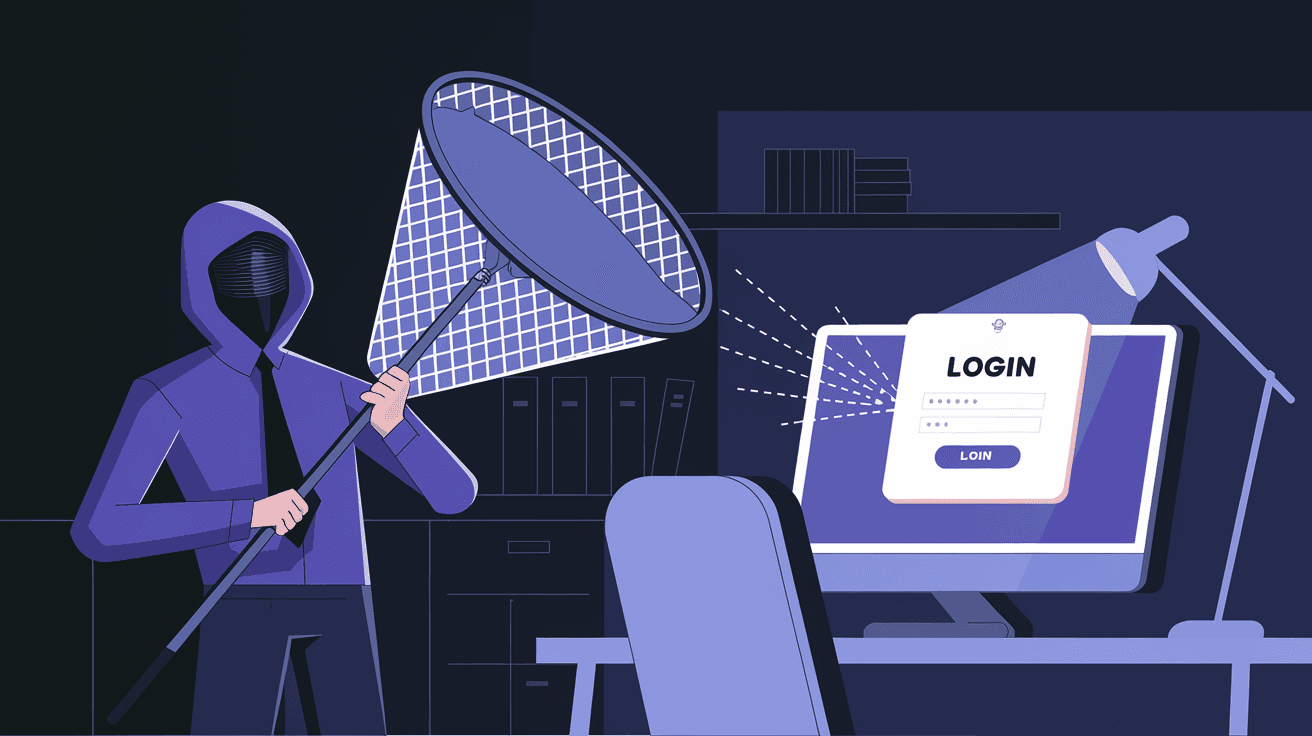
Deceptive phishing is a type of cyber attack where scammers impersonate a trusted entity to steal your sensitive information. Unlike other phishing methods that might use complex tricks, deceptive phishing relies on simple but convincing fake messages.
These messages often look like they come from banks, popular websites, or even your coworkers. The goal is to make you believe the message is real so you’ll click a link or download an attachment that leads to your data being stolen.
How Deceptive Phishing Works
- Fake Emails or Messages: Attackers send emails or texts that appear official.
- Urgent Language: They create a sense of urgency, like “Your account will be locked.”
- Fake Links: Links lead to fake websites that look real.
- Data Theft: When you enter your info, attackers capture it.
This method is effective because it plays on trust and fear, making people act without thinking.
Common Signs of Deceptive Phishing
Knowing the signs can help you avoid these scams. Here are some common red flags:
- Poor Grammar and Spelling: Official companies usually proofread their messages.
- Generic Greetings: Messages like “Dear Customer” instead of your name.
- Suspicious Links: Hover over links to see if the URL matches the official site.
- Unexpected Requests: Legitimate companies rarely ask for passwords or credit card info via email.
- Urgent Threats: Messages pressuring you to act quickly.
If you notice any of these, be cautious before clicking or replying.
Examples of Deceptive Phishing Attacks
To understand better, here are some real-world examples:
- Bank Alerts: You get an email saying your bank account is frozen. The email looks official but links to a fake login page.
- Package Delivery Notices: A message claims a package delivery failed and asks you to confirm your address by clicking a link.
- Workplace Emails: An email from “IT support” asks you to reset your password immediately.
These examples show how attackers use everyday situations to trick you.
How to Protect Yourself from Deceptive Phishing
Protecting yourself requires awareness and some simple habits:
- Verify the Sender: Check the email address carefully. Official emails come from company domains.
- Don’t Click Suspicious Links: Instead, type the website address directly into your browser.
- Use Two-Factor Authentication: This adds an extra layer of security to your accounts.
- Keep Software Updated: Updates often fix security vulnerabilities.
- Educate Yourself and Others: Share knowledge about phishing with friends and family.
By following these steps, you reduce the risk of falling victim.
The Role of Technology in Fighting Deceptive Phishing
Technology plays a big role in detecting and blocking phishing attempts:
- Email Filters: Many email services use AI to spot phishing emails before they reach you.
- Browser Warnings: Modern browsers warn you if a website looks suspicious.
- Security Software: Antivirus programs can detect malicious links and attachments.
- Phishing Simulation Tools: Companies use these to train employees on spotting phishing.
While technology helps, it’s still important to stay alert yourself.
What to Do If You Suspect a Deceptive Phishing Attack
If you think you’ve received a phishing message or clicked a suspicious link, act quickly:
- Don’t Enter Any Information: Stop immediately if you haven’t submitted data yet.
- Change Your Passwords: Especially for the account involved.
- Scan Your Device: Use antivirus software to check for malware.
- Report the Attack: Notify your email provider, bank, or workplace IT.
- Monitor Your Accounts: Watch for unusual activity.
Taking these steps can limit damage and protect your information.
Why Deceptive Phishing Remains a Threat
Despite advances in security, deceptive phishing is still widespread because:
- It Exploits Human Nature: Fear and trust make people vulnerable.
- Easy to Launch: Attackers can send thousands of emails cheaply.
- Constantly Evolving: Scammers update their tactics to bypass filters.
- Targets Everyone: Individuals and businesses alike are at risk.
Understanding these reasons helps you stay vigilant.
Conclusion
Deceptive phishing is a common but dangerous cyber threat that tricks you into giving away personal information. By recognizing the signs and knowing how these scams work, you can protect yourself from falling victim. Remember, attackers rely on urgency and trust, so always pause and verify before acting.
Using simple habits like checking sender details, avoiding suspicious links, and enabling two-factor authentication can make a big difference. Technology helps too, but your awareness is the best defense. Stay informed and cautious to keep your data safe in today’s digital world.
FAQs
What is the main goal of deceptive phishing?
The main goal is to trick you into revealing sensitive information like passwords, credit card numbers, or personal details by pretending to be a trusted source.
How can I tell if an email is a deceptive phishing attempt?
Look for poor grammar, generic greetings, suspicious links, urgent requests, and unexpected demands for personal info. Always verify the sender’s email address.
Is deceptive phishing only done through email?
No, deceptive phishing can happen via text messages, phone calls, social media, and even fake websites.
Can antivirus software protect me from deceptive phishing?
Antivirus software helps by detecting malicious links and attachments, but it can’t catch every phishing attempt. Your caution is crucial.
What should I do if I accidentally clicked a phishing link?
Immediately change your passwords, scan your device for malware, monitor your accounts for unusual activity, and report the incident to relevant authorities or your IT department.




