
What is Data Ransom Attack
Introduction
You might have heard about cyberattacks where hackers lock your data and demand money to unlock it. These are called data ransom attacks, and they are becoming more common every year. Understanding what they are and how they work can help you protect yourself and your business.
In this article, I’ll explain what a data ransom attack is, how attackers carry it out, and what steps you can take to stay safe. By the end, you’ll know how to spot these attacks and what to do if you ever face one.
What is a Data Ransom Attack?
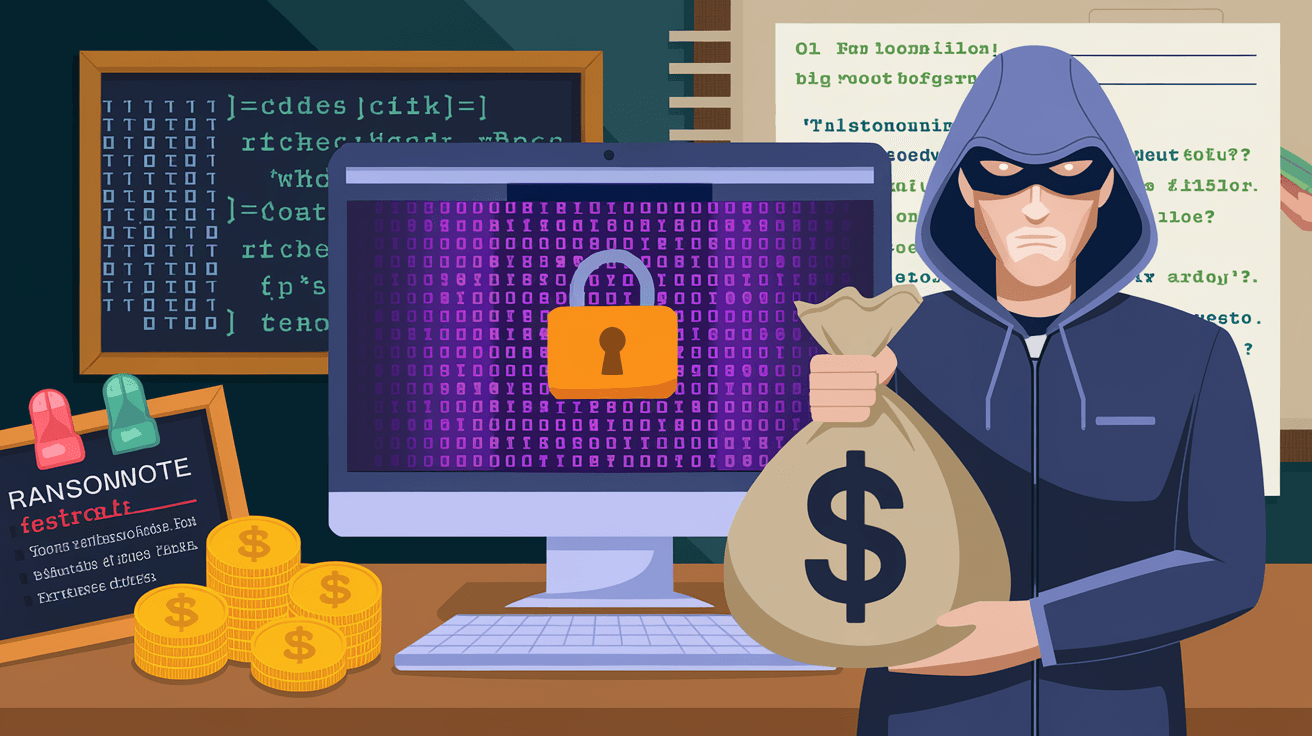
A data ransom attack is a type of cyberattack where criminals take control of your data and demand payment to give it back. This usually happens through ransomware, a malicious software that locks or encrypts your files. Without the decryption key, you can’t access your important information.
These attacks target individuals, businesses, and even governments. The goal is to make victims pay a ransom, often in cryptocurrency, to regain access to their data. If the ransom isn’t paid, attackers may delete the data or leak it online.
How Data Ransom Attacks Work
- Infection: Attackers send ransomware through emails, malicious websites, or software vulnerabilities.
- Encryption: Once inside, the ransomware encrypts files, making them unreadable.
- Demand: A ransom note appears, explaining how to pay to get the decryption key.
- Payment: Victims decide whether to pay or try to recover data through backups or experts.
Common Methods Used in Data Ransom Attacks
Understanding how attackers deliver ransomware helps you avoid falling victim. Here are the most common methods:
Phishing Emails
Phishing emails are the top way attackers spread ransomware. They look like legitimate messages but contain harmful links or attachments.
- Emails may pretend to be from banks, coworkers, or popular services.
- Clicking a link or opening an attachment installs ransomware.
- These emails often use urgent language to trick you into acting fast.
Exploiting Software Vulnerabilities
Hackers look for weaknesses in software or operating systems to enter your device.
- Outdated software with security flaws is an easy target.
- Attackers use automated tools to scan for these vulnerabilities.
- Once found, they install ransomware without your knowledge.
Malicious Websites and Ads
Sometimes, simply visiting a compromised website can infect your device.
- Malicious ads or pop-ups can trigger ransomware downloads.
- These attacks are called “drive-by downloads.”
- They often target users with outdated browsers or plugins.
Impact of Data Ransom Attacks
The consequences of a data ransom attack can be severe, affecting both individuals and organizations.
Financial Loss
- Paying the ransom can cost thousands or even millions of dollars.
- There’s no guarantee that paying will restore your data.
- Businesses may lose revenue due to downtime.
Data Loss and Privacy Breaches
- Attackers may delete or leak sensitive data if ransom isn’t paid.
- Personal information can be exposed, leading to identity theft.
- Companies risk losing customer trust and facing legal penalties.
Operational Disruption
- Locked data can halt business operations.
- Critical services may become unavailable.
- Recovery can take days or weeks, affecting productivity.
How to Protect Yourself from Data Ransom Attacks
You can reduce the risk of a data ransom attack by following these practical steps:
Keep Software Updated
- Regularly update your operating system and applications.
- Install security patches as soon as they are released.
- Use automatic updates when possible.
Use Strong Passwords and Multi-Factor Authentication
- Create complex passwords that are hard to guess.
- Avoid reusing passwords across accounts.
- Enable multi-factor authentication (MFA) for extra security.
Be Careful with Emails and Links
- Don’t open attachments or click links from unknown senders.
- Verify the sender’s email address carefully.
- Look for signs of phishing, like spelling errors or urgent requests.
Backup Your Data Regularly
- Keep backups on separate devices or cloud services.
- Test backups to ensure they work.
- Having backups means you can restore data without paying ransom.
Use Security Software
- Install reputable antivirus and anti-malware programs.
- Keep security software updated.
- Use firewalls to block unauthorized access.
What to Do if You Are a Victim of a Data Ransom Attack
If you find yourself facing a data ransom attack, here’s what you should do:
Don’t Panic or Pay Immediately
- Paying ransom doesn’t guarantee data recovery.
- It may encourage attackers to target you again.
Disconnect from the Network
- Isolate infected devices to prevent the ransomware from spreading.
- Turn off Wi-Fi and unplug network cables.
Report the Attack
- Inform your IT department or security team.
- Report to law enforcement agencies or cybercrime units.
- Some countries have dedicated ransomware reporting services.
Seek Professional Help
- Contact cybersecurity experts for assistance.
- They can help recover data and remove ransomware safely.
- Avoid using unknown decryption tools from the internet.
Restore from Backups
- If you have backups, use them to restore your data.
- Ensure the ransomware is fully removed before restoring.
The Future of Data Ransom Attacks
Data ransom attacks continue to evolve as cybercriminals develop new tactics. Here’s what to expect in the coming years:
More Sophisticated Attacks
- Attackers use AI and machine learning to create smarter ransomware.
- They target specific organizations with tailored attacks.
- Double extortion tactics are common, where data is encrypted and threatened to be leaked.
Increased Targeting of Critical Infrastructure
- Hospitals, utilities, and government agencies are high-value targets.
- Attacks on these sectors can disrupt essential services.
Greater Emphasis on Prevention and Response
- Organizations invest more in cybersecurity training and tools.
- Governments and companies collaborate to fight ransomware.
- Cyber insurance policies become more common.
Conclusion
Data ransom attacks are a serious threat that can affect anyone with digital data. By understanding how these attacks work and the methods used by cybercriminals, you can take steps to protect yourself. Keeping your software updated, backing up data, and being cautious with emails are simple but effective ways to reduce risk.
If you ever face a data ransom attack, remember not to panic and seek professional help. Reporting the incident and restoring from backups can save you from paying a ransom. Staying informed and prepared is your best defense against these growing cyber threats.
FAQs
What is the difference between ransomware and a data ransom attack?
Ransomware is the software used to carry out a data ransom attack. The attack refers to the overall event where data is locked or stolen, and ransom is demanded.
Can paying the ransom guarantee data recovery?
No, paying the ransom does not guarantee you will get your data back. Attackers may not provide the decryption key or may demand more money.
How can I tell if an email contains ransomware?
Look for suspicious senders, unexpected attachments, urgent language, and poor grammar. Avoid clicking links or opening files unless you trust the source.
Are backups the best way to protect against data ransom attacks?
Yes, regular and secure backups allow you to restore your data without paying ransom, making them one of the most effective defenses.
Should I report a data ransom attack to authorities?
Yes, reporting helps law enforcement track cybercriminals and may provide you with resources to handle the attack safely.




