
What is Content Security Policy
Introduction
When you visit a website, you expect it to be safe and secure. But did you know that websites face many threats from hackers trying to steal data or inject harmful code? This is where Content Security Policy, or CSP, comes in. It is a powerful tool that helps protect websites from attacks by controlling what content can load and run.
In this article, I’ll explain what Content Security Policy is, how it works, and why it’s important for website security. You’ll also learn how to set up CSP and some common challenges you might face. By the end, you’ll understand how CSP helps keep your online experience safer.
What is Content Security Policy?
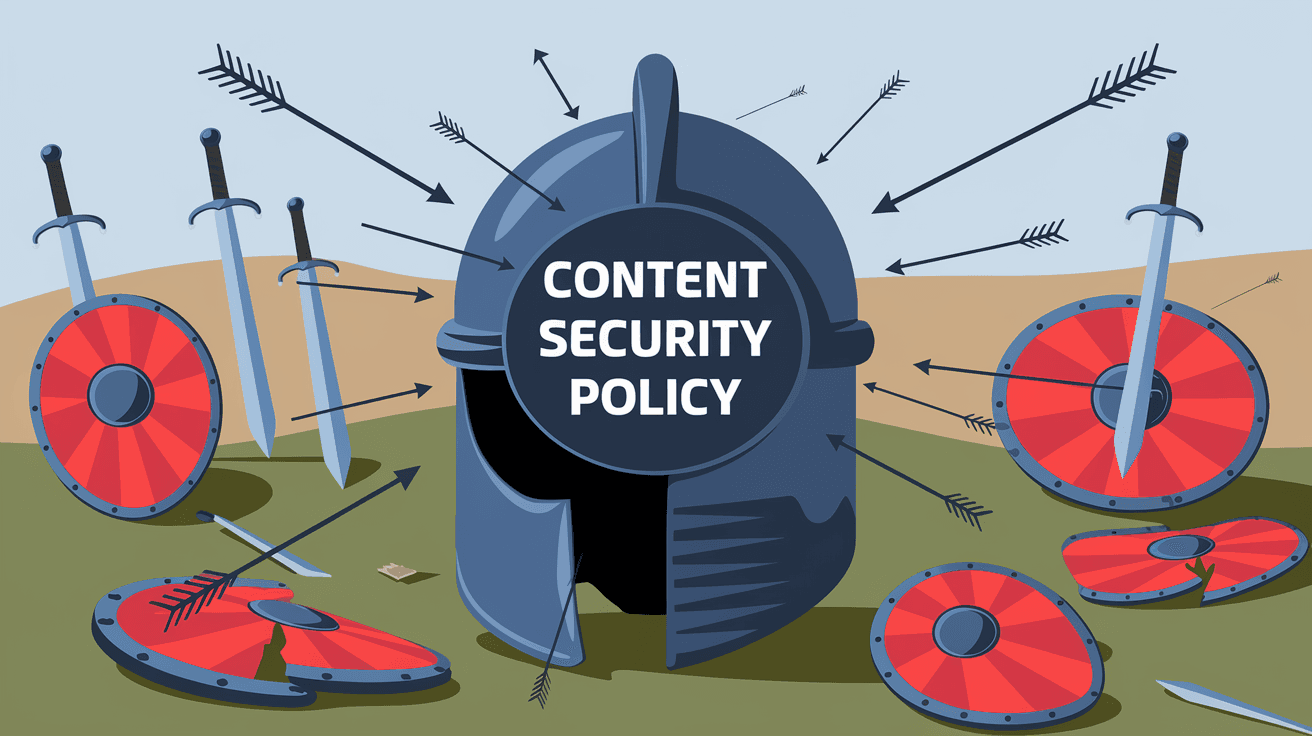
Content Security Policy (CSP) is a security feature used by websites to prevent attacks like Cross-Site Scripting (XSS) and data injection. It works by specifying which sources of content are allowed to load on a webpage. This means the website owner can control where scripts, images, styles, and other resources come from.
Without CSP, attackers can inject malicious code into a website, which can steal user data or perform unwanted actions. CSP acts like a whitelist, blocking any content that is not explicitly allowed. This reduces the risk of harmful scripts running on your browser.
How CSP Works
- Website owners add a CSP header or meta tag to their web pages.
- This header lists allowed sources for different types of content (scripts, images, styles, etc.).
- When your browser loads the page, it checks the CSP rules.
- If content tries to load from an unapproved source, the browser blocks it.
- This prevents malicious code from running or loading.
Why is Content Security Policy Important?
CSP is important because it helps protect websites and users from common security threats. Here are some reasons why CSP matters:
- Prevents Cross-Site Scripting (XSS): XSS attacks happen when attackers inject malicious scripts into trusted websites. CSP blocks these scripts from running.
- Stops Data Injection: Attackers can insert harmful data or code into web pages. CSP limits where data can come from, reducing this risk.
- Protects User Privacy: By blocking unauthorized scripts, CSP helps prevent data leaks and unauthorized tracking.
- Improves Website Integrity: CSP ensures that only trusted content loads, maintaining the website’s intended behavior.
- Supports Compliance: Many security standards recommend or require CSP to protect sensitive data.
Key Components of a Content Security Policy
A CSP is made up of several directives. Each directive controls a specific type of content. Here are some common directives you’ll see:
- default-src: Sets default allowed sources for all content types.
- script-src: Controls where JavaScript can be loaded from.
- style-src: Specifies allowed sources for CSS styles.
- img-src: Defines allowed image sources.
- connect-src: Controls allowed URLs for AJAX, WebSocket, and other connections.
- font-src: Specifies allowed font sources.
- frame-src: Controls which sites can be embedded in frames or iframes.
- object-src: Controls allowed sources for plugins like Flash or Java applets.
Each directive can list multiple sources, such as specific domains, 'self' (the same origin), or 'none' to block all.
How to Implement Content Security Policy
Implementing CSP involves creating a policy that fits your website’s needs and adding it to your server or HTML. Here’s how you can do it:
Step 1: Define Your Policy
- Identify which content your site uses (scripts, images, styles, etc.).
- Decide which sources are trusted for each content type.
- Start with a strict policy and loosen it only if necessary.
Step 2: Add the CSP Header or Meta Tag
You can add CSP in two ways:
- HTTP Header: Add a
Content-Security-Policyheader in your server configuration. This is the preferred method. - Meta Tag: Add a
<meta http-equiv="Content-Security-Policy" content="...">tag in your HTML<head>section.
Example header:
Content-Security-Policy: default-src 'self'; script-src 'self' https://trusted.cdn.com; img-src 'self' data:;
Step 3: Test Your Policy
- Use browser developer tools to check for CSP violations.
- Use online tools like Google’s CSP Evaluator to analyze your policy.
- Monitor reports if you enable CSP reporting (discussed below).
Step 4: Adjust and Enforce
- Fix any issues caused by blocking needed content.
- Gradually move from report-only mode to full enforcement.
CSP Reporting and Monitoring
CSP supports a reporting feature that helps you monitor violations without blocking content immediately. This is useful when testing a new policy.
- Report-Only Mode: You send a
Content-Security-Policy-Report-Onlyheader. Violations are reported but not blocked. - Violation Reports: Browsers send JSON reports to a URL you specify when a violation occurs.
- Use Cases: Helps identify what content would be blocked before enforcing CSP fully.
Example reporting directive:
Content-Security-Policy: default-src 'self'; report-uri https://example.com/csp-report
In 2025, many websites use CSP reporting to fine-tune their policies safely.
Common Challenges with Content Security Policy
While CSP is powerful, it can be tricky to implement perfectly. Here are some common challenges:
- Blocking Legitimate Content: If your policy is too strict, it may block scripts or styles your site needs.
- Inline Scripts and Styles: CSP blocks inline JavaScript and CSS by default, which many sites use.
- Third-Party Content: Many sites rely on third-party scripts, like analytics or ads, which must be explicitly allowed.
- Complex Policies: Large websites with many resources can have complex CSPs that are hard to manage.
- Browser Compatibility: Most modern browsers support CSP, but some older browsers may not.
Tips to Overcome Challenges
- Use CSP nonces or hashes to allow specific inline scripts safely.
- Start with report-only mode to identify issues.
- Regularly update your policy as your site changes.
- Use tools and browser extensions to test CSP.
Examples of Content Security Policy in Action
Here are some real-world examples of CSP policies:
Example 1: Basic CSP for a Simple Site
Content-Security-Policy: default-src 'self'; img-src 'self' https://images.example.com; script-src 'self';
This policy allows all content from the same origin, images from the same origin and a trusted image server, and scripts only from the same origin.
Example 2: CSP with Inline Script Support Using Nonce
Content-Security-Policy: default-src 'self'; script-src 'self' 'nonce-abc123';
Here, inline scripts with the nonce abc123 are allowed, enabling safe inline scripting.
Example 3: CSP with Reporting
Content-Security-Policy: default-src 'self'; report-uri https://example.com/csp-report;
Violations are reported to the specified URL but not blocked.
How CSP Fits into Overall Web Security
CSP is one part of a website’s security strategy. It works alongside other measures like:
- HTTPS: Encrypts data between browser and server.
- Secure Cookies: Protects session data.
- Input Validation: Prevents injection attacks.
- Authentication and Authorization: Controls user access.
- Security Headers: Like X-Frame-Options and X-XSS-Protection.
Together, these tools create a layered defense that makes websites safer.
Conclusion
Content Security Policy is a vital tool that helps protect websites from attacks like XSS and data injection. By controlling which content can load and run, CSP reduces the risk of malicious code harming users or stealing data. Implementing CSP requires careful planning and testing, but the security benefits are well worth the effort.
As you build or manage websites, using CSP can improve your site’s security and user trust. Remember to start with a strict policy, use reporting to monitor violations, and adjust as needed. With CSP, you take an important step toward a safer web experience for everyone.
FAQs
What types of attacks does Content Security Policy prevent?
CSP mainly prevents Cross-Site Scripting (XSS) and data injection attacks by restricting where scripts and other content can load from, blocking malicious code from running on your website.
Can CSP block inline scripts on my website?
Yes, by default CSP blocks inline scripts. However, you can allow specific inline scripts safely using nonces or hashes in your policy.
How do I test if my CSP is working correctly?
You can use browser developer tools to check for CSP violations or enable report-only mode to receive violation reports without blocking content.
Is Content Security Policy supported by all browsers?
Most modern browsers support CSP fully. Some older browsers may have limited or no support, so it’s important to check your audience’s browser usage.
Can CSP improve website performance?
While CSP’s main goal is security, it can indirectly improve performance by blocking unwanted third-party scripts that slow down page loading.




