
What is Content Delivery Network Security
Introduction
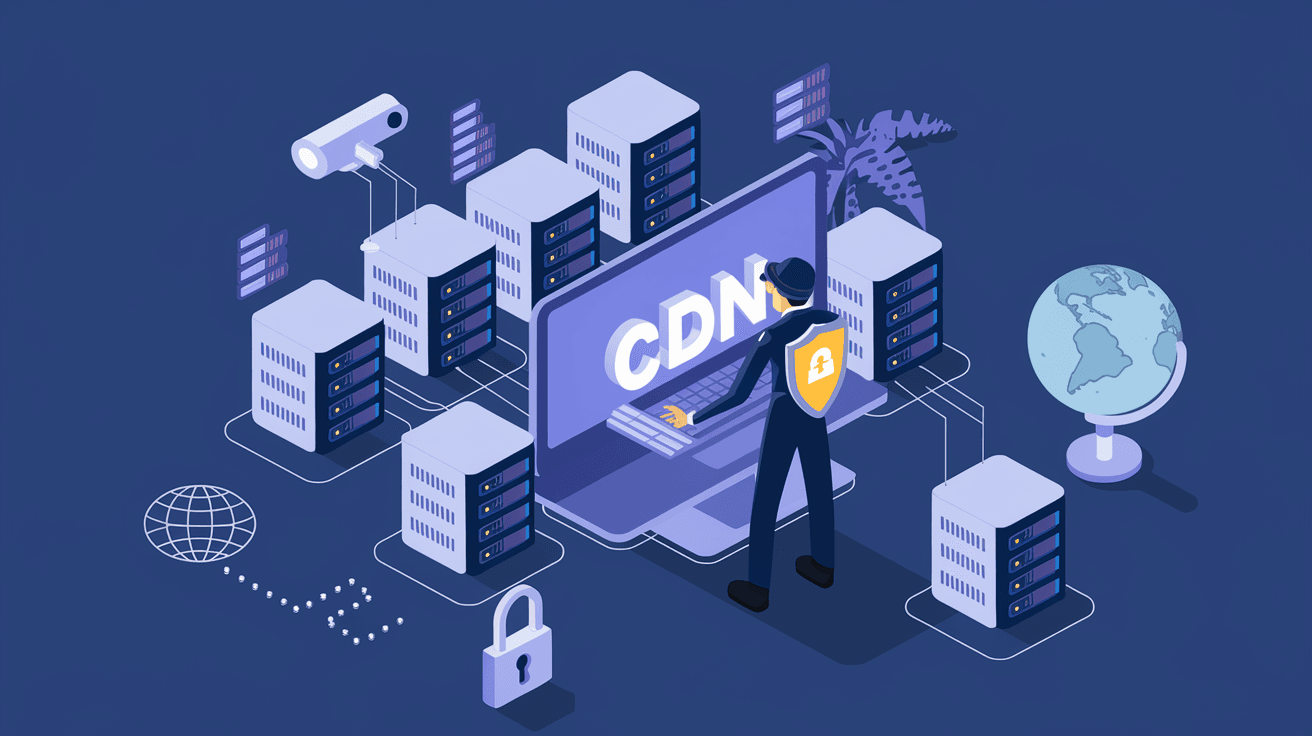
You rely on the internet every day to access websites, stream videos, or shop online. Behind the scenes, Content Delivery Networks (CDNs) help deliver this content quickly and smoothly. But have you ever wondered how your data stays safe while traveling across the internet? That’s where Content Delivery Network Security comes in.
In this article, I’ll explain what CDN security is, why it matters, and how it protects your online experience. Whether you run a website or just want to understand how your data stays secure, this guide will help you grasp the essentials of CDN security.
What is a Content Delivery Network (CDN)?
Before diving into security, it’s important to understand what a CDN does. A Content Delivery Network is a system of servers spread across different locations worldwide. These servers store copies of your website’s content, like images, videos, and web pages.
When you visit a website, the CDN delivers content from the server closest to you. This reduces loading times and improves your browsing experience. CDNs also help handle large amounts of traffic, so websites don’t crash during busy times.
How CDNs Work
- Caching: CDNs store copies of content on multiple servers.
- Geographic Distribution: Servers are located near users to speed up delivery.
- Load Balancing: Traffic is spread across servers to avoid overload.
- Content Optimization: CDNs compress and optimize files for faster loading.
Why is CDN Security Important?
Since CDNs handle a lot of data and traffic, they become attractive targets for cyber attackers. If a CDN is compromised, hackers can intercept or alter content, steal sensitive information, or disrupt services.
CDN security ensures that the data traveling between servers and users is protected. It also helps prevent attacks that can slow down or take websites offline. Without proper security, your website and users could face serious risks.
Risks Without CDN Security
- Data Theft: Hackers can steal personal or financial information.
- Content Tampering: Attackers can change website content to spread malware.
- DDoS Attacks: Overloading servers to make websites unavailable.
- Man-in-the-Middle Attacks: Intercepting data between users and servers.
Key Features of Content Delivery Network Security
CDN providers use several security measures to protect data and maintain service availability. Here are some of the most important features:
1. Secure Sockets Layer (SSL) and Transport Layer Security (TLS)
SSL and TLS encrypt data between the user and the CDN server. This encryption prevents attackers from reading or modifying the information during transmission.
- Encrypts sensitive data like passwords and credit card numbers.
- Builds trust by showing HTTPS in the browser address bar.
- Protects against man-in-the-middle attacks.
2. Distributed Denial of Service (DDoS) Protection
CDNs can absorb and block large volumes of malicious traffic aimed at overwhelming a website.
- Detects unusual traffic spikes.
- Filters out harmful requests.
- Keeps websites online during attacks.
3. Web Application Firewall (WAF)
A WAF monitors and filters incoming web traffic to block malicious requests.
- Protects against SQL injection, cross-site scripting, and other attacks.
- Customizable rules to fit specific website needs.
- Helps prevent data breaches.
4. Bot Management
Bots can scrape content, perform credential stuffing, or launch attacks. CDN security includes tools to identify and block harmful bots.
- Differentiates between good and bad bots.
- Limits automated attacks.
- Protects website resources.
5. Access Controls and Authentication
CDNs enforce strict access policies to ensure only authorized users and systems can modify content or settings.
- Multi-factor authentication (MFA).
- Role-based access control (RBAC).
- Secure API access.
How CDN Security Protects Your Website and Users
By combining these features, CDN security creates multiple layers of defense. Here’s how it benefits you and your visitors:
- Faster and Safer Browsing: Encrypted connections and optimized delivery improve speed and security.
- Reduced Downtime: DDoS protection keeps your site available even under attack.
- Data Privacy: Encryption and firewalls protect sensitive user information.
- Content Integrity: Prevents hackers from injecting malicious code or altering content.
- Improved SEO: Secure websites rank better on search engines.
Real-World Examples of CDN Security in Action
Many popular websites and services rely on CDN security to stay safe. For example:
- E-commerce sites use CDNs with WAFs and DDoS protection to secure customer data and maintain uptime during sales.
- Streaming platforms rely on CDNs to deliver video content quickly while blocking unauthorized access.
- News websites use CDN security to prevent defacement and ensure reliable access during breaking news.
Choosing the Right CDN Security Solution
If you manage a website or online service, selecting a CDN with strong security features is crucial. Here are some tips to help you choose:
- Look for comprehensive security: Ensure the CDN offers SSL/TLS, DDoS protection, WAF, and bot management.
- Check global coverage: More server locations mean better performance and security.
- Evaluate ease of use: The CDN should have a user-friendly dashboard and clear documentation.
- Consider integration: Make sure it works well with your existing infrastructure and tools.
- Review customer support: Reliable support is essential during security incidents.
Best Practices for Enhancing CDN Security
Even with a secure CDN, you can take extra steps to protect your website:
- Keep software updated: Regularly update your CMS, plugins, and server software.
- Use strong passwords and MFA: Protect access to your CDN and website accounts.
- Monitor traffic and logs: Watch for unusual activity or potential threats.
- Implement least privilege access: Only give users the permissions they need.
- Regularly test security: Conduct vulnerability scans and penetration tests.
Conclusion
Content Delivery Network Security plays a vital role in keeping your online content safe and fast. By encrypting data, blocking attacks, and managing traffic, CDN security protects both website owners and users from cyber threats. Whether you run a small blog or a large e-commerce site, understanding and implementing CDN security is essential.
Now that you know what CDN security is and why it matters, you can make informed decisions to safeguard your online presence. Remember, a secure CDN not only improves performance but also builds trust with your visitors. Stay proactive and keep your content delivery safe.
FAQs
What is the main purpose of CDN security?
CDN security protects data and websites from cyber threats like DDoS attacks, data theft, and content tampering. It ensures safe, fast delivery of online content to users worldwide.
How does a CDN protect against DDoS attacks?
CDNs absorb and filter large volumes of malicious traffic, preventing attackers from overwhelming servers and keeping websites online during attacks.
What role does SSL/TLS play in CDN security?
SSL/TLS encrypts data between users and CDN servers, preventing attackers from intercepting or altering sensitive information during transmission.
Can CDN security stop all cyber attacks?
While CDN security greatly reduces risks, no system is 100% foolproof. Combining CDN security with other best practices improves overall protection.
Is CDN security important for small websites?
Yes, even small websites benefit from CDN security to protect user data, improve performance, and prevent downtime caused by attacks.




