
What is Configuration Baseline
Introduction
When managing IT systems, you often hear about a "configuration baseline." But what does it really mean? Understanding configuration baselines is key to keeping your technology stable and secure. It helps you track changes and ensures your systems run as expected.
In this article, I’ll explain what a configuration baseline is, why it’s important, and how you can use it to improve your IT management. Whether you’re a beginner or looking to refresh your knowledge, this guide will make the concept clear and practical.
What Is a Configuration Baseline?
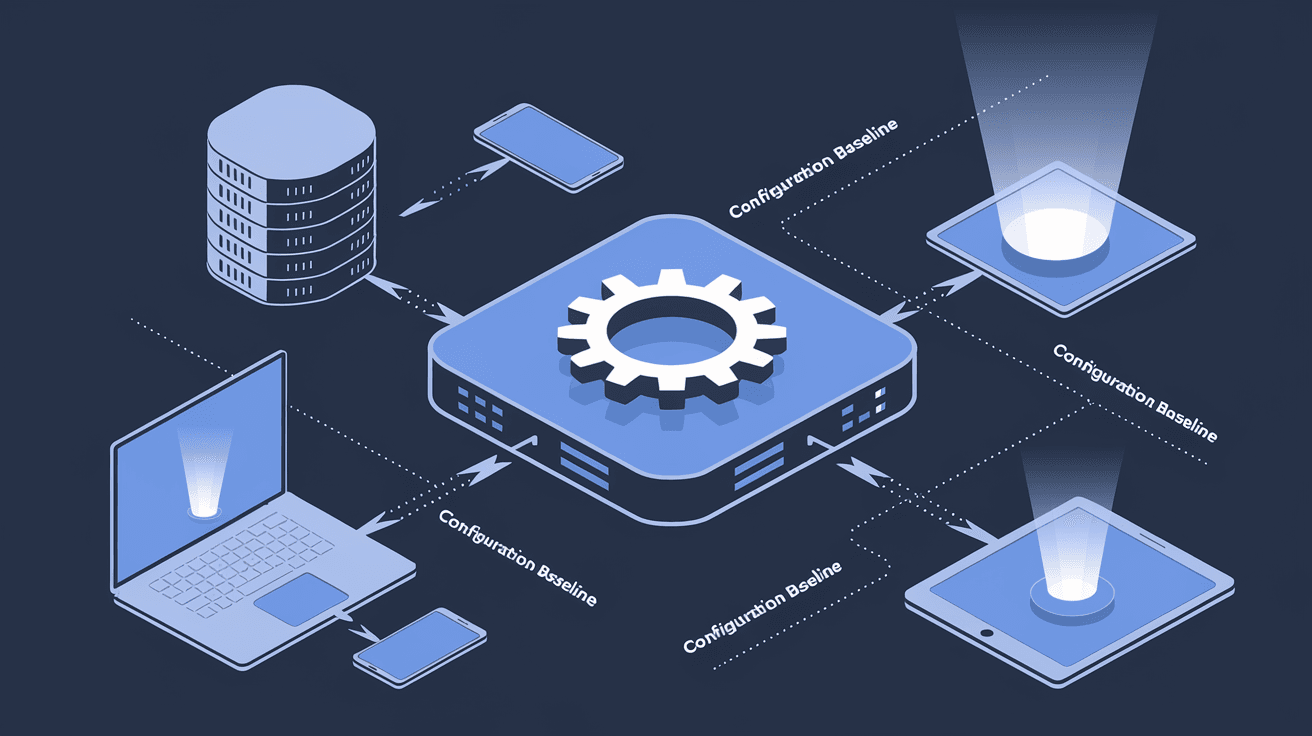
A configuration baseline is a fixed reference point that defines the standard settings and configurations for a system or device. Think of it as a snapshot of how your system should be set up at a specific time.
This baseline includes details like software versions, security settings, network configurations, and hardware setups. Once established, it acts as a benchmark to compare future changes against.
Why Establish a Configuration Baseline?
- Consistency: Ensures all systems follow the same setup.
- Control: Helps track and manage changes over time.
- Security: Detects unauthorized or risky modifications.
- Troubleshooting: Simplifies identifying what changed when issues arise.
By having a clear baseline, you can quickly spot when something deviates from the norm and take corrective action.
How Configuration Baselines Work in IT Management
In IT, configuration baselines are part of a broader process called configuration management. This process helps maintain system integrity and performance.
Steps Involved in Using Configuration Baselines
- Define the Baseline: Decide which settings and components to include.
- Document the Baseline: Record the exact configurations.
- Deploy the Baseline: Apply the baseline to systems.
- Monitor Changes: Continuously check for deviations.
- Update the Baseline: Adjust the baseline when approved changes occur.
This cycle ensures your systems stay aligned with your organization's standards.
Tools That Help Manage Baselines
Many IT management tools support configuration baselines, such as:
- Microsoft System Center Configuration Manager (SCCM)
- Ansible
- Puppet
- Chef
These tools automate baseline deployment and monitoring, making it easier to maintain control over complex environments.
Benefits of Using Configuration Baselines
Using configuration baselines offers several advantages that improve IT operations.
Improved Security
Baselines help detect unauthorized changes that could introduce vulnerabilities. For example, if a firewall rule is altered without approval, the baseline alerts you to this risk.
Enhanced Compliance
Many industries require strict compliance with regulations. Baselines provide documented proof that systems meet required standards, simplifying audits.
Faster Problem Resolution
When issues arise, comparing current settings to the baseline helps identify what changed and caused the problem. This speeds up troubleshooting.
Better Change Management
Baselines support controlled changes by providing a clear starting point. You can plan, test, and approve updates without risking system stability.
Examples of Configuration Baselines in Practice
Let’s look at some real-world examples to see how baselines work.
Example 1: Network Device Baseline
A company sets a baseline for all its routers and switches. This includes firmware versions, access controls, and routing protocols. If a device’s configuration changes unexpectedly, the IT team is alerted immediately.
Example 2: Server Configuration Baseline
An organization defines a baseline for its servers, specifying operating system patches, installed software, and security settings. Regular scans compare current configurations to the baseline, ensuring compliance and security.
Example 3: Application Baseline
For a critical application, the baseline includes version numbers, configuration files, and user permissions. Any deviation triggers a review to prevent downtime or security issues.
Challenges in Managing Configuration Baselines
While baselines are valuable, managing them can be challenging.
Keeping Baselines Updated
Systems evolve, so baselines must be updated regularly to reflect approved changes. Failing to do this can cause false alarms or outdated standards.
Handling Complex Environments
Large organizations with many devices and applications may struggle to maintain consistent baselines across all assets.
Balancing Flexibility and Control
Too strict baselines can hinder necessary changes, while too loose ones may miss important deviations. Finding the right balance is key.
Best Practices for Effective Configuration Baselines
To get the most from your configuration baselines, follow these tips:
- Start Small: Begin with critical systems and expand gradually.
- Automate Monitoring: Use tools to detect changes automatically.
- Document Thoroughly: Keep clear records of baseline settings and updates.
- Involve Stakeholders: Collaborate with security, operations, and compliance teams.
- Review Regularly: Schedule periodic baseline reviews and updates.
These practices help maintain control without slowing down your IT processes.
Configuration Baselines and Compliance Standards
Many compliance frameworks require configuration baselines as part of their controls.
Examples of Relevant Standards
- ISO 27001: Requires documented controls for system configurations.
- NIST SP 800-53: Emphasizes configuration management for security.
- PCI DSS: Mandates secure configurations for payment systems.
Using baselines helps organizations meet these requirements and avoid penalties.
How to Create a Configuration Baseline
Creating a baseline involves several clear steps:
- Identify Scope: Decide which systems or devices to include.
- Gather Current Configurations: Collect detailed settings and versions.
- Define Standards: Set the desired configurations based on best practices.
- Document Baseline: Record the baseline in an accessible format.
- Deploy and Monitor: Apply the baseline and watch for changes.
- Update as Needed: Adjust the baseline when changes are approved.
Following this process ensures your baseline is accurate and useful.
Conclusion
Understanding what a configuration baseline is can transform how you manage your IT systems. It provides a clear, stable reference point that helps maintain consistency, security, and compliance. By using baselines, you gain better control over changes and can respond faster to problems.
Whether you manage a small network or a large enterprise, implementing configuration baselines is a smart step toward more reliable and secure IT operations. Start by defining your baseline, use the right tools, and keep it updated to enjoy these benefits.
FAQs
What is the main purpose of a configuration baseline?
A configuration baseline sets a standard for system settings, helping track changes and maintain consistency and security across IT environments.
How often should configuration baselines be updated?
Baselines should be reviewed and updated regularly, especially after approved changes, to keep them accurate and relevant.
Can configuration baselines improve security?
Yes, baselines help detect unauthorized changes that could introduce vulnerabilities, enhancing overall system security.
What tools can help manage configuration baselines?
Tools like Microsoft SCCM, Ansible, Puppet, and Chef automate baseline deployment and monitoring for easier management.
Are configuration baselines required for compliance?
Many regulations, such as ISO 27001 and PCI DSS, require documented configuration baselines to ensure secure and compliant systems.




