
What is Cloud Workload Protection Platform
Introduction
You might have heard about Cloud Workload Protection Platforms (CWPPs) but wonder what they really do. In simple terms, a CWPP helps protect your cloud-based applications, data, and services from cyber threats. As more businesses move their workloads to the cloud, securing them becomes a top priority.
We will explore what a Cloud Workload Protection Platform is, why it matters, and how it works. By the end, you’ll understand how CWPPs keep your cloud workloads safe and what features to look for when choosing one.
What is a Cloud Workload Protection Platform?
A Cloud Workload Protection Platform is a security solution designed to protect workloads running in cloud environments. Workloads include applications, containers, virtual machines, and serverless functions. CWPPs provide visibility, control, and threat protection across these workloads.
Unlike traditional security tools, CWPPs focus specifically on cloud workloads. They help secure workloads regardless of where they run—public clouds like AWS, Azure, Google Cloud, or private clouds.
Key Features of CWPPs
- Visibility: Continuous monitoring of workloads to detect vulnerabilities and suspicious activity.
- Threat Detection: Identifies malware, unauthorized access, and other cyber threats.
- Compliance: Helps meet regulatory requirements by enforcing security policies.
- Automation: Automatically applies security controls and patches.
- Integration: Works with cloud providers and DevOps tools for seamless protection.
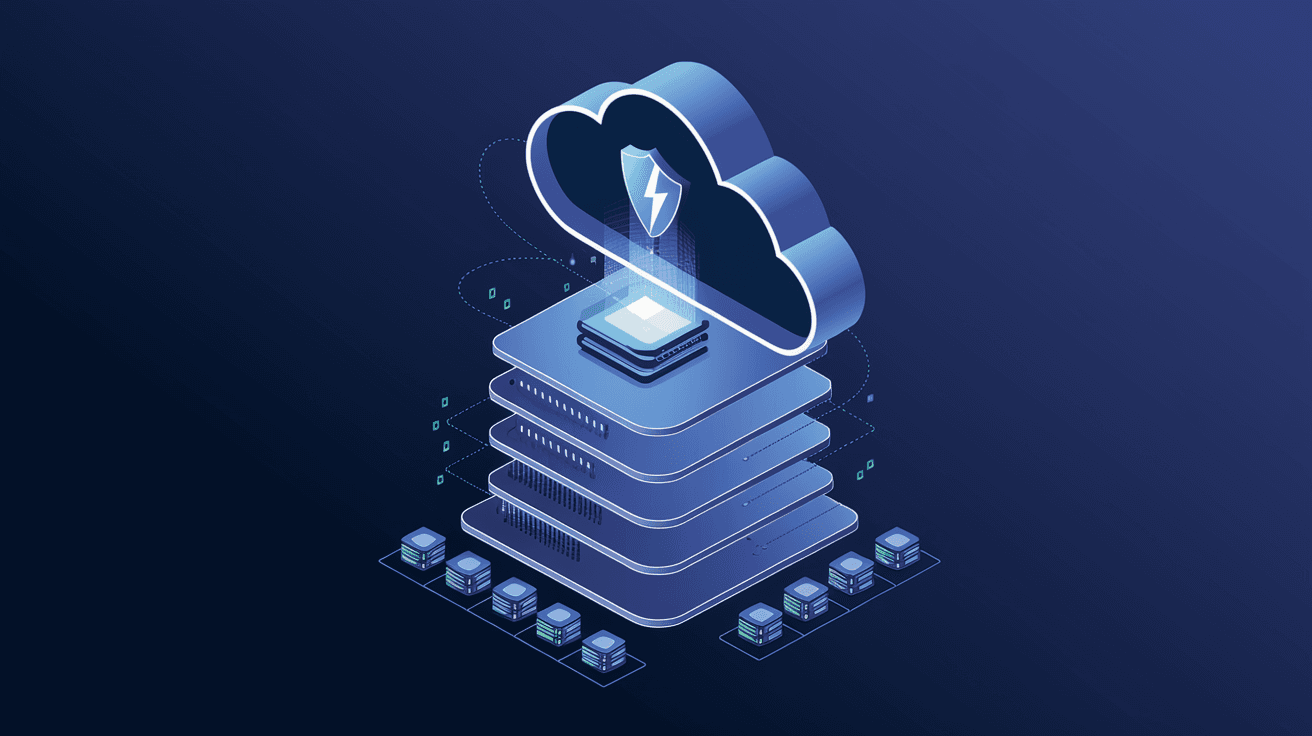
CWPPs act as a shield around your cloud workloads, ensuring they stay secure in dynamic cloud environments.
Why Do You Need a Cloud Workload Protection Platform?
Cloud workloads are exposed to many risks. Without proper protection, your data and applications can be compromised. Here’s why a CWPP is essential:
- Complex Cloud Environments: Cloud setups are often complex and dynamic, making manual security difficult.
- Increasing Cyber Threats: Attackers target cloud workloads with ransomware, malware, and exploits.
- Regulatory Compliance: Many industries require strict security controls for cloud data.
- DevOps Speed: Rapid deployment in DevOps can introduce security gaps without automated protection.
- Multi-Cloud Challenges: Managing security across multiple cloud providers is tough without a unified platform.
By using a CWPP, you gain centralized control and real-time protection, reducing risks and improving your security posture.
How Does a Cloud Workload Protection Platform Work?
CWPPs combine several technologies to secure cloud workloads. Here’s how they typically operate:
1. Discovery and Inventory
The platform scans your cloud environment to identify all workloads, including virtual machines, containers, and serverless functions. This inventory helps you understand what needs protection.
2. Vulnerability Assessment
CWPPs continuously scan workloads for vulnerabilities like outdated software or misconfigurations. They prioritize risks so you can fix the most critical issues first.
3. Behavioral Monitoring
The platform monitors workload behavior to detect unusual activities, such as unauthorized access or data exfiltration attempts.
4. Threat Detection and Response
Using machine learning and threat intelligence, CWPPs identify malware, ransomware, and other attacks. They can automatically block threats or alert your security team.
5. Policy Enforcement and Compliance
CWPPs enforce security policies across workloads to ensure compliance with standards like GDPR, HIPAA, or PCI-DSS. They generate reports to simplify audits.
6. Integration with DevOps
Many CWPPs integrate with CI/CD pipelines and container orchestration tools like Kubernetes. This integration helps secure workloads during development and deployment.
Types of Workloads Protected by CWPPs
CWPPs protect various cloud workloads, including:
- Virtual Machines (VMs): Traditional cloud servers running applications.
- Containers: Lightweight, portable units that package applications and dependencies.
- Serverless Functions: Event-driven code snippets that run without managing servers.
- Bare Metal Servers: Physical servers in cloud data centers.
- Hybrid Workloads: Workloads spread across on-premises and cloud environments.
Each workload type has unique security needs, and CWPPs adapt to protect them all effectively.
Benefits of Using a Cloud Workload Protection Platform
Implementing a CWPP offers several advantages:
- Improved Security: Detects and blocks threats before they cause damage.
- Simplified Management: Centralizes security controls across multiple cloud environments.
- Faster Incident Response: Automated alerts and remediation speed up threat handling.
- Cost Efficiency: Reduces the risk of costly breaches and compliance fines.
- Supports Cloud Adoption: Enables safe migration and operation in the cloud.
These benefits help organizations confidently run workloads in the cloud without sacrificing security.
Popular Cloud Workload Protection Platforms in 2026
Several vendors offer CWPP solutions, each with unique strengths. Some popular platforms include:
| Vendor | Key Features | Cloud Support |
| Palo Alto Networks Prisma Cloud | Comprehensive threat detection, compliance automation | AWS, Azure, Google Cloud |
| Microsoft Defender for Cloud | Deep integration with Azure, advanced analytics | Azure, multi-cloud |
| Trend Micro Cloud One | Container security, runtime protection | AWS, Azure, Google Cloud |
| Check Point CloudGuard | Automated threat prevention, workload segmentation | Multi-cloud |
| CrowdStrike Falcon | Endpoint and workload protection, AI-driven detection | Multi-cloud |
Choosing the right CWPP depends on your cloud environment, workload types, and security needs.
How to Choose the Right Cloud Workload Protection Platform
Selecting a CWPP can be overwhelming. Here are some tips to help you decide:
- Assess Your Workloads: Identify the types and locations of your cloud workloads.
- Check Cloud Compatibility: Ensure the platform supports your cloud providers.
- Look for Automation: Automated threat detection and response save time.
- Evaluate Integration: The platform should integrate with your DevOps and security tools.
- Consider Compliance Needs: Choose a CWPP that supports your industry regulations.
- Test Usability: A user-friendly interface helps your team manage security effectively.
- Review Vendor Support: Reliable customer support is crucial for quick issue resolution.
Taking these factors into account will help you find a CWPP that fits your organization.
Best Practices for Using a Cloud Workload Protection Platform
To get the most from your CWPP, follow these best practices:
- Continuous Monitoring: Keep workloads under constant watch for new threats.
- Regular Updates: Ensure the platform and workloads are updated with the latest patches.
- Define Clear Policies: Set and enforce security policies tailored to your workloads.
- Train Your Team: Educate staff on cloud security and CWPP features.
- Integrate with SIEM: Connect CWPP alerts to your Security Information and Event Management system.
- Test Incident Response: Regularly simulate attacks to improve your response plans.
These steps help maintain strong security and reduce risks in your cloud environment.
Conclusion
A Cloud Workload Protection Platform is essential for securing your cloud workloads against modern cyber threats. It provides visibility, threat detection, compliance, and automation tailored for cloud environments. As cloud adoption grows, CWPPs help you protect virtual machines, containers, and serverless functions efficiently.
By understanding how CWPPs work and what features to look for, you can choose the right platform to safeguard your cloud assets. Implementing a CWPP not only strengthens your security but also supports your business’s cloud journey with confidence.
FAQs
What types of workloads does a CWPP protect?
CWPPs protect virtual machines, containers, serverless functions, bare metal servers, and hybrid workloads across public and private clouds.
How does a CWPP differ from traditional security tools?
CWPPs focus specifically on cloud workloads, providing continuous monitoring, automated threat detection, and compliance tailored for dynamic cloud environments.
Can a CWPP help with regulatory compliance?
Yes, CWPPs enforce security policies and generate reports to help meet standards like GDPR, HIPAA, and PCI-DSS.
Does a CWPP integrate with DevOps tools?
Most CWPPs integrate with CI/CD pipelines and container orchestration platforms like Kubernetes to secure workloads during development and deployment.
Are CWPPs suitable for multi-cloud environments?
Absolutely. CWPPs provide centralized security management across multiple cloud providers, simplifying protection in complex multi-cloud setups.




