
What is Cloud Security Posture Management
Introduction
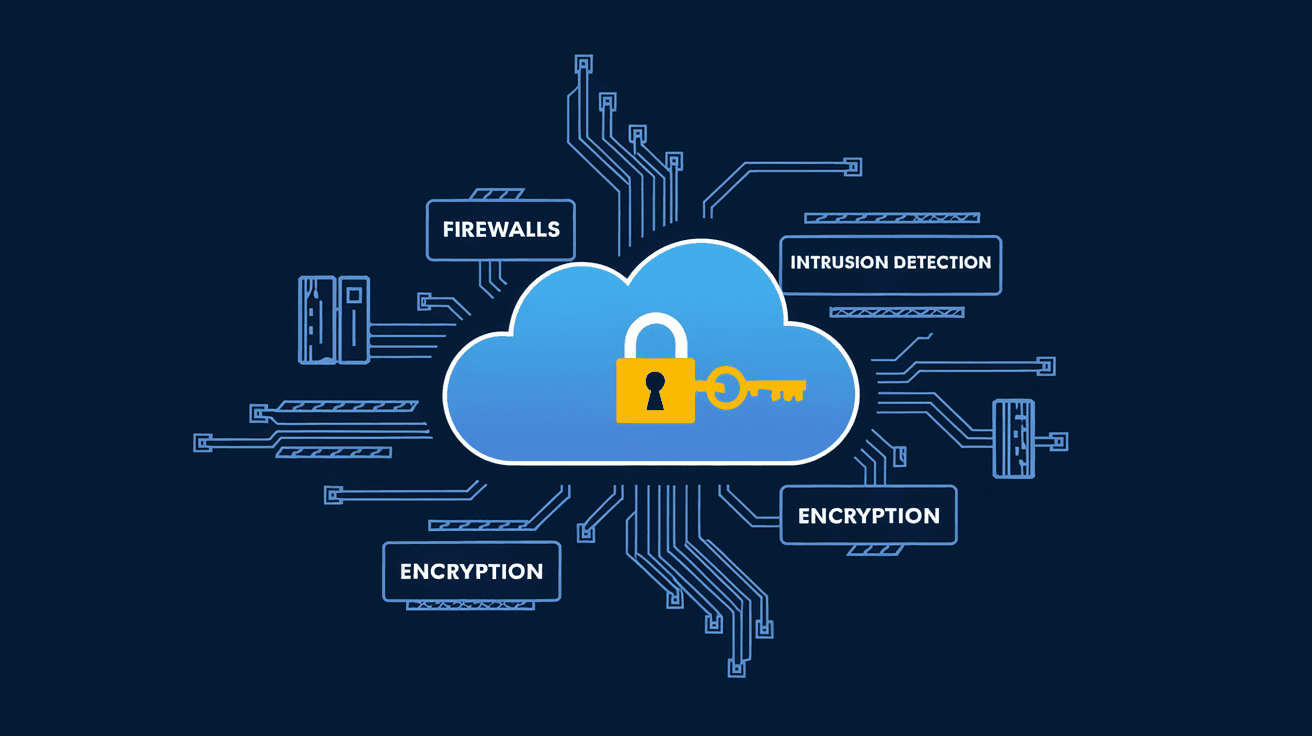
If you’re using cloud services, you might have heard the term Cloud Security Posture Management, or CSPM. But what exactly is it? Simply put, CSPM helps you keep your cloud environments safe by continuously checking for security risks and compliance issues. It’s like having a security guard watching over your cloud setup 24/7.
In this article, I’ll explain what CSPM is, why it matters, and how it works. You’ll also learn how CSPM tools can help you spot vulnerabilities before attackers do. Whether you’re new to cloud security or want to improve your defenses, this guide will give you a clear understanding of CSPM.
What is Cloud Security Posture Management?
Cloud Security Posture Management (CSPM) is a set of tools and practices designed to identify and fix security risks in cloud environments. It focuses on making sure your cloud resources follow security best practices and comply with industry standards.
Cloud environments are complex and constantly changing. CSPM helps by automatically scanning your cloud accounts, configurations, and workloads to find weaknesses. It then alerts you about problems and suggests how to fix them.
Key Features of CSPM
- Continuous monitoring of cloud resources
- Automated detection of misconfigurations
- Compliance checks against standards like GDPR, HIPAA, and PCI-DSS
- Risk assessment and prioritization
- Remediation guidance and sometimes automated fixes
By using CSPM, organizations can reduce the chances of data breaches caused by simple mistakes or overlooked settings.
Why is CSPM Important for Cloud Security?
Cloud adoption is growing fast, but so are security risks. Many data breaches happen because of misconfigured cloud services. CSPM helps prevent these by giving you clear visibility into your cloud security posture.
Challenges CSPM Addresses
- Complexity: Cloud environments often include multiple accounts, services, and regions. Managing security manually is tough.
- Misconfigurations: Simple errors like leaving storage buckets open or weak access controls can expose sensitive data.
- Compliance: Regulations require strict controls on data privacy and security. CSPM helps you stay compliant.
- Rapid Changes: Cloud setups change frequently. CSPM continuously monitors to catch new risks quickly.
Without CSPM, you might miss critical security gaps until it’s too late. CSPM tools act as your cloud security watchdog, helping you stay ahead of threats.
How Does Cloud Security Posture Management Work?
CSPM tools connect to your cloud accounts and scan your configurations and resources. They use predefined rules and policies based on security best practices and compliance requirements.
The CSPM Process
- Discovery: The tool identifies all cloud assets, including virtual machines, storage, databases, and network settings.
- Assessment: It compares current configurations against security benchmarks and compliance frameworks.
- Detection: The tool flags misconfigurations, vulnerabilities, and policy violations.
- Alerting: You receive notifications about risks and their severity.
- Remediation: CSPM provides recommendations or automated fixes to resolve issues.
This process runs continuously, so you always have an updated view of your cloud security posture.
Common CSPM Checks
- Publicly accessible storage buckets
- Weak or overly permissive identity and access management (IAM) roles
- Unencrypted data storage or transmission
- Insecure network configurations like open ports
- Missing logging or monitoring settings
By catching these issues early, CSPM helps prevent data leaks and unauthorized access.
Benefits of Using CSPM Tools
Using CSPM tools offers many advantages for organizations managing cloud environments.
Improved Security Visibility
CSPM gives you a clear picture of your cloud security status. You can see which resources are at risk and where to focus your efforts.
Faster Risk Detection and Response
Automated scanning means you find problems quickly, reducing the window of opportunity for attackers.
Simplified Compliance Management
CSPM tools map your cloud setup against regulations, making audits easier and helping you avoid fines.
Reduced Human Error
Manual security checks are prone to mistakes. CSPM automates these tasks, ensuring consistent and thorough reviews.
Cost Savings
Fixing security issues early prevents costly breaches and downtime. CSPM also helps optimize cloud usage by identifying unused or risky resources.
Popular CSPM Tools in 2026
Several CSPM tools are widely used today, each offering unique features to fit different needs.
| Tool Name | Key Features | Cloud Platforms Supported |
| Prisma Cloud | Comprehensive risk detection, compliance reporting, automated remediation | AWS, Azure, Google Cloud |
| Dome9 (Check Point) | Identity and access management focus, real-time monitoring | AWS, Azure |
| Microsoft Defender for Cloud | Integrated with Azure, compliance and threat protection | Azure, AWS |
| Trend Micro Cloud One | Multi-cloud support, workload security, compliance checks | AWS, Azure, Google Cloud |
| AWS Security Hub | Native AWS service, centralized security alerts and compliance | AWS only |
Choosing the right CSPM tool depends on your cloud environment, budget, and security goals.
How to Implement CSPM in Your Organization
Getting started with CSPM involves a few key steps to ensure it fits your needs and integrates well.
Step 1: Assess Your Cloud Environment
Understand your cloud architecture, including accounts, services, and data sensitivity. This helps define your security priorities.
Step 2: Choose a CSPM Tool
Select a tool that supports your cloud platforms and compliance requirements. Consider ease of use and integration capabilities.
Step 3: Connect and Configure
Link the CSPM tool to your cloud accounts. Set up policies and rules based on your security standards.
Step 4: Monitor and Respond
Review alerts regularly and prioritize remediation. Use automation features to fix common issues quickly.
Step 5: Train Your Team
Ensure your security and cloud teams understand CSPM reports and how to act on them.
By following these steps, you can build a strong cloud security posture and reduce risks effectively.
Common Misconceptions About CSPM
Even with growing awareness, some misunderstandings about CSPM persist.
CSPM is Only for Large Companies
Not true. Any organization using cloud services can benefit from CSPM, regardless of size.
CSPM Replaces Cloud Security Teams
CSPM tools assist teams but don’t replace human expertise. They automate routine checks and provide insights.
CSPM Fixes All Security Issues Automatically
While some CSPM tools offer automated remediation, many issues require manual review and action.
CSPM Only Works for Public Clouds
Most CSPM tools focus on public clouds, but some support hybrid and multi-cloud environments too.
Understanding these points helps set realistic expectations when adopting CSPM.
Future Trends in Cloud Security Posture Management
As cloud technology evolves, CSPM is also advancing to meet new challenges.
AI and Machine Learning Integration
CSPM tools increasingly use AI to detect complex threats and reduce false positives.
Expanded Multi-Cloud Support
With more organizations using multiple cloud providers, CSPM solutions are improving cross-cloud visibility.
Automated Remediation Enhancements
Automation is becoming smarter, allowing faster and safer fixes without human intervention.
Integration with DevOps Pipelines
CSPM is being integrated into development workflows to catch security issues early in the software lifecycle.
These trends mean CSPM will become even more essential for cloud security in the coming years.
Conclusion
Cloud Security Posture Management is a vital part of protecting your cloud environments. It helps you find and fix security risks before they turn into breaches. By continuously monitoring your cloud setup, CSPM tools give you peace of mind and help you stay compliant with regulations.
If you want to keep your cloud safe, adopting CSPM is a smart move. It simplifies security management, reduces errors, and speeds up response times. Whether you’re managing a small cloud project or a large enterprise environment, CSPM can help you maintain a strong security posture in today’s complex cloud world.
FAQs
What types of cloud environments does CSPM support?
CSPM primarily supports public cloud platforms like AWS, Azure, and Google Cloud. Many tools also offer multi-cloud and hybrid cloud support to cover diverse environments.
How does CSPM differ from Cloud Workload Protection Platforms (CWPP)?
CSPM focuses on cloud configuration and compliance, while CWPP protects workloads like virtual machines and containers from threats and attacks.
Can CSPM tools automatically fix security issues?
Some CSPM tools offer automated remediation for common misconfigurations, but many require manual review and action for complex problems.
Is CSPM necessary for small businesses using cloud services?
Yes, small businesses benefit from CSPM by reducing security risks and ensuring compliance without needing large security teams.
How often does CSPM scan cloud environments?
Most CSPM tools perform continuous or frequent scans to provide real-time visibility and timely alerts about security posture changes.




