
What is Clone Phishing
Introduction
You might have heard about phishing scams, but have you come across the term "clone phishing"? It’s a sneaky type of cyberattack that tricks you by copying legitimate emails you’ve already received. If you’re wondering how it works and why it’s dangerous, you’re in the right place.
In this article, I’ll explain what clone phishing is, how attackers use it, and what you can do to stay safe. Understanding this will help you spot fake emails and protect your personal information from cybercriminals.
What is Clone Phishing?
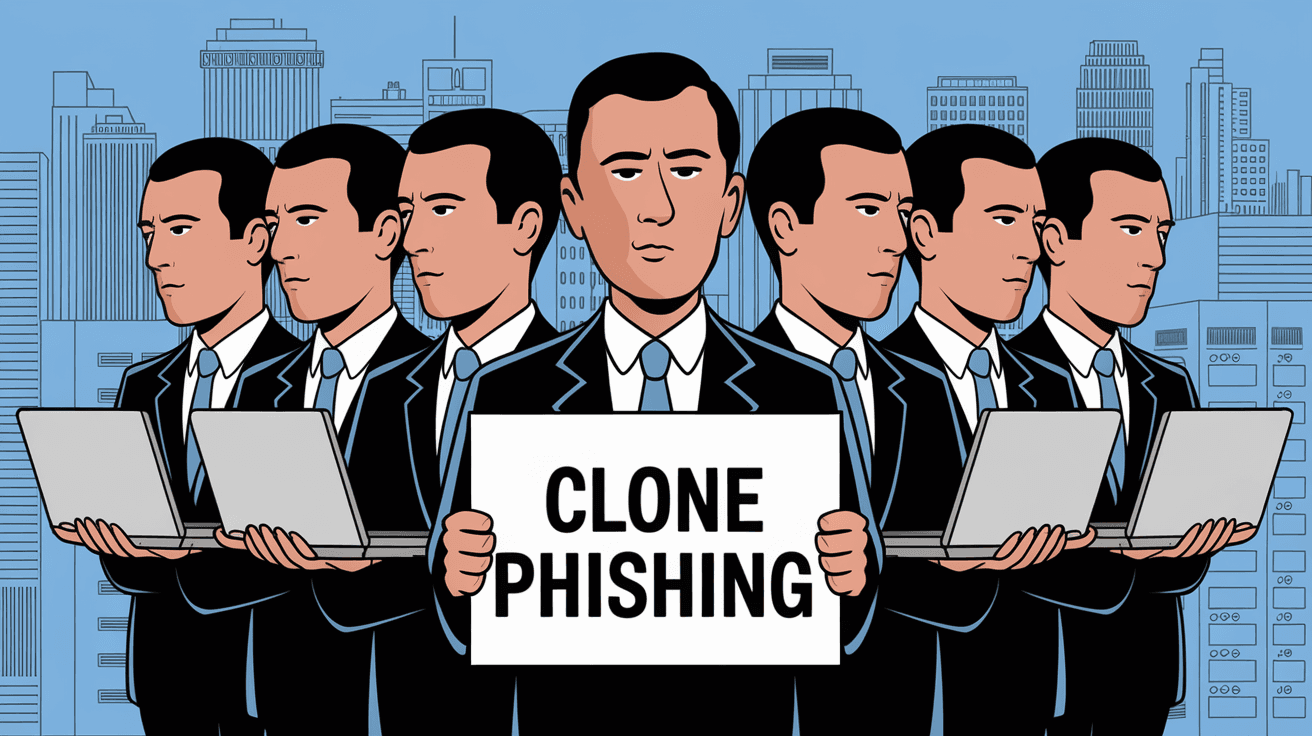
Clone phishing is a type of phishing attack where cybercriminals create a nearly identical copy of a legitimate email you’ve received before. They clone the original message but replace links or attachments with malicious ones. The goal is to trick you into clicking on harmful links or downloading malware.
Unlike regular phishing, which often uses fake emails from scratch, clone phishing relies on the trust you already have in the original email. Since the message looks familiar, you are more likely to fall for it.
How Clone Phishing Works
- The attacker intercepts or obtains a legitimate email you received.
- They create a copy of this email, keeping the same sender name, subject, and content.
- The attacker changes the links or attachments to malicious versions.
- The fake email is sent to you or others, pretending to be a resend or updated version.
- When you click the link or open the attachment, malware installs or your data is stolen.
Why is Clone Phishing Dangerous?
Clone phishing is dangerous because it exploits your trust. Since the email looks like one you’ve seen before, you might not suspect anything wrong. This makes it easier for attackers to steal sensitive information like passwords, credit card numbers, or install ransomware on your device.
Here are some reasons why clone phishing is a serious threat:
- High Trust Factor: The email appears to come from a known sender.
- Personalized Content: The message often relates to something you’ve already dealt with.
- Difficult to Detect: The email looks almost identical to the original.
- Potential for Large Damage: Clicking malicious links can lead to identity theft or financial loss.
Common Targets of Clone Phishing
Clone phishing attacks can target anyone, but some groups are more vulnerable:
- Employees in Companies: Attackers often target workers by cloning internal emails, such as HR updates or invoices.
- Customers of Online Services: Fake emails pretending to be from banks, shopping sites, or subscription services.
- Individuals with Frequent Email Communication: People who regularly receive emails with attachments or links, like students or freelancers.
Examples of Clone Phishing Attacks
To understand clone phishing better, here are some real-world examples:
- Fake Invoice Email: You receive an invoice from a supplier. Later, you get a cloned email with the same invoice but a malicious link to "view details." Clicking it installs malware.
- Bank Notification: A cloned email pretending to be a bank alert asks you to verify your account by clicking a link. The link leads to a fake website stealing your login info.
- Software Update: An email that looks like a software update notification with an attachment. Opening the attachment infects your computer with ransomware.
How to Spot Clone Phishing Emails
Spotting clone phishing emails can be tricky, but there are signs you can watch for:
- Unexpected Resend or Update: If you get an email claiming to be a resend or update but you didn’t request it, be cautious.
- Check the Sender’s Email Address: Sometimes the display name looks right, but the email address is slightly off.
- Hover Over Links: Without clicking, hover your mouse over links to see if the URL looks suspicious or different from the original.
- Look for Urgency or Threats: Clone phishing emails often pressure you to act quickly.
- Check Attachments Carefully: Be wary of unexpected attachments, especially if they have strange file extensions like .exe or .scr.
How to Protect Yourself from Clone Phishing
Protecting yourself from clone phishing involves a mix of awareness and technical steps. Here’s what you can do:
- Verify Emails: If you receive an email asking for sensitive info or action, confirm it by contacting the sender directly using a known phone number or email.
- Use Email Security Tools: Many email services offer phishing detection and spam filters. Keep these enabled and updated.
- Keep Software Updated: Regularly update your operating system and antivirus software to protect against malware.
- Avoid Clicking Suspicious Links: If you’re unsure about a link, don’t click it. Instead, type the website address manually in your browser.
- Educate Yourself and Others: Learn about phishing tactics and share this knowledge with friends, family, or coworkers.
What to Do If You Suspect Clone Phishing
If you think you’ve received a clone phishing email, act quickly:
- Do Not Click Links or Open Attachments: Avoid interacting with the suspicious email.
- Report the Email: Forward it to your IT department or email provider’s abuse address.
- Delete the Email: Remove it from your inbox and trash folder.
- Run a Security Scan: Use antivirus software to check your device for malware.
- Change Passwords: If you clicked a link or entered information, change your passwords immediately.
The Role of Businesses in Preventing Clone Phishing
Businesses play a key role in stopping clone phishing attacks. They can:
- Train Employees: Regular cybersecurity training helps staff recognize phishing attempts.
- Implement Email Authentication: Technologies like SPF, DKIM, and DMARC help verify legitimate emails.
- Use Advanced Security Solutions: Email gateways and threat detection tools can block phishing emails before they reach users.
- Establish Clear Communication Policies: Inform customers and employees about how official emails will look and what to expect.
The Future of Clone Phishing and Cybersecurity
As cybercriminals become more sophisticated, clone phishing attacks are likely to evolve. Advances in AI and automation make it easier for attackers to create convincing fake emails. However, cybersecurity is also improving with better detection tools and user education.
To stay safe, you’ll need to keep learning about new threats and use updated security measures. Being cautious and informed is your best defense against clone phishing.
Conclusion
Clone phishing is a clever and dangerous form of cyberattack that copies real emails to trick you into clicking harmful links or attachments. Because these emails look familiar, they can easily fool even careful users. But by knowing what clone phishing is and how it works, you can better protect yourself.
Remember to always verify unexpected emails, avoid clicking suspicious links, and keep your security software up to date. Staying alert and informed helps you avoid falling victim to clone phishing and keeps your personal information safe.
FAQs
What is the main difference between clone phishing and regular phishing?
Clone phishing copies a legitimate email you’ve already received, while regular phishing often uses completely fake emails. Clone phishing relies on your trust in the original message.
Can clone phishing emails come from trusted contacts?
Yes, attackers can spoof or compromise trusted contacts’ email accounts to send cloned phishing emails, making them harder to detect.
How can I verify if an email is a clone phishing attempt?
Check the sender’s email address carefully, hover over links to see the real URL, and confirm with the sender if the email seems suspicious or unexpected.
What should I do if I accidentally clicked a link in a clone phishing email?
Immediately disconnect from the internet, run a full antivirus scan, change your passwords, and notify your IT department or service provider.
Are there tools that can help prevent clone phishing?
Yes, email security solutions like spam filters, phishing detection software, and email authentication protocols (SPF, DKIM, DMARC) help block clone phishing emails.




