
What is Clipboard Hijacking
Introduction
You might not realize it, but your computer’s clipboard is a target for cybercriminals. Clipboard hijacking is a sneaky way hackers steal or manipulate the data you copy. Whether you copy passwords, cryptocurrency addresses, or sensitive information, clipboard hijacking can put your security at risk.
In this article, I’ll explain what clipboard hijacking is, how it works, and what you can do to protect yourself. Understanding this threat helps you stay safer online and avoid costly mistakes.
What is Clipboard Hijacking?
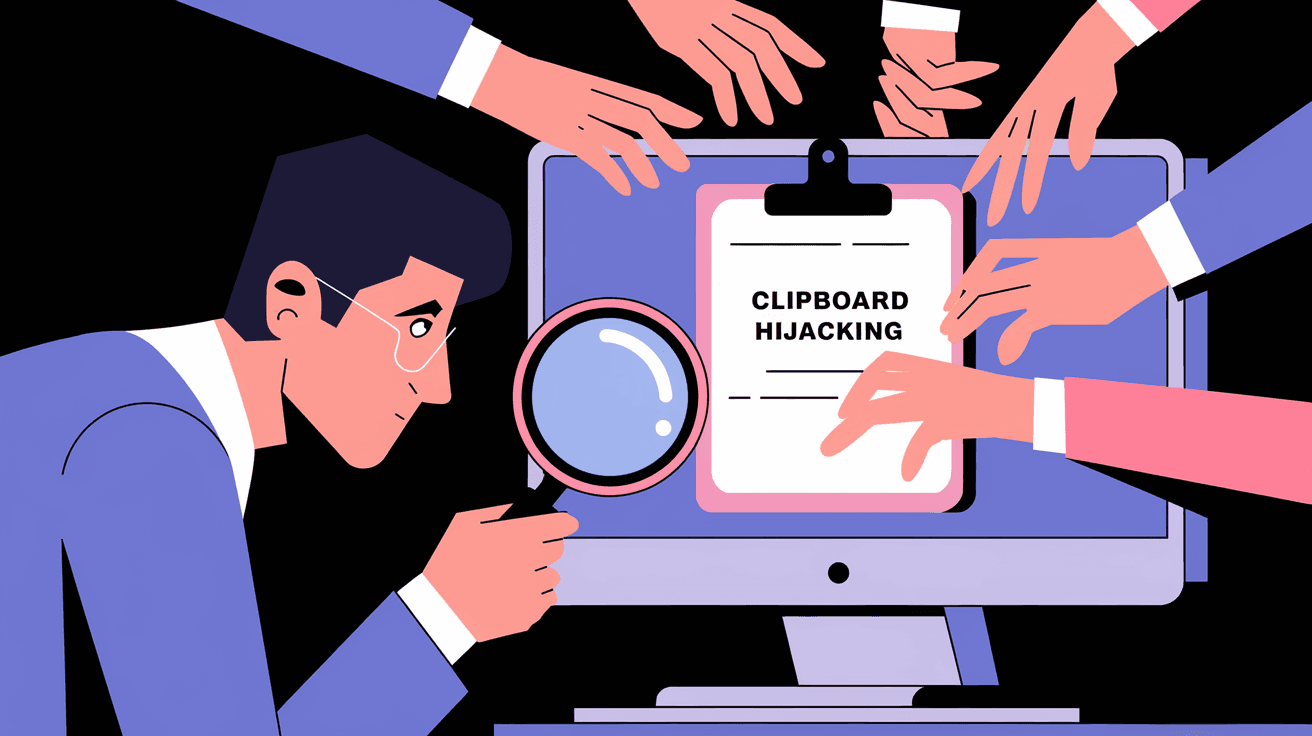
Clipboard hijacking is a type of cyber attack where hackers intercept or alter the data you copy to your clipboard. The clipboard is a temporary storage area on your device that holds text, images, or files you copy before pasting them somewhere else.
In clipboard hijacking, malicious software or scripts monitor your clipboard activity. When you copy something valuable, like a cryptocurrency wallet address or a password, the attacker replaces it with their own data. This means when you paste, you unknowingly send the wrong information.
How Clipboard Hijacking Works
- Malware or browser extensions run in the background.
- They watch for clipboard changes.
- When you copy sensitive data, the malware swaps it with attacker-controlled data.
- You paste the fake data, sending it to the attacker instead of the intended recipient.
This attack is especially common in cryptocurrency scams, where hackers replace wallet addresses to steal funds.
Common Targets of Clipboard Hijacking
Clipboard hijacking can affect anyone, but some targets are more common:
- Cryptocurrency Users: Hackers replace copied wallet addresses to steal coins.
- Password Managers: Attackers intercept copied passwords.
- Online Banking: Sensitive account numbers or transaction details can be swapped.
- Business Communications: Confidential data like contract details or payment info can be altered.
- General Users: Any copied data can be monitored or changed for phishing or fraud.
How Clipboard Hijacking Affects You
You might think copying and pasting is harmless, but clipboard hijacking can cause serious problems:
- Financial Loss: Sending money to the wrong wallet or account.
- Data Theft: Exposing passwords or private information.
- Identity Theft: Using your copied personal data for fraud.
- Business Risks: Leaking confidential information or contracts.
- Frustration and Confusion: Pasting unexpected or incorrect data.
Because clipboard hijacking happens silently, you often don’t notice until it’s too late.
How to Detect Clipboard Hijacking
Detecting clipboard hijacking can be tricky since it happens in the background. However, here are some signs and methods to spot it:
- Unexpected Clipboard Changes: If the data you paste is different from what you copied.
- Unusual Behavior: Your device runs slower or shows strange pop-ups.
- Antivirus Alerts: Security software flags suspicious clipboard activity.
- Check Clipboard History: Some operating systems let you view clipboard history to spot changes.
- Use Clipboard Monitoring Tools: Specialized apps can alert you to unauthorized clipboard access.
If you suspect clipboard hijacking, run a full malware scan immediately.
How to Protect Yourself from Clipboard Hijacking
Protecting yourself from clipboard hijacking requires a mix of good habits and security tools. Here’s what you can do:
1. Use Trusted Security Software
- Install reputable antivirus and anti-malware programs.
- Keep your security software updated.
- Enable real-time protection features.
2. Be Careful with Browser Extensions
- Only install extensions from trusted sources.
- Regularly review and remove unused or suspicious extensions.
- Avoid extensions that request clipboard access unless necessary.
3. Avoid Copying Sensitive Data When Possible
- Use password managers that autofill instead of copying passwords.
- Double-check wallet addresses before sending cryptocurrency.
- Manually type critical information if possible.
4. Keep Your Operating System and Apps Updated
- Updates often patch security vulnerabilities.
- Enable automatic updates for your OS and apps.
5. Use Clipboard Monitoring Tools
- Some apps notify you when clipboard data changes unexpectedly.
- These tools can help catch hijacking attempts early.
6. Educate Yourself and Others
- Learn about phishing and social engineering tactics.
- Share knowledge with family or coworkers to prevent attacks.
Clipboard Hijacking in Cryptocurrency Scams
One of the most common uses of clipboard hijacking is in cryptocurrency theft. Here’s how it typically happens:
- You copy a wallet address to send funds.
- Malware on your device replaces the copied address with the attacker’s address.
- You paste and send coins to the attacker unknowingly.
- The transaction is irreversible, and you lose your money.
Why Cryptocurrency is a Popular Target
- Transactions are irreversible.
- Wallet addresses are long and complex, making manual verification hard.
- Many users rely on copy-paste for convenience.
How to Avoid Cryptocurrency Clipboard Hijacking
- Always double-check wallet addresses character by character.
- Use hardware wallets with built-in security features.
- Consider QR codes or secure apps for transactions instead of copy-paste.
Clipboard Hijacking Beyond Cryptocurrency
Clipboard hijacking isn’t just about stealing money. It can also be used to:
- Steal login credentials.
- Capture sensitive business data.
- Redirect payments or invoices.
- Spread malware by injecting malicious links.
Attackers can use clipboard hijacking as part of larger phishing or ransomware campaigns.
What to Do If You Suspect Clipboard Hijacking
If you think your clipboard has been hijacked, take these steps immediately:
- Disconnect from the internet to stop data transmission.
- Run a full antivirus and anti-malware scan.
- Change passwords for important accounts.
- Check recent transactions or communications for unauthorized activity.
- Update your software and remove suspicious programs.
- Consider professional help if the problem persists.
Clipboard Hijacking Prevention Tools and Software
Several tools can help protect or monitor your clipboard:
| Tool Name | Features | Platform |
| Malwarebytes | Real-time malware detection and removal | Windows, Mac |
| ClipMonitor | Alerts on clipboard changes | Windows |
| 1Password | Autofill passwords without copying | Windows, Mac, Mobile |
| Crypto Wallet Apps | Secure transaction handling | Various |
| Microsoft Defender | Built-in clipboard protection features | Windows |
Using these tools alongside good habits strengthens your defense.
Conclusion
Clipboard hijacking is a hidden but serious cyber threat. It silently steals or alters the data you copy, putting your money, passwords, and privacy at risk. By understanding how clipboard hijacking works, you can better protect yourself.
Stay cautious when copying sensitive information, use trusted security software, and keep your devices updated. With these steps, you reduce your chances of falling victim to clipboard hijacking and keep your digital life safer.
FAQs
What devices are vulnerable to clipboard hijacking?
Most devices with a clipboard feature, including Windows PCs, Macs, smartphones, and tablets, can be vulnerable if they run malware or unsafe apps.
Can clipboard hijacking happen through websites?
Yes, some malicious websites use scripts to monitor or manipulate your clipboard when you visit them, especially if you allow clipboard access.
How can I check my clipboard history?
On Windows, press Windows + V to view clipboard history. On Mac, third-party apps are needed. This helps spot unexpected clipboard changes.
Is clipboard hijacking detectable by antivirus software?
Modern antivirus programs can detect some clipboard hijacking malware, but not all. Using multiple security layers is best.
Can using a password manager prevent clipboard hijacking?
Password managers that autofill credentials without copying reduce the risk, but clipboard hijacking can still occur if you manually copy data.




