
What is Certificate Management System
Introduction
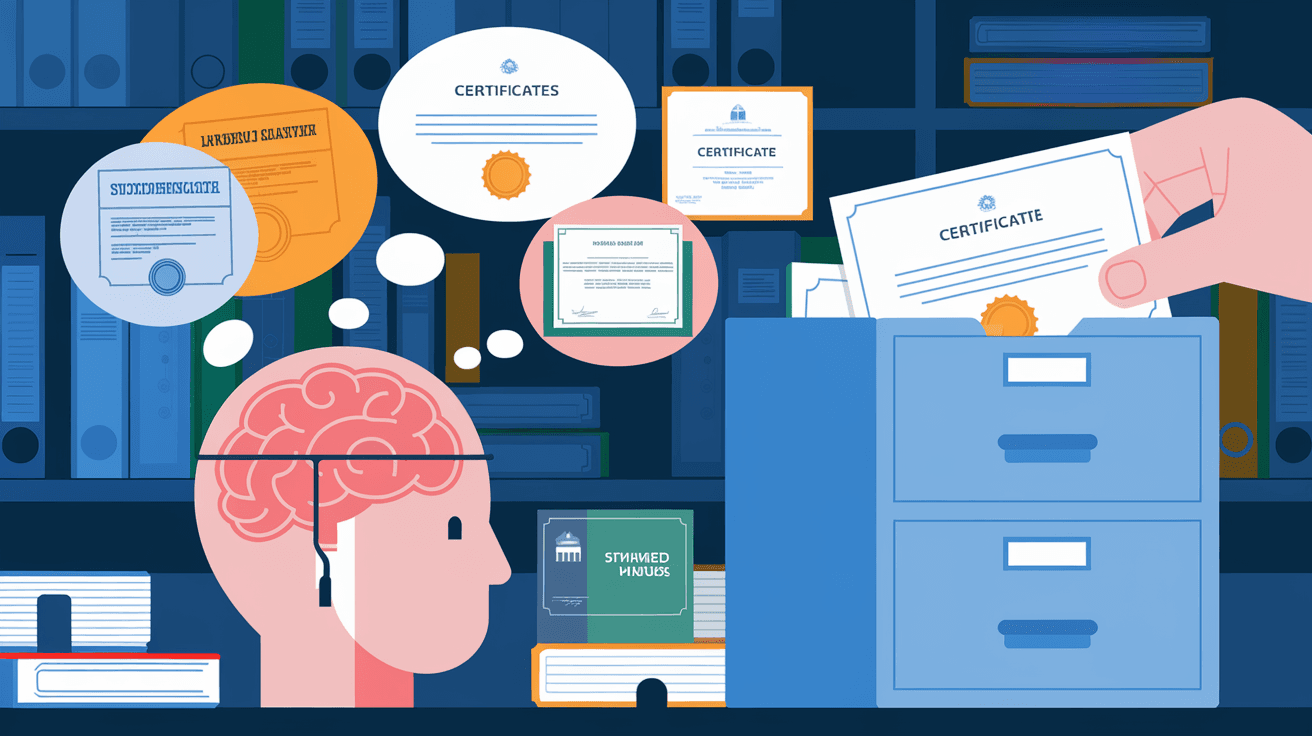
You might have heard about digital certificates but wondered how organizations keep track of them all. That’s where a Certificate Management System (CMS) comes in. It helps you manage digital certificates, which are crucial for securing websites, emails, and software.
In this article, I’ll explain what a Certificate Management System is, why it matters, and how it works. By the end, you’ll understand how a CMS protects your digital environment and makes certificate handling easier.
What is a Certificate Management System?
A Certificate Management System is a software tool or platform that helps organizations manage digital certificates throughout their lifecycle. Digital certificates are electronic credentials that prove the identity of websites, devices, or users. They are essential for secure communication over the internet.
A CMS automates the process of issuing, renewing, revoking, and storing these certificates. Without it, managing certificates manually can lead to errors, expired certificates, and security risks.
Key Functions of a Certificate Management System
- Issuance: Automatically requests and obtains certificates from Certificate Authorities (CAs).
- Renewal: Tracks expiration dates and renews certificates before they expire.
- Revocation: Revokes certificates that are no longer valid or compromised.
- Inventory Management: Keeps an organized record of all certificates in use.
- Compliance Reporting: Provides reports to ensure certificates meet security policies.
- Alerts and Notifications: Sends reminders about upcoming expirations or issues.
Why is a Certificate Management System Important?
Managing digital certificates manually is risky and time-consuming. Here’s why a CMS is essential:
Prevents Downtime and Security Breaches
Expired or mismanaged certificates can cause websites and services to stop working. This leads to downtime, loss of trust, and potential security breaches. A CMS helps avoid these problems by automating renewals and monitoring certificates continuously.
Enhances Security
Certificates are a key part of encryption and authentication. If a certificate is compromised or outdated, attackers can intercept data or impersonate services. A CMS ensures certificates are valid and secure, reducing vulnerabilities.
Saves Time and Reduces Errors
Manual certificate management involves tracking many certificates across different systems. This is prone to human error. A CMS automates these tasks, freeing up IT teams to focus on other priorities.
Supports Compliance
Many industries have strict rules about data security. A CMS helps organizations comply with regulations by providing audit trails and reports on certificate status.
How Does a Certificate Management System Work?
A CMS works by integrating with your IT environment and Certificate Authorities. Here’s a step-by-step look at how it manages certificates:
1. Discovery
The CMS scans your network to find all existing certificates. This helps create a complete inventory, including certificates on servers, devices, and applications.
2. Request and Issuance
When a new certificate is needed, the CMS sends a request to a trusted Certificate Authority. Once approved, the certificate is issued and installed automatically.
3. Monitoring and Alerts
The CMS continuously monitors certificate status. It tracks expiration dates and sends alerts well before certificates expire, so you can renew them on time.
4. Renewal and Replacement
Before a certificate expires, the CMS automatically renews it or replaces it with a new one. This process is seamless and avoids service interruptions.
5. Revocation
If a certificate is compromised or no longer needed, the CMS revokes it. This prevents unauthorized use and maintains security.
6. Reporting and Compliance
The CMS generates reports on certificate health, usage, and compliance. These reports help IT teams and auditors verify security standards.
Types of Certificates Managed by a CMS
A Certificate Management System handles various types of digital certificates, including:
- SSL/TLS Certificates: Secure websites and encrypt data in transit.
- Code Signing Certificates: Verify the authenticity of software and applications.
- Email Certificates (S/MIME): Secure email communications.
- Client Certificates: Authenticate users or devices on a network.
- IoT Certificates: Secure Internet of Things devices.
Managing all these certificates manually is complex, which is why a CMS is so valuable.
Benefits of Using a Certificate Management System
Using a CMS offers many advantages for organizations of all sizes:
Improved Security Posture
- Ensures certificates are always valid and trusted.
- Reduces the risk of man-in-the-middle attacks.
- Helps enforce encryption policies.
Operational Efficiency
- Automates repetitive tasks like renewals and installations.
- Provides centralized control over certificates.
- Reduces manual errors and administrative overhead.
Cost Savings
- Avoids costly downtime caused by expired certificates.
- Minimizes the risk of security incidents and fines.
- Streamlines certificate lifecycle management.
Scalability
- Supports growing numbers of certificates as organizations expand.
- Integrates with cloud services and hybrid environments.
Challenges Without a Certificate Management System
If you don’t use a CMS, you might face several problems:
- Expired Certificates: Leading to website outages or blocked services.
- Security Risks: Untracked certificates can be exploited by attackers.
- Compliance Failures: Missing certificates or poor documentation can cause audit issues.
- Manual Errors: Mistakes in installation or renewal can disrupt services.
- Lack of Visibility: Difficulty in tracking certificates across multiple systems.
How to Choose the Right Certificate Management System
Choosing a CMS depends on your organization’s needs. Here are some factors to consider:
Integration Capabilities
- Works with your existing infrastructure (servers, cloud platforms, security tools).
- Supports multiple Certificate Authorities.
Automation Features
- Automatic discovery, renewal, and installation.
- Customizable alerts and workflows.
Security
- Strong encryption and access controls.
- Support for hardware security modules (HSMs).
Reporting and Compliance
- Detailed audit logs.
- Compliance templates for industry standards.
User Experience
- Easy-to-use dashboard.
- Role-based access for different teams.
Scalability and Support
- Can handle your current and future certificate volume.
- Offers reliable customer support and updates.
Popular Certificate Management Systems in 2026
Several CMS solutions are widely used today. Here are a few examples:
| CMS Provider | Key Features | Suitable For |
| Venafi | Enterprise-grade automation, HSM support | Large enterprises |
| DigiCert CertCentral | Cloud-based, multi-CA support | Mid to large businesses |
| Sectigo Certificate Manager | User-friendly, compliance reporting | Small to medium businesses |
| Keyfactor Command | IoT certificate management, API integration | Enterprises with IoT needs |
| Entrust Certificate Services | Strong security, global CA partnerships | Global organizations |
Each system offers unique benefits, so evaluate based on your requirements.
Best Practices for Certificate Management
To get the most from your CMS, follow these best practices:
- Maintain an Accurate Inventory: Regularly scan and update your certificate list.
- Automate Renewals: Set up automatic renewals to avoid expiration.
- Use Strong Security Controls: Protect private keys and restrict access.
- Monitor Continuously: Use alerts to catch issues early.
- Train Your Team: Ensure staff understand certificate management processes.
- Plan for Scalability: Choose a CMS that grows with your organization.
Conclusion
A Certificate Management System is essential for managing digital certificates securely and efficiently. It automates critical tasks like issuance, renewal, and revocation, reducing risks and saving time. Without a CMS, organizations face downtime, security threats, and compliance challenges.
By understanding how a CMS works and choosing the right solution, you can protect your digital assets and maintain trust with users. Whether you manage a few certificates or thousands, a CMS helps you stay organized, secure, and compliant in today’s digital world.
FAQs
What is the main purpose of a Certificate Management System?
A Certificate Management System helps organizations automate and manage the lifecycle of digital certificates, ensuring they are valid, secure, and compliant.
How does a CMS improve security?
It prevents expired or compromised certificates from being used, reducing risks like data breaches and man-in-the-middle attacks.
Can a CMS handle certificates from multiple Certificate Authorities?
Yes, most modern CMS platforms support multiple CAs to provide flexibility and redundancy.
What happens if a certificate expires without renewal?
Expired certificates can cause website outages, block encrypted communications, and damage user trust.
Is a Certificate Management System suitable for small businesses?
Yes, many CMS solutions offer scalable features suitable for small to large organizations, helping all manage certificates efficiently.




