
What is Automated Patch Deployment
Introduction
You might have heard about automated patch deployment but wondered what it really means and why it matters. In simple terms, it’s a way to keep your software and systems updated automatically, without you having to do it manually. This process helps protect your devices from security risks and bugs by applying patches as soon as they are available.
We all know how important it is to keep our computers and networks safe. Automated patch deployment makes this easier by handling updates quickly and efficiently. In this article, I’ll explain what automated patch deployment is, how it works, and why you should consider using it for your business or personal devices.
What is Automated Patch Deployment?
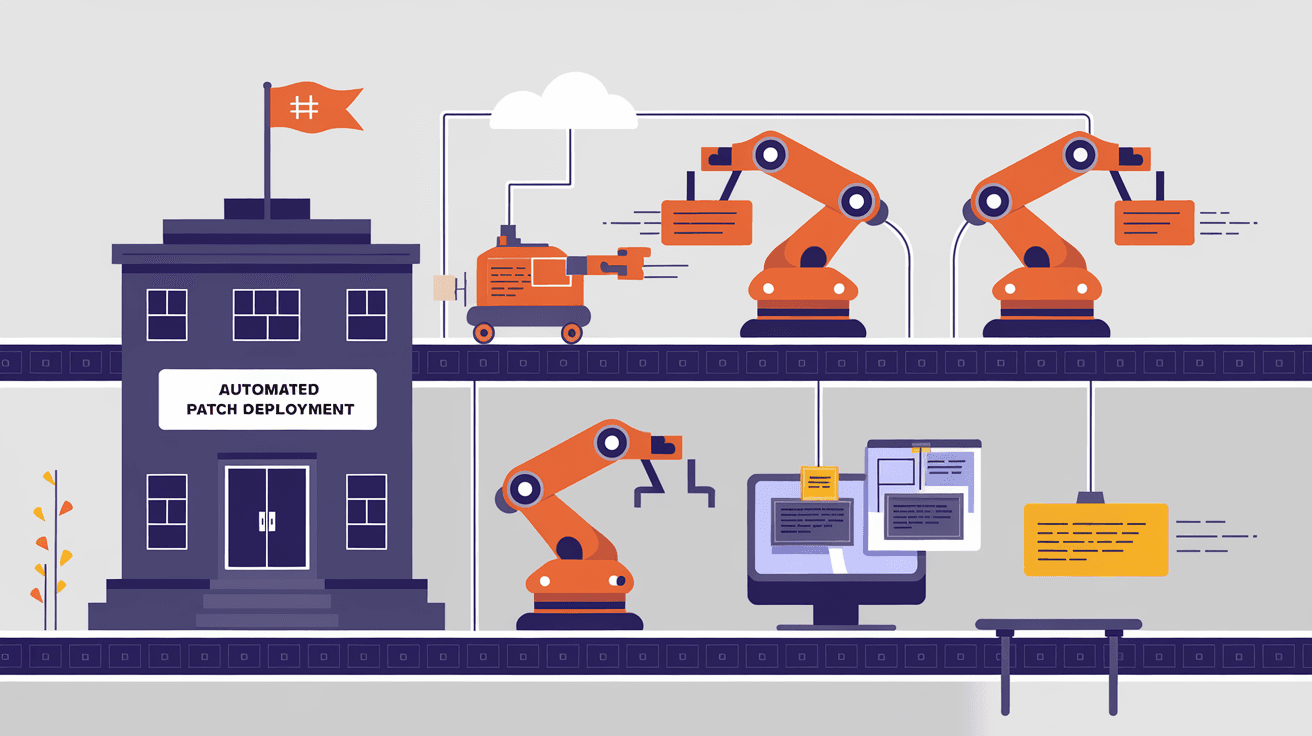
Automated patch deployment is the process of automatically distributing and installing software updates, known as patches, across multiple devices or systems. These patches fix security vulnerabilities, bugs, or add new features. Instead of manually checking for updates and installing them one by one, automated systems handle this task for you.
Why Patches Are Important
- Fix security holes that hackers can exploit
- Improve software performance and stability
- Add new features or improve existing ones
- Ensure compliance with industry regulations
By automating patch deployment, organizations reduce the risk of human error and delays in applying critical updates.
How Automated Patch Deployment Works
Automated patch deployment uses specialized software tools called patch management systems. These tools scan your network to identify which devices need updates. Then, they download the necessary patches from software vendors and install them automatically.
Key Steps in the Process
- Discovery: The system scans all devices to find missing patches.
- Assessment: It evaluates which patches are critical or optional.
- Download: Patches are downloaded from trusted sources.
- Testing: Some systems test patches in a controlled environment.
- Deployment: Patches are installed on target devices.
- Reporting: The system generates reports on patch status and success.
This process can be scheduled to run during off-hours to minimize disruption.
Benefits of Automated Patch Deployment
Using automated patch deployment offers many advantages for both businesses and individual users.
Increased Security
- Patches are applied quickly, reducing the window of vulnerability.
- Automated systems ensure no device is missed.
- Helps prevent malware and ransomware attacks.
Time and Cost Savings
- Saves IT teams from manual patching tasks.
- Reduces downtime caused by security incidents.
- Frees up resources for other important work.
Consistency and Compliance
- Ensures all devices are uniformly updated.
- Helps meet regulatory requirements like HIPAA or GDPR.
- Provides audit trails and reports for compliance checks.
Improved System Performance
- Fixes bugs that slow down systems.
- Keeps software running smoothly with the latest updates.
Common Tools for Automated Patch Deployment
There are many patch management tools available today, each with unique features. Here are some popular options:
| Tool Name | Key Features | Suitable For |
| Microsoft WSUS | Integrates with Windows environments | Small to large businesses |
| ManageEngine | Supports multiple OS and applications | Medium to large enterprises |
| Ivanti Patch | Automated patching with security focus | Enterprises with complex needs |
| SolarWinds Patch Manager | Centralized patch management and reporting | IT teams needing detailed control |
| PDQ Deploy | Simple deployment for Windows systems | Small to medium businesses |
Choosing the right tool depends on your environment, budget, and patching needs.
Challenges in Automated Patch Deployment
While automated patch deployment is powerful, it’s not without challenges.
Compatibility Issues
Sometimes patches can cause software or hardware conflicts. Testing patches before full deployment helps reduce this risk.
Network Bandwidth
Downloading and installing patches on many devices can strain network resources. Scheduling updates during low-traffic times helps.
Patch Prioritization
Not all patches are equally urgent. Deciding which patches to deploy first requires careful assessment.
User Disruption
Automatic restarts or software changes can interrupt users. Clear communication and scheduling help minimize this.
Best Practices for Successful Automated Patch Deployment
To get the most out of automated patch deployment, follow these tips:
- Maintain an up-to-date inventory of all devices and software.
- Test patches in a controlled environment before wide deployment.
- Schedule deployments during off-hours to avoid disruptions.
- Monitor and report patch status regularly.
- Keep backup systems ready in case a patch causes issues.
- Educate users about the patching process and its benefits.
These practices help ensure smooth and effective patch management.
The Future of Automated Patch Deployment
As cyber threats grow more sophisticated, automated patch deployment will become even more critical. Advances in artificial intelligence and machine learning are making patch management smarter by predicting vulnerabilities and prioritizing patches.
Cloud-based patch management solutions are also gaining popularity, offering scalability and easier management for distributed networks. Integration with other security tools will provide a more comprehensive defense against attacks.
In the coming years, expect automated patch deployment to be a standard part of cybersecurity strategies for organizations of all sizes.
Conclusion
Automated patch deployment is a vital tool for keeping your systems secure and up to date. By automatically applying patches, it reduces the risk of cyberattacks, saves time, and ensures compliance with regulations. Whether you manage a business network or personal devices, using automated patch deployment can make your life easier and your systems safer.
You don’t have to worry about missing critical updates or spending hours manually patching software. With the right tools and best practices, automated patch deployment helps you stay ahead of security threats and maintain smooth system performance. It’s a smart investment for anyone serious about cybersecurity.
FAQs
What types of patches are deployed automatically?
Automated systems deploy security patches, bug fixes, and sometimes feature updates. Security patches are usually prioritized to protect against vulnerabilities.
Can automated patch deployment cause system downtime?
It can, especially if patches require restarts. Scheduling updates during off-hours and notifying users helps minimize disruptions.
How often should patches be deployed?
Many organizations deploy patches weekly or monthly. Critical patches may be applied immediately to reduce risk.
Is automated patch deployment suitable for small businesses?
Yes, many tools are designed for small businesses and can simplify patch management without needing large IT teams.
How does automated patch deployment improve compliance?
It ensures all systems are updated consistently and provides reports that demonstrate adherence to security standards and regulations.




