
What is Asset Discovery Tool
Introduction
When managing IT infrastructure, knowing what devices and software you have is crucial. That’s where an asset discovery tool comes in. It helps you find and track all your IT assets automatically, saving you time and reducing errors.
In this article, I’ll explain what an asset discovery tool is, how it works, and why it’s important for your business. You’ll also learn about the different types of tools and how they help improve security and efficiency.
What Is an Asset Discovery Tool?
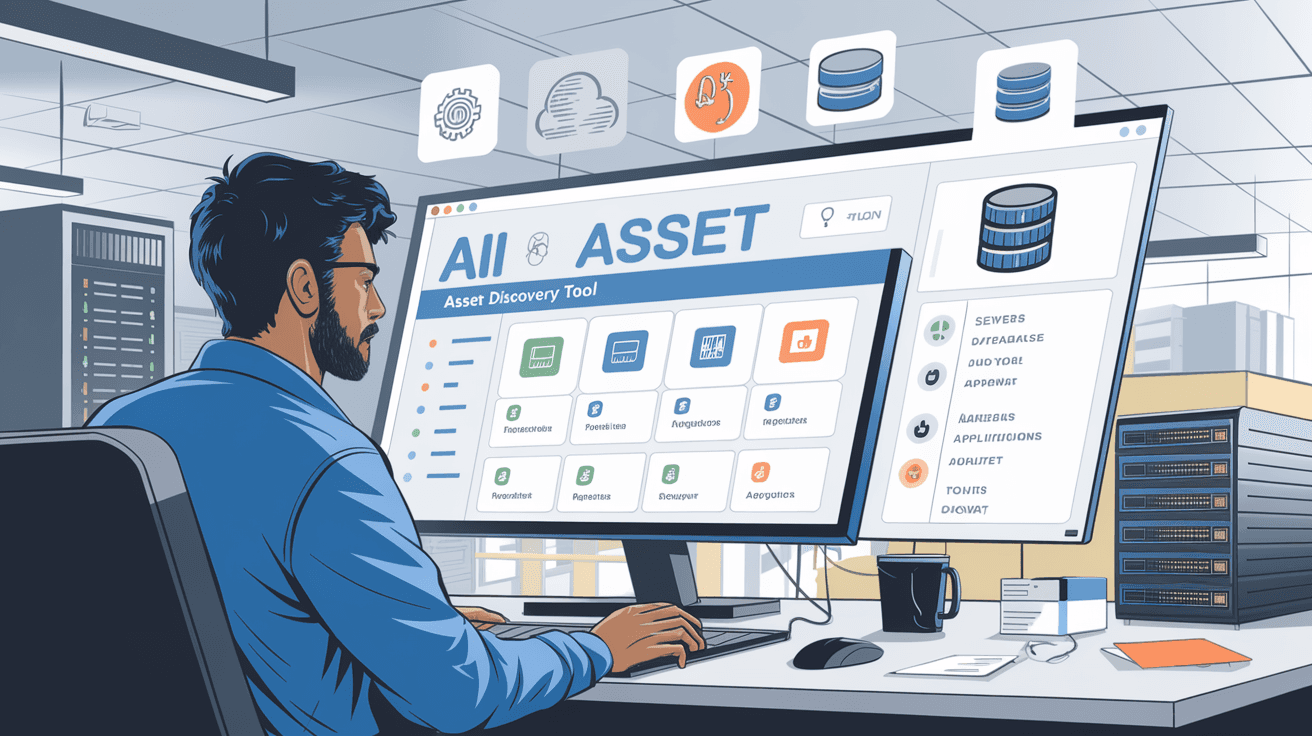
An asset discovery tool is software that scans your network to identify and list all connected devices and software. It helps you get a clear picture of your IT environment by finding assets like computers, servers, printers, mobile devices, and applications.
How It Works
- Network Scanning: The tool scans IP addresses and network segments to detect devices.
- Data Collection: It gathers details such as device type, operating system, software versions, and hardware specs.
- Inventory Creation: The tool compiles this data into an organized inventory or database.
- Continuous Monitoring: Many tools update the inventory regularly to track changes.
This process helps IT teams understand what assets they have, where they are, and their current status.
Why Is Asset Discovery Important?
Without knowing what assets exist, managing IT infrastructure becomes risky and inefficient. Asset discovery tools provide several benefits:
- Improved Security: Identifying all devices helps spot unauthorized or vulnerable assets.
- Compliance: Many regulations require accurate asset inventories for audits.
- Cost Management: Knowing what you own prevents unnecessary purchases and helps with budgeting.
- Simplified Troubleshooting: IT teams can quickly locate and fix issues on specific devices.
- Better Planning: Accurate data supports upgrades, migrations, and capacity planning.
Types of Asset Discovery Tools
There are different types of asset discovery tools based on how they scan and what they focus on.
Agent-Based Discovery
- Requires installing software agents on each device.
- Agents report detailed information back to a central system.
- Provides deep insights but needs management of agents.
Agentless Discovery
- Scans the network without installing software on devices.
- Uses protocols like SNMP, WMI, or SSH to gather data.
- Easier to deploy but may provide less detailed information.
Passive Discovery
- Monitors network traffic to identify devices.
- Does not actively scan but listens to data packets.
- Useful for detecting unknown or rogue devices.
Active Discovery
- Sends probes or requests to devices to gather information.
- More thorough but can generate network traffic.
Key Features to Look for in an Asset Discovery Tool
When choosing an asset discovery tool, consider these features:
- Comprehensive Scanning: Ability to detect a wide range of devices and software.
- Automated Updates: Regularly refreshes inventory without manual input.
- Integration: Works with other IT management systems like CMDB or ticketing tools.
- Reporting: Provides clear, customizable reports for audits and analysis.
- Security: Supports secure scanning methods and protects sensitive data.
- User-Friendly Interface: Easy to navigate and understand for IT staff.
How Asset Discovery Tools Enhance IT Security
Security teams rely on asset discovery to reduce risks. Here’s how these tools help:
- Identify Shadow IT: Detect devices or software not approved by IT.
- Patch Management: Know which devices need updates or patches.
- Vulnerability Assessment: Link asset data with vulnerability scanners.
- Incident Response: Quickly find affected devices during a security event.
- Access Control: Ensure only authorized devices connect to the network.
Real-World Examples of Asset Discovery Tools
Several popular tools are widely used in the industry:
| Tool Name | Type | Notable Features |
| SolarWinds NCM | Agentless | Network device discovery and configuration management |
| ManageEngine AD | Agent-based | Detailed hardware and software inventory |
| Lansweeper | Agentless | Comprehensive IT asset management |
| Qualys AssetView | Active & Passive | Cloud-based with security integration |
These tools vary in complexity and price, so you can find one that fits your needs.
Best Practices for Using Asset Discovery Tools
To get the most from your asset discovery tool, follow these tips:
- Regular Scans: Schedule scans frequently to keep data current.
- Combine Methods: Use both agent-based and agentless approaches if possible.
- Integrate with CMDB: Sync asset data with your configuration management database.
- Train Staff: Ensure your IT team knows how to use the tool effectively.
- Review Reports: Analyze inventory reports to spot anomalies or outdated assets.
Challenges and Limitations
While asset discovery tools are powerful, they have some challenges:
- Incomplete Detection: Some devices may be hidden or offline during scans.
- Network Impact: Active scanning can slow down network performance.
- Data Overload: Large environments generate huge amounts of data to manage.
- Security Risks: Poorly secured tools can expose sensitive asset information.
Understanding these limitations helps you plan and use the tool wisely.
Conclusion
An asset discovery tool is essential for managing your IT environment effectively. It helps you find, track, and manage all your devices and software automatically. This visibility improves security, compliance, and operational efficiency.
By choosing the right tool and following best practices, you can keep your IT assets organized and secure. Whether you manage a small business or a large enterprise, asset discovery tools make your job easier and your network safer.
FAQs
What types of assets can an asset discovery tool find?
Asset discovery tools can find hardware like computers, servers, printers, and mobile devices, as well as software applications, operating systems, and network devices.
How often should I run asset discovery scans?
It’s best to schedule scans regularly, such as weekly or monthly, to keep your inventory up to date and catch any new or changed assets.
Can asset discovery tools detect unauthorized devices?
Yes, many tools can identify unknown or unauthorized devices connected to your network, helping improve security.
Is agent-based or agentless discovery better?
Both have pros and cons. Agent-based offers detailed data but requires installation, while agentless is easier to deploy but may provide less detail.
How do asset discovery tools help with compliance?
They provide accurate and up-to-date asset inventories needed for audits and regulatory requirements, ensuring you meet compliance standards.




