
What is Application Proxy
Introduction
You might have heard the term "application proxy" but wondered what it really means and why it matters. In today’s digital world, keeping your apps and data secure while ensuring smooth access is crucial. An application proxy plays a key role in this balance.
In this article, I’ll explain what an application proxy is, how it works, and why you should care about it. Whether you manage a business network or just want to understand internet security better, this guide will help you grasp the basics and benefits of application proxies.
What Is an Application Proxy?
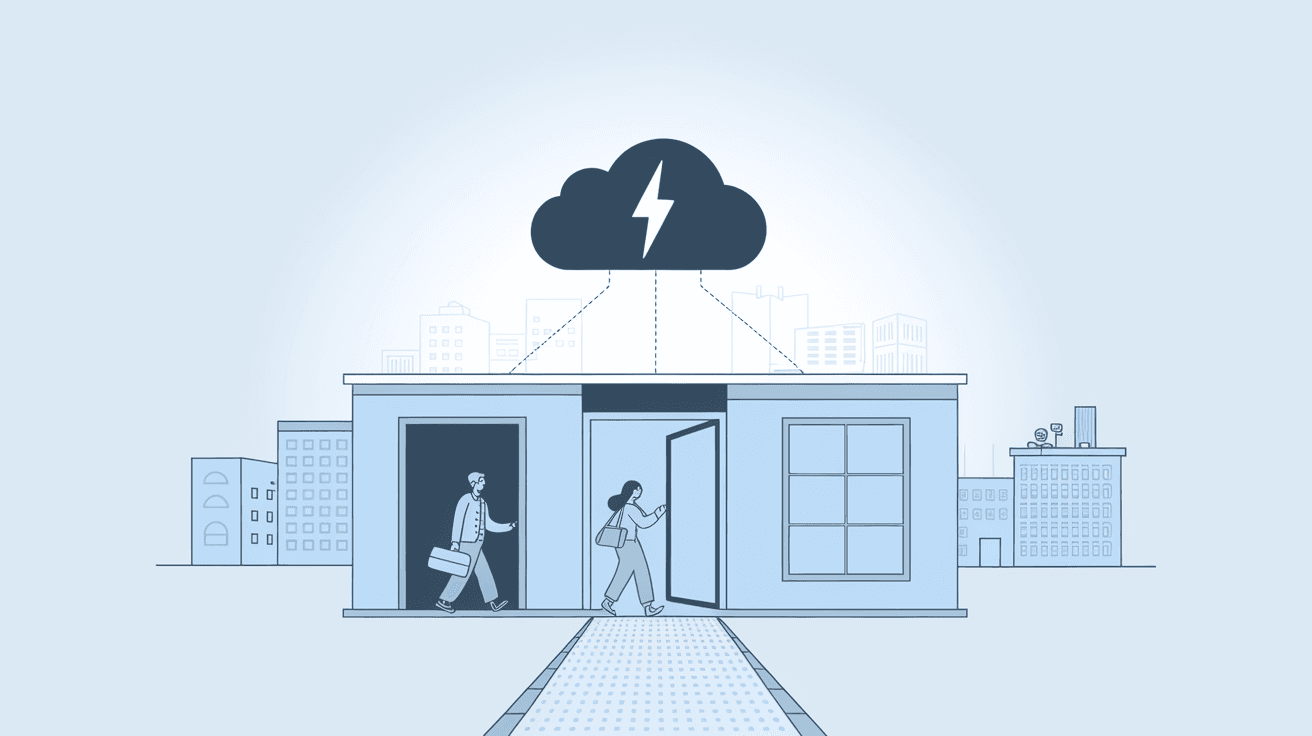
An application proxy is a type of server that acts as an intermediary between a user’s device and a specific application or service on the internet. Unlike a traditional proxy that handles all network traffic, an application proxy focuses on a single application or protocol.
This means when you use an application proxy, your requests go through this server first. The proxy then forwards your request to the target application and sends the response back to you. This setup helps control, filter, and secure the communication between you and the application.
How Application Proxy Differs from Other Proxies
- Traditional Proxy: Handles all types of traffic, often at the network or transport layer.
- Application Proxy: Works at the application layer, understanding the specific protocol or app data.
- Reverse Proxy: Sits in front of servers to manage incoming traffic, often for load balancing or security.
By focusing on the application layer, application proxies can inspect and filter data more deeply, improving security and performance.
How Does an Application Proxy Work?
An application proxy works by intercepting requests from a client and forwarding them to the target application. Here’s a simple breakdown of the process:
- User Request: You send a request to access an application or service.
- Proxy Interception: The application proxy receives your request.
- Request Inspection: The proxy examines the request to check for security threats or policy compliance.
- Forwarding: If the request is safe, the proxy forwards it to the application server.
- Response Handling: The application server sends back the response to the proxy.
- Response Inspection: The proxy checks the response for any harmful content.
- Delivery: The proxy sends the safe response back to you.
This process ensures that only safe and authorized traffic reaches the application, protecting both the user and the service.
Key Features of Application Proxies
- Protocol Awareness: Understands specific application protocols like HTTP, FTP, or SIP.
- Content Filtering: Blocks malicious or unwanted content.
- Authentication: Verifies user identity before granting access.
- Logging and Monitoring: Tracks user activity for security audits.
- Encryption Support: Can handle encrypted traffic securely.
Why Use an Application Proxy?
Using an application proxy offers several benefits, especially for businesses and organizations that need to protect sensitive data and control access.
Enhanced Security
Application proxies provide a strong security layer by inspecting traffic at the application level. They can detect and block threats like malware, phishing attempts, or unauthorized access before they reach your network.
Access Control
You can set policies to control who can access specific applications and what actions they can perform. This is useful for enforcing company rules or regulatory compliance.
Privacy and Anonymity
By masking your IP address and routing traffic through the proxy, application proxies help protect your identity and location from external servers.
Performance Improvement
Some application proxies cache frequently requested data, reducing load times and saving bandwidth.
Simplified Network Management
Since the proxy handles all application traffic, it’s easier to monitor and manage network usage and security from a central point.
Common Use Cases for Application Proxies
Application proxies are used in various scenarios to improve security and performance.
Corporate Network Security
Companies use application proxies to control employee access to web applications and prevent data leaks. They can enforce authentication and monitor usage.
Remote Access Solutions
Application proxies enable secure remote access to internal applications without exposing the entire network. This is common in zero-trust security models.
Content Filtering and Parental Controls
Schools and parents use application proxies to block inappropriate content on specific applications or websites.
Cloud Services Integration
Many cloud providers offer application proxy services to secure access to cloud applications, ensuring only authorized users can connect.
Application Proxy vs VPN: What’s the Difference?
Both application proxies and VPNs help secure your internet traffic, but they work differently.
| Feature | Application Proxy | VPN |
| Traffic Scope | Specific application or protocol | All network traffic |
| Security Level | Application-level inspection and filtering | Encrypts all traffic, hides IP |
| Use Case | Secure access to particular apps | Secure overall internet connection |
| Performance Impact | Usually minimal, can cache data | May slow down due to full encryption |
| Setup Complexity | Often simpler for specific apps | Requires client software and configuration |
If you want to secure just one app or service, an application proxy is a good choice. For full device protection, a VPN is better.
How to Set Up an Application Proxy
Setting up an application proxy depends on your environment and needs, but here are general steps:
- Choose the Proxy Software or Service: Options include Microsoft Azure AD Application Proxy, Squid Proxy, or cloud-based solutions.
- Install and Configure: Set up the proxy server on your network or cloud platform.
- Define Access Policies: Specify who can access which applications and under what conditions.
- Enable Authentication: Integrate with identity providers like Active Directory or OAuth.
- Test the Setup: Verify that users can access applications securely through the proxy.
- Monitor and Maintain: Regularly check logs and update policies as needed.
Tips for Effective Setup
- Use strong authentication methods.
- Keep proxy software updated.
- Regularly review access logs.
- Combine with other security tools like firewalls.
Challenges and Limitations of Application Proxies
While application proxies offer many benefits, they also have some challenges.
- Complex Configuration: Setting up and managing proxies can be tricky, especially for large networks.
- Performance Overhead: Inspecting traffic deeply may slow down connections if not optimized.
- Limited Protocol Support: Some proxies only support certain applications or protocols.
- Potential Single Point of Failure: If the proxy server goes down, users may lose access to applications.
Understanding these limitations helps you plan better and choose the right solution.
Future Trends in Application Proxy Technology
Application proxies continue to evolve with advances in security and cloud computing.
- Integration with Zero Trust Security: Application proxies are key components in zero trust models, verifying every access request.
- AI-Powered Threat Detection: Using artificial intelligence to detect sophisticated attacks in real time.
- Cloud-Native Proxies: More proxies are moving to cloud platforms for scalability and easier management.
- Support for New Protocols: Expanding to secure emerging application types like IoT and real-time communications.
These trends mean application proxies will become even more important for secure and efficient network access.
Conclusion
Now you know that an application proxy is a specialized server that helps secure and control access to specific applications. It works by intercepting and inspecting traffic at the application level, offering benefits like enhanced security, access control, and improved performance.
Whether you’re managing a business network or just curious about internet security, understanding application proxies helps you make smarter decisions about protecting your data and apps. As technology advances, application proxies will keep playing a vital role in keeping our digital world safe and efficient.
FAQs
What is the main purpose of an application proxy?
An application proxy’s main purpose is to act as an intermediary between users and specific applications, inspecting and controlling traffic to improve security and access management.
How does an application proxy improve security?
It inspects application-level data, blocks malicious content, enforces authentication, and monitors traffic to prevent unauthorized access and threats.
Can an application proxy handle encrypted traffic?
Yes, many application proxies support encryption protocols like SSL/TLS, allowing them to inspect and secure encrypted data safely.
Is an application proxy the same as a VPN?
No. An application proxy secures specific app traffic, while a VPN encrypts all network traffic from your device for broader protection.
What are common examples of application proxies?
Examples include Microsoft Azure AD Application Proxy, Squid Proxy, and cloud-based proxies used for secure remote access and content filtering.




