
What is Application Layer Gateway
Introduction
When you hear the term "Application Layer Gateway," you might wonder what it means and why it matters. If you’re managing a network or just curious about how internet traffic is controlled, understanding this concept can help you grasp how data flows safely and efficiently.
In this article, I’ll explain what an Application Layer Gateway (ALG) is, how it works, and why it plays a crucial role in modern networks. You’ll also learn about its benefits, common uses, and how it fits into network security.
What is an Application Layer Gateway?
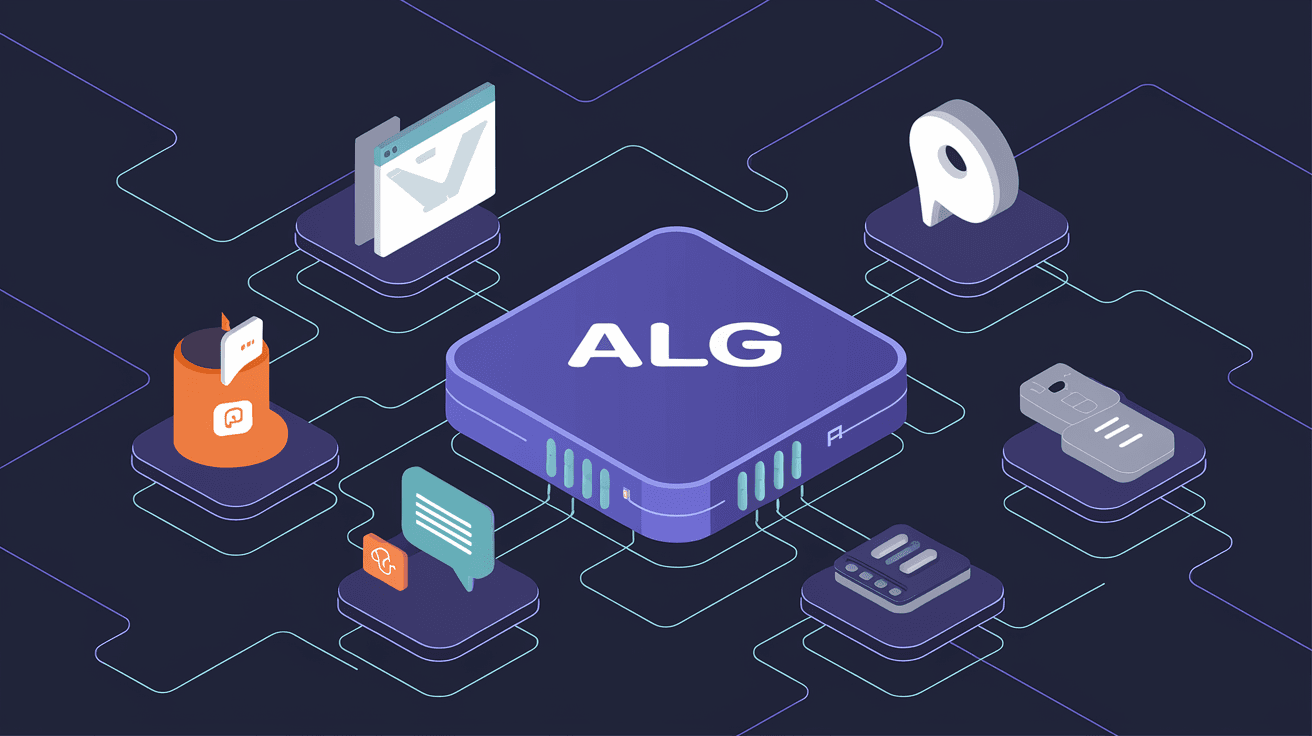
An Application Layer Gateway is a specialized network component that manages and controls traffic at the application layer of the OSI model. Unlike basic firewalls or routers that work on lower layers, an ALG understands the specific protocols and data formats used by applications.
This means it can inspect, modify, or filter traffic based on the actual content of the communication, not just the source or destination IP addresses and ports. For example, it can handle protocols like FTP, SIP, or HTTP by interpreting their commands and data.
Key Characteristics of an ALG
- Operates at the application layer (Layer 7) of the OSI model.
- Understands specific application protocols.
- Can modify or inspect data packets in real-time.
- Helps manage complex protocols that use dynamic ports or embedded IP addresses.
- Works alongside firewalls and NAT devices to improve security and connectivity.
How Does an Application Layer Gateway Work?
An ALG works by intercepting traffic between a client and a server. It analyzes the application data to understand the communication’s intent. Based on this, it can perform several actions:
- Modify packet headers or payloads: For example, when a protocol embeds IP addresses inside the data, the ALG updates these addresses to match the network’s NAT translations.
- Open dynamic ports: Some protocols use random ports for data transfer. The ALG detects these and opens the necessary ports temporarily.
- Filter traffic: It can block or allow specific commands or data based on security policies.
- Assist in protocol negotiation: For protocols that require session setup, the ALG helps manage the handshake process.
Example: FTP and ALG
FTP (File Transfer Protocol) uses separate channels for commands and data. The data channel often uses a dynamic port. Without an ALG, a firewall or NAT device might block this data channel because it doesn’t know which port to allow.
An ALG for FTP watches the command channel, detects the port used for data transfer, and opens that port automatically. This ensures smooth FTP sessions without manual configuration.
Why is an Application Layer Gateway Important?
You might ask, why not just use a firewall or NAT device without an ALG? The answer lies in the complexity of modern protocols and the need for secure, reliable communication.
Benefits of Using an ALG
- Improved Protocol Compatibility: Many protocols embed IP addresses or use dynamic ports. ALG ensures these protocols work correctly through firewalls and NAT.
- Enhanced Security: By inspecting application data, ALG can block malicious commands or suspicious traffic that simple firewalls might miss.
- Simplified Network Configuration: ALG automates port management and protocol handling, reducing the need for manual firewall rules.
- Better User Experience: Applications that rely on complex protocols run smoothly without connectivity issues.
Common Use Cases for Application Layer Gateways
ALGs are widely used in various network environments to support specific applications and protocols. Here are some common scenarios:
1. Voice over IP (VoIP)
VoIP protocols like SIP and H.323 use dynamic ports and embed IP addresses in their messages. ALGs help manage these protocols by:
- Translating embedded IP addresses for NAT traversal.
- Opening dynamic ports for voice and video streams.
- Ensuring call setup and teardown processes work correctly.
2. File Transfer Protocol (FTP)
As mentioned earlier, FTP uses separate command and data channels. ALG supports FTP by:
- Monitoring control commands.
- Opening data ports dynamically.
- Modifying embedded IP addresses for NAT.
3. Instant Messaging and Video Conferencing
Applications like Skype or Zoom use complex protocols that require dynamic port management and protocol inspection. ALGs help maintain connectivity and security for these apps.
4. HTTP and HTTPS Inspection
Some ALGs can inspect web traffic to enforce security policies, block malicious content, or optimize performance.
How Does ALG Fit with Firewalls and NAT?
Firewalls and NAT devices work at lower layers of the network stack. NAT changes IP addresses and ports to allow multiple devices to share a single public IP. Firewalls block or allow traffic based on rules.
However, many application protocols embed IP addresses or use dynamic ports, which can confuse NAT and firewalls. ALG acts as a bridge by:
- Understanding the application protocol.
- Adjusting embedded IP addresses to match NAT translations.
- Opening and closing ports dynamically as needed.
- Enforcing security policies at the application level.
This cooperation ensures that applications work seamlessly without compromising security.
Challenges and Limitations of Application Layer Gateways
While ALGs provide many benefits, they also have some challenges:
- Performance Impact: Inspecting and modifying traffic at the application layer requires processing power, which can slow down network performance.
- Complexity: Configuring and managing ALGs can be complex, especially in large networks with many protocols.
- Compatibility Issues: Some ALGs may not support all versions or variants of protocols, leading to connectivity problems.
- Security Risks: If not properly configured, ALGs can introduce vulnerabilities by mishandling traffic or exposing sensitive data.
How to Configure and Use an Application Layer Gateway
If you want to use an ALG, here are some general steps:
- Identify the protocols your network uses: Know which applications require ALG support.
- Enable ALG on your firewall or router: Many devices have built-in ALG features that can be turned on or off.
- Configure ALG settings: Adjust parameters like port ranges, protocol versions, or inspection depth.
- Test connectivity: Verify that applications work correctly through the network.
- Monitor performance and security: Keep an eye on traffic logs and system performance to detect issues.
Tips for Effective ALG Use
- Use ALGs only for protocols that need them to avoid unnecessary overhead.
- Keep your network devices updated to support the latest ALG features.
- Combine ALG with other security measures like intrusion detection and prevention systems.
- Document your ALG configurations for troubleshooting and audits.
Future Trends in Application Layer Gateways
As network applications evolve, ALGs are also adapting. Some trends include:
- Integration with AI: Using artificial intelligence to better detect malicious traffic and optimize protocol handling.
- Cloud-based ALGs: Moving ALG functions to cloud services for scalability and easier management.
- Support for New Protocols: Expanding ALG capabilities to handle emerging protocols in IoT and 5G networks.
- Enhanced Encryption Handling: Improving ALG’s ability to inspect encrypted traffic without compromising privacy.
These developments will make ALGs even more vital in securing and managing modern networks.
Conclusion
Understanding what an Application Layer Gateway is helps you see how complex network traffic is managed behind the scenes. ALGs play a key role in making sure applications that use dynamic ports or embed IP addresses work smoothly through firewalls and NAT devices.
By inspecting and modifying traffic at the application layer, ALGs improve security, compatibility, and user experience. Whether you’re managing VoIP calls, FTP transfers, or video conferences, ALGs help keep your network running efficiently and securely.
As networks grow more complex, ALGs will continue to evolve, offering smarter and more flexible solutions for application traffic management.
FAQs
What protocols commonly require an Application Layer Gateway?
Protocols like FTP, SIP, H.323, and some instant messaging or video conferencing protocols often need ALG support due to their use of dynamic ports and embedded IP addresses.
Can an Application Layer Gateway improve network security?
Yes, ALGs inspect application data and can block malicious commands or suspicious traffic that basic firewalls might miss, enhancing overall network security.
Does using an ALG affect network performance?
Inspecting and modifying traffic at the application layer requires processing power, which can impact performance, especially on busy networks or with complex protocols.
Are ALGs built into most firewalls and routers?
Many modern firewalls and routers include built-in ALG features that can be enabled or disabled depending on network needs.
How does ALG help with NAT traversal?
ALG modifies embedded IP addresses and opens dynamic ports as needed, allowing protocols that embed IP information to work correctly through NAT devices.




