
What is Antivirus Software
Introduction
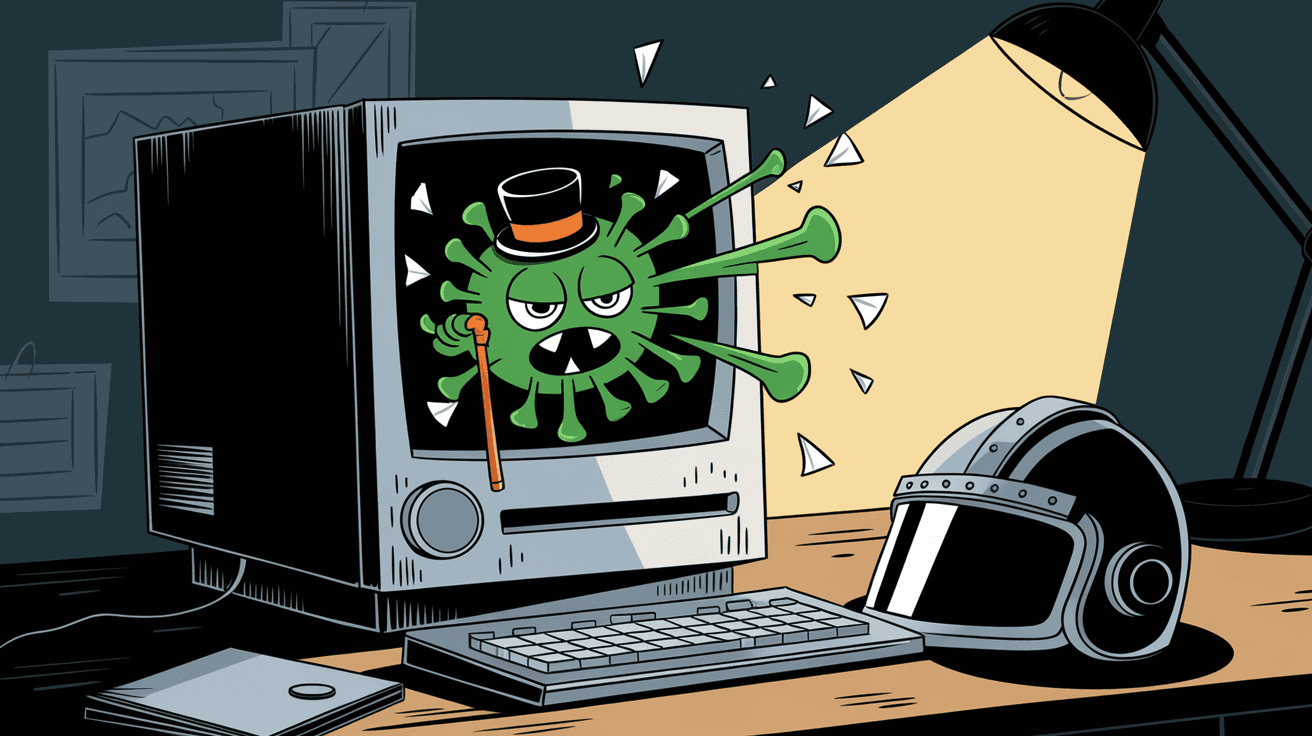
You might have heard about antivirus software but wondered what it really does. In simple terms, antivirus software is a program designed to protect your computer or device from harmful threats like viruses, malware, and spyware. It acts like a digital shield, keeping your information safe and your device running smoothly.
In today’s world, where cyber threats are everywhere, having antivirus software is more important than ever. Whether you use a laptop, smartphone, or tablet, antivirus programs help you avoid risks that could damage your data or steal your personal information. Let’s explore what antivirus software is, how it works, and why you need it.
What Is Antivirus Software?
Antivirus software is a type of security program that detects, prevents, and removes malicious software from your devices. These malicious programs, often called malware, include viruses, worms, trojans, ransomware, and spyware. Antivirus software scans files and programs to find anything suspicious and stops it before it can cause harm.
Here’s what antivirus software typically does:
- Scans files and programs for known threats using a database of virus definitions.
- Monitors system activity to detect unusual behavior that might indicate malware.
- Removes or quarantines infected files to prevent further damage.
- Updates regularly to recognize new threats as they emerge.
Antivirus software works quietly in the background, giving you peace of mind while you browse the internet, download files, or open emails.
How Does Antivirus Software Work?
Antivirus software uses several methods to protect your device. The main techniques include signature-based detection, heuristic analysis, and real-time scanning.
Signature-Based Detection
This is the most common method. Antivirus programs compare files on your device to a database of known virus signatures. Each virus has a unique signature, like a fingerprint. If a file matches a signature, the software flags it as a threat.
- Relies on regularly updated virus databases.
- Effective against known malware.
- Limited against new or unknown threats.
Heuristic Analysis
Heuristic analysis looks for suspicious behavior or code patterns that might indicate a new or unknown virus. It doesn’t rely on known signatures but instead uses rules and algorithms to detect potential threats.
- Helps catch zero-day attacks (new malware).
- Can sometimes produce false positives.
- Works alongside signature detection for better protection.
Real-Time Scanning
Real-time scanning monitors your device continuously. It checks files as you open, download, or run them. This immediate scanning helps stop threats before they can infect your system.
- Provides instant protection.
- Uses system resources but is optimized for minimal impact.
- Alerts you immediately if a threat is found.
Why Is Antivirus Software Important?
You might wonder if antivirus software is really necessary. The answer is yes, especially with the rise of cybercrime. Here’s why antivirus software is essential:
- Protects personal data: Antivirus software helps keep your passwords, banking info, and personal files safe from hackers.
- Prevents system damage: Malware can slow down or crash your device. Antivirus programs help maintain your device’s performance.
- Blocks phishing attacks: Many antivirus tools include features that warn you about fake websites or dangerous emails.
- Stops ransomware: Antivirus software can detect and block ransomware, which locks your files until you pay a ransom.
- Supports safe browsing: Some antivirus programs offer secure browsing tools to protect you from malicious websites.
Without antivirus protection, your device is vulnerable to attacks that can lead to data loss, identity theft, or costly repairs.
Types of Antivirus Software
There are different types of antivirus software to suit various needs. Here’s a quick look at the main categories:
Free Antivirus Software
Many companies offer free antivirus programs with basic protection. These are good for casual users who want essential security without extra features.
- Basic virus scanning and removal.
- Limited real-time protection.
- May include ads or prompts to upgrade.
Paid Antivirus Software
Paid versions provide more comprehensive protection and extra features like firewalls, VPNs, and parental controls.
- Advanced malware detection.
- Real-time protection with fewer false alarms.
- Additional tools for privacy and security.
Enterprise Antivirus Solutions
Businesses use enterprise antivirus software to protect multiple devices and networks. These solutions offer centralized management and stronger security controls.
- Scalable for large organizations.
- Includes threat intelligence and reporting.
- Supports compliance with security regulations.
How to Choose the Right Antivirus Software
Choosing antivirus software can be confusing with so many options available. Here are some tips to help you pick the right one:
- Check compatibility: Make sure the software works with your device’s operating system.
- Look for regular updates: Frequent updates ensure protection against the latest threats.
- Consider features: Decide if you need extras like firewall, VPN, or parental controls.
- Read reviews: Look for trusted reviews and independent lab test results.
- Evaluate performance: Choose software that protects without slowing down your device.
Common Features of Antivirus Software
Most antivirus programs offer a set of core features to keep your device safe. Here are some common ones:
- Virus scanning: Checks files and programs for malware.
- Real-time protection: Monitors your device continuously.
- Automatic updates: Keeps virus definitions current.
- Quarantine: Isolates suspicious files safely.
- Scheduled scans: Allows you to set regular scans.
- Email protection: Scans attachments and links.
- Web protection: Blocks dangerous websites.
Some advanced antivirus software also includes:
- Firewall: Controls network traffic to prevent unauthorized access.
- VPN: Encrypts your internet connection for privacy.
- Password manager: Stores and manages your passwords securely.
- Parental controls: Helps protect children online.
How to Use Antivirus Software Effectively
Installing antivirus software is just the first step. To get the most out of it, follow these tips:
- Keep it updated: Always install updates to stay protected against new threats.
- Run regular scans: Schedule full system scans weekly or monthly.
- Don’t ignore alerts: Take action immediately if the software detects a threat.
- Avoid suspicious links and downloads: Antivirus helps, but safe browsing habits are crucial.
- Use strong passwords: Protect your accounts to reduce risk.
- Backup your data: Regular backups help recover files if malware strikes.
Common Myths About Antivirus Software
There are many misconceptions about antivirus software. Let’s clear up a few:
Myth: Antivirus software slows down my computer.
Modern antivirus programs are optimized to run quietly without major impact on performance.Myth: I don’t need antivirus if I’m careful online.
Even cautious users can be exposed to hidden threats like infected ads or compromised websites.Myth: Antivirus software protects against all cyber threats.
Antivirus is vital but should be part of a broader security strategy including firewalls and safe habits.Myth: Free antivirus is not effective.
Many free antivirus programs offer solid basic protection for everyday users.
Conclusion
Antivirus software is a crucial tool to keep your devices safe from viruses, malware, and other cyber threats. It works by scanning files, monitoring activity, and removing harmful programs before they cause damage. Whether you choose free or paid software, having antivirus protection is essential in today’s digital world.
By understanding how antivirus software works and using it properly, you can protect your personal data and enjoy a safer online experience. Remember, antivirus software is just one part of good cybersecurity. Combine it with smart browsing habits and regular updates to stay secure.
FAQs
What is the main purpose of antivirus software?
Antivirus software protects your device by detecting, blocking, and removing malicious software like viruses and malware. It helps keep your data safe and your system running smoothly.
How often should I update my antivirus software?
You should update your antivirus software as soon as updates are available. Regular updates ensure your software can detect the latest threats effectively.
Can antivirus software protect against ransomware?
Yes, many antivirus programs include ransomware protection. They detect suspicious behavior and block ransomware before it can encrypt your files.
Is free antivirus software enough for basic protection?
Free antivirus software provides basic protection suitable for casual users. For advanced features and stronger security, paid versions are recommended.
Does antivirus software slow down my computer?
Modern antivirus software is designed to run efficiently with minimal impact on performance. Occasional scans may use more resources but generally won’t slow your device significantly.




