
What is Antivirus
Introduction
You might have heard the term "antivirus" many times, but what exactly is antivirus software? In simple terms, antivirus is a program designed to protect your computer, phone, or tablet from harmful software called malware. These threats can steal your information, slow down your device, or even damage your files.
In this article, I’ll explain what antivirus software does, how it works, and why you need it. Whether you’re a beginner or just want to refresh your knowledge, you’ll learn how antivirus keeps your digital life safe and secure.
What Is Antivirus Software?
Antivirus software is a type of program that helps detect, prevent, and remove malicious software from your devices. Malware includes viruses, worms, trojans, ransomware, spyware, and more. These harmful programs can cause serious problems, such as stealing your passwords or corrupting your files.
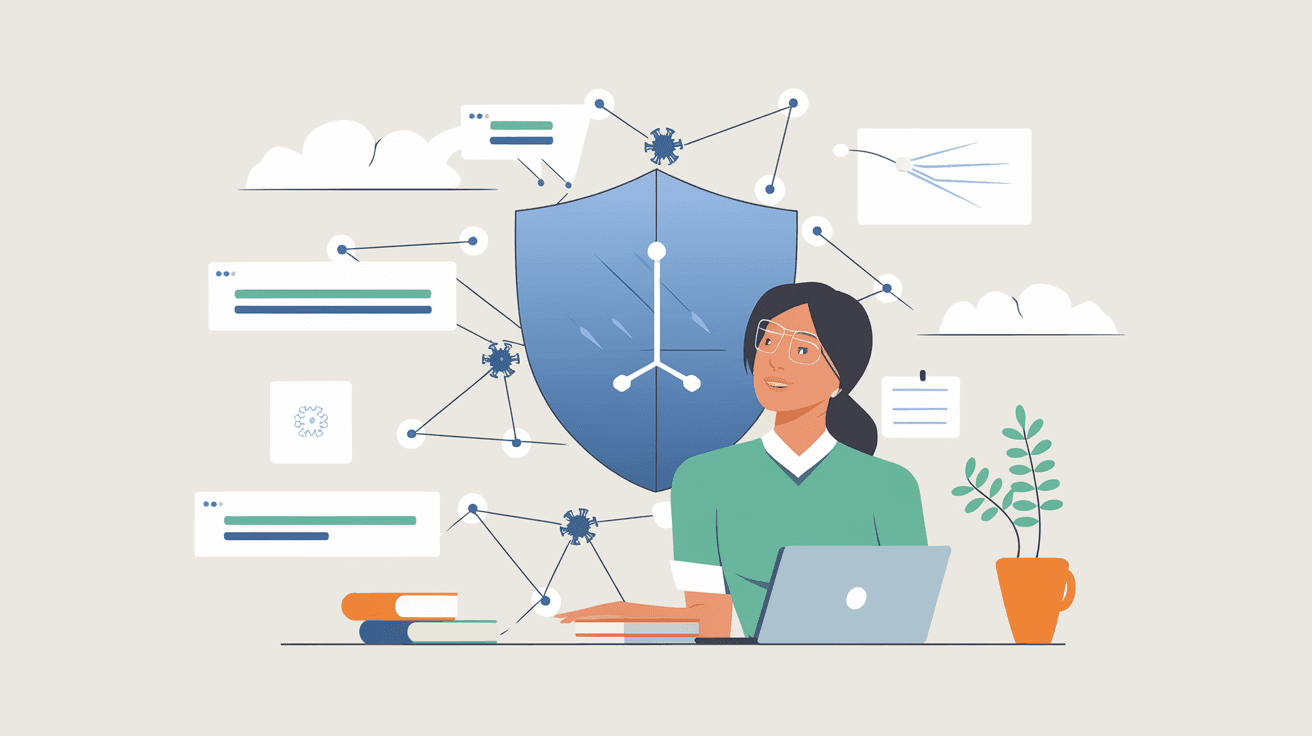
Antivirus acts like a security guard for your device. It scans files and programs to find anything suspicious and stops it before it can cause damage. Most antivirus programs run in the background, constantly monitoring your system without interrupting your work.
Key Functions of Antivirus Software
- Detection: Scans files and programs for known malware signatures.
- Prevention: Blocks suspicious activities and unsafe websites.
- Removal: Deletes or quarantines infected files.
- Real-time Protection: Monitors your device continuously for threats.
- Automatic Updates: Keeps the software up to date with the latest malware definitions.
How Does Antivirus Work?
Antivirus software uses several methods to protect your device. The most common way is by scanning files and comparing them to a database of known malware signatures. If a match is found, the antivirus alerts you and takes action.
Besides signature-based detection, modern antivirus programs use advanced techniques like heuristic analysis and behavior monitoring. These help identify new or unknown threats by looking at how programs behave rather than just matching known patterns.
Methods Antivirus Uses
- Signature-Based Detection: Matches files against a database of known malware.
- Heuristic Analysis: Detects new threats by analyzing suspicious behavior.
- Behavior Monitoring: Watches how programs act in real time to catch unusual activity.
- Sandboxing: Runs suspicious files in a safe environment to test their behavior.
- Cloud-Based Protection: Uses online databases to quickly identify threats.
Why Do You Need Antivirus Software?
Every device connected to the internet is at risk of malware attacks. Cybercriminals create new viruses and scams every day to steal your data or money. Antivirus software helps protect you from these dangers.
Without antivirus, your device is vulnerable to:
- Data theft and identity fraud.
- Ransomware locking your files.
- Slow performance due to malware running in the background.
- Loss of important documents and photos.
- Unauthorized access to your accounts.
Using antivirus software gives you peace of mind. It acts as a shield, reducing the risk of infection and helping you recover if something goes wrong.
Types of Antivirus Software
There are different types of antivirus software available, each designed for specific needs. Choosing the right one depends on your device, usage, and budget.
Free Antivirus
Many companies offer free antivirus programs that provide basic protection. These are good for casual users who want simple security without extra features.
- Basic malware scanning and removal.
- Real-time protection.
- Limited customer support.
- May include ads or prompts to upgrade.
Paid Antivirus
Paid antivirus software offers more advanced features and stronger protection. It’s ideal for users who want comprehensive security.
- Enhanced malware detection.
- Firewall and network protection.
- Anti-phishing and anti-spam tools.
- Parental controls and privacy protection.
- Priority customer support.
Enterprise Antivirus
Businesses use enterprise antivirus solutions to protect multiple devices and networks. These programs include centralized management and advanced threat detection.
- Network-wide protection.
- Automated updates and reporting.
- Integration with other security tools.
- Support for compliance and regulations.
How to Choose the Right Antivirus for You
Choosing antivirus software can be confusing with so many options available. Here are some tips to help you pick the best one:
- Check Compatibility: Make sure it works with your device’s operating system.
- Look for Real-Time Protection: Continuous monitoring is essential.
- Consider Features: Decide if you need extras like firewall or parental controls.
- Read Reviews: Trusted tech sites and user feedback can guide you.
- Evaluate Price: Balance cost with the level of protection you need.
- Test Free Trials: Many paid antivirus programs offer free trials to try before buying.
Common Myths About Antivirus Software
There are many myths about antivirus software that can confuse users. Let’s clear up some common misconceptions.
Myth 1: Antivirus Slows Down Your Computer
While older antivirus programs could slow devices, modern software is designed to run efficiently. Most antivirus programs work quietly in the background without affecting performance.
Myth 2: Antivirus Is Only Needed on Windows
Malware can target any device, including Macs, smartphones, and tablets. Using antivirus on all your devices is a smart choice.
Myth 3: Antivirus Can Detect All Threats
No antivirus can catch every single threat. That’s why it’s important to keep your software updated and practice safe browsing habits.
Myth 4: Free Antivirus Is Not Safe
Free antivirus programs from reputable companies provide good basic protection. Just be cautious about unknown or suspicious free software.
How to Keep Your Antivirus Effective
Antivirus software is only as good as its updates and your habits. Here’s how to keep it working well:
- Update Regularly: Install updates to get the latest malware definitions.
- Run Full Scans: Schedule regular deep scans to catch hidden threats.
- Avoid Suspicious Links: Don’t click on unknown emails or websites.
- Use Strong Passwords: Protect your accounts from hackers.
- Backup Your Data: Keep copies of important files in case of infection.
Conclusion
Now you know that antivirus software is a vital tool for protecting your devices from malware and cyber threats. It works by detecting, preventing, and removing harmful programs that can damage your data or steal your information. Whether you use a free or paid version, antivirus helps keep your digital life safe.
Remember, antivirus is just one part of good online security. Staying cautious, updating your software, and backing up your data are equally important. By combining these habits, you can enjoy a safer and smoother experience on your devices.
FAQs
What is the main purpose of antivirus software?
Antivirus software protects your device by detecting, blocking, and removing malware like viruses, ransomware, and spyware. It helps keep your data safe and your device running smoothly.
Can antivirus software protect against all types of malware?
No antivirus can catch every threat, but modern programs use multiple detection methods to protect against most malware. Staying updated and practicing safe browsing improves protection.
Is antivirus software necessary for smartphones?
Yes, smartphones can get malware too. Using antivirus on your phone helps protect your personal data and prevents harmful apps from causing damage.
How often should I update my antivirus software?
You should update your antivirus software as soon as updates are available. Regular updates ensure your program can detect the latest threats.
Can I use free antivirus software safely?
Free antivirus software from trusted companies offers good basic protection. However, paid versions often provide more features and stronger security for advanced needs.




