
What is Adaptive Authentication
Introduction
You’ve probably heard about adaptive authentication, especially if you’re concerned about online security. But what exactly is it, and why is it becoming so important? In simple terms, adaptive authentication is a smarter way to verify your identity when you log into apps or websites. It adjusts the security checks based on the situation, making it easier for you while keeping hackers out.
We’ll explore how adaptive authentication works, why it’s better than traditional methods, and how it helps protect your accounts without making you jump through unnecessary hoops. By the end, you’ll understand why many companies are switching to this flexible security approach.
What Is Adaptive Authentication?
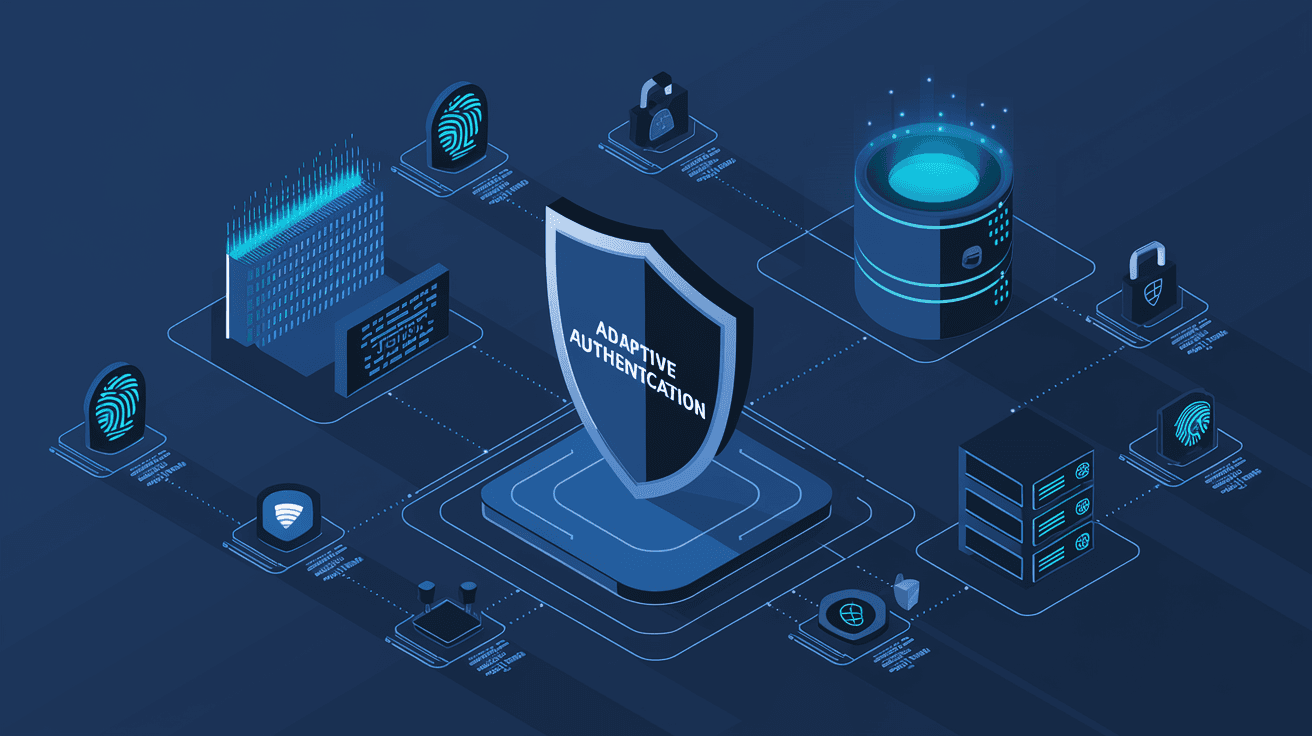
Adaptive authentication is a security method that changes the way it verifies your identity based on the risk level of your login attempt. Instead of using the same login steps every time, it looks at different factors to decide how strict the verification should be.
For example, if you log in from your usual device and location, it might only ask for your password. But if you try to log in from a new device or a different country, it could ask for extra proof, like a code sent to your phone.
How Adaptive Authentication Works
Adaptive authentication uses data points called "contextual factors" to assess the risk of a login attempt. These factors include:
- Device recognition: Is this a device you’ve used before?
- Location: Are you logging in from a familiar place?
- Time of access: Is this a usual time for you to log in?
- IP address: Does the IP address match your typical pattern?
- User behavior: Are you doing something unusual, like accessing sensitive data?
Based on these factors, the system decides whether to allow access, ask for more verification, or block the attempt altogether.
Why Adaptive Authentication Is Important
Traditional authentication methods, like just using a password, are no longer enough. Passwords can be stolen, guessed, or leaked. Adaptive authentication adds layers of security without annoying you with extra steps every time.
Here’s why it matters:
- Better security: It reduces the chance of unauthorized access by adapting to suspicious activity.
- Improved user experience: You don’t have to go through extra checks if everything looks normal.
- Reduced fraud: It helps catch fraudsters trying to use stolen credentials.
- Compliance: Many industries require stronger security measures, and adaptive authentication helps meet those rules.
Benefits of Adaptive Authentication
Adaptive authentication offers several advantages over static methods. Here are some key benefits:
- Flexibility: It adjusts security based on real-time risk.
- Convenience: Users face fewer hurdles during normal logins.
- Cost-effective: Reduces the need for costly security breaches and fraud investigations.
- Scalability: Works well for businesses of all sizes and industries.
- Integration: Can be combined with other security tools like biometrics or multi-factor authentication (MFA).
How Adaptive Authentication Enhances Security
Adaptive authentication strengthens security by using multiple layers and signals to verify identity. It doesn’t rely on just one factor, which can be compromised easily.
Risk-Based Decision Making
The core of adaptive authentication is risk-based decision making. The system evaluates the risk level of each login attempt and responds accordingly:
- Low risk: Allow access with just a password.
- Medium risk: Ask for additional verification like a one-time password (OTP).
- High risk: Block access or require multiple verification steps.
This approach helps stop attacks early and protects sensitive information.
Use of Machine Learning
Many adaptive authentication systems use machine learning to improve over time. They learn what normal behavior looks like for each user and detect anomalies faster. This means the system gets smarter and more accurate, reducing false alarms and improving security.
Examples of Adaptive Authentication in Action
You might already be using adaptive authentication without realizing it. Here are some common examples:
- Banking apps: If you log in from a new device, the app might send a text message with a code.
- Email services: They might ask for extra verification if you access your account from a different country.
- Corporate networks: Employees logging in remotely might need to complete additional checks.
- Online shopping: Websites might require extra verification if your purchase looks unusual.
These examples show how adaptive authentication balances security and convenience.
Implementing Adaptive Authentication
If you’re a business owner or IT professional, implementing adaptive authentication involves several steps:
- Identify risk factors: Determine which contextual data points to use.
- Choose technology: Select an adaptive authentication solution that fits your needs.
- Integrate with existing systems: Make sure it works with your current login and security tools.
- Set policies: Define when to require extra verification or block access.
- Monitor and adjust: Continuously review system performance and update rules.
Challenges and Considerations
While adaptive authentication is powerful, it’s not without challenges:
- Privacy concerns: Collecting data like location and behavior must respect user privacy laws.
- False positives: Sometimes legitimate users might be flagged as risky, causing frustration.
- Complexity: Setting up and managing adaptive authentication can be complex.
- Cost: Advanced systems may require investment in technology and training.
Balancing security and user experience is key to successful implementation.
Future of Adaptive Authentication
The future looks promising for adaptive authentication. As cyber threats evolve, so will the technology. Here are some trends to watch:
- More AI and machine learning: Smarter systems that adapt faster.
- Biometric integration: Using fingerprints, facial recognition, or voice as part of adaptive checks.
- Passwordless authentication: Moving beyond passwords to more secure methods.
- Cross-device authentication: Seamless security across multiple devices and platforms.
These advancements will make adaptive authentication even more effective and user-friendly.
Conclusion
Adaptive authentication is changing how we protect our digital identities. By adjusting security based on risk, it offers a smarter, more flexible way to keep accounts safe. You get strong protection without unnecessary hassle, which is a win-win.
Whether you’re a user or a business, understanding adaptive authentication helps you appreciate the balance between security and convenience. As threats grow, this approach will be essential for staying secure in a connected world.
FAQs
What makes adaptive authentication different from regular authentication?
Adaptive authentication changes the verification process based on risk factors like device, location, and behavior, while regular authentication uses the same steps every time.
Can adaptive authentication replace passwords?
It can reduce reliance on passwords by adding extra checks, but it usually works alongside passwords or other methods for stronger security.
Is adaptive authentication safe for user privacy?
Yes, but it requires careful handling of data to comply with privacy laws and protect user information.
How does adaptive authentication improve user experience?
It only asks for extra verification when needed, so users don’t face unnecessary steps during normal logins.
What industries benefit most from adaptive authentication?
Banking, healthcare, e-commerce, and corporate sectors benefit greatly due to their need for strong security and compliance.




