
What is Access Control Policy
Introduction
When you think about keeping your information safe, you might wonder how organizations decide who gets access to what. That’s where an access control policy comes in. It’s a set of rules that helps you control who can see or use your data, systems, or physical spaces. If you want to protect your business or personal information, understanding this policy is key.
In this article, I’ll explain what an access control policy is, why it’s important, and how you can create one that fits your needs. Whether you’re managing a small team or a large company, knowing how to control access properly can save you from security risks and data breaches.
What Is an Access Control Policy?
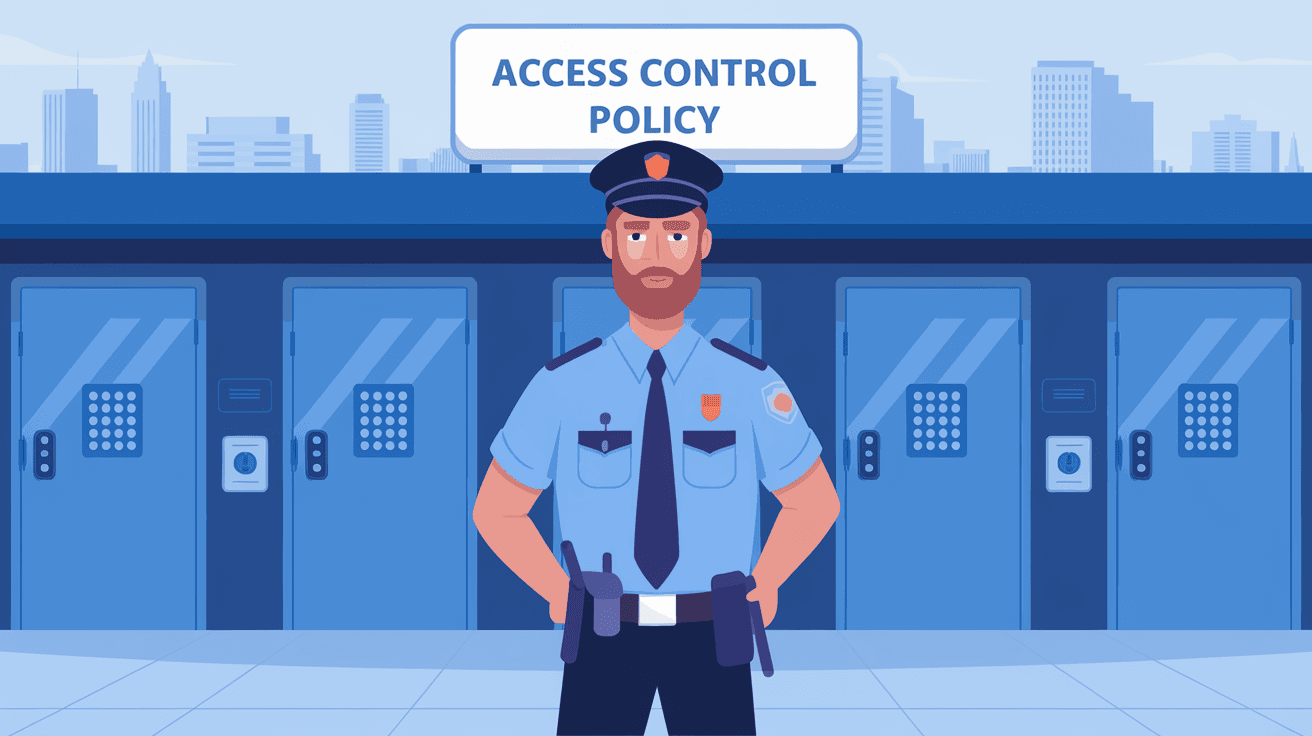
An access control policy is a formal document or set of guidelines that defines who can access specific resources and under what conditions. These resources can be anything from computer files and databases to physical buildings or rooms.
The main goal of this policy is to protect sensitive information and systems by ensuring only authorized people can use them. It acts like a gatekeeper, deciding who gets in and who doesn’t.
Key Elements of an Access Control Policy
- Users and Roles: Identifies who needs access (employees, contractors, guests).
- Resources: Specifies what needs protection (files, servers, rooms).
- Permissions: Defines what actions users can perform (read, write, delete).
- Conditions: Sets rules for when and how access is granted (time, location).
- Enforcement: Describes how the policy is applied and monitored.
Why Is an Access Control Policy Important?
You might ask, why bother with an access control policy? The answer is simple: it helps prevent unauthorized access, which can lead to data theft, fraud, or damage to your systems.
Here are some reasons why having a clear access control policy matters:
- Protects Sensitive Data: Keeps confidential information safe from leaks.
- Supports Compliance: Helps meet legal and industry regulations like GDPR or HIPAA.
- Reduces Risk: Limits the chance of insider threats or accidental data exposure.
- Improves Accountability: Tracks who accessed what and when, making it easier to investigate issues.
- Enhances Operational Efficiency: Ensures users have the right access to do their jobs without unnecessary delays.
Types of Access Control Policies
There are several types of access control policies, each with its own way of deciding who gets access. Understanding these types helps you choose the best one for your organization.
1. Discretionary Access Control (DAC)
In DAC, the owner of a resource decides who can access it. For example, a file owner can give permission to colleagues. This method is flexible but can be less secure because users have control over access.
2. Mandatory Access Control (MAC)
MAC is stricter. Access decisions are made based on fixed rules set by the organization, not by individual users. It’s often used in government or military settings where security is critical.
3. Role-Based Access Control (RBAC)
RBAC assigns access based on a user’s role within the organization. For example, managers might have access to financial reports, while regular employees do not. This method is popular because it’s easy to manage and scalable.
4. Attribute-Based Access Control (ABAC)
ABAC uses multiple attributes like user role, location, time, and device type to decide access. It’s very flexible and can adapt to complex environments, making it ideal for modern organizations.
How to Create an Effective Access Control Policy
Creating an access control policy might seem complicated, but breaking it down into steps makes it manageable. Here’s how you can do it:
Step 1: Identify Your Assets
Start by listing all the resources you need to protect. This includes digital assets like databases and applications, as well as physical assets like offices and equipment.
Step 2: Define User Roles and Responsibilities
Determine who needs access to what. Group users by roles such as admin, employee, contractor, or guest. Clarify what each role can and cannot do.
Step 3: Set Access Permissions
Decide the level of access for each role. For example, some users may only view data, while others can edit or delete it. Use the principle of least privilege—give users only the access they need.
Step 4: Establish Access Conditions
Add rules about when and how access is allowed. This could include time restrictions, location limits, or device requirements. For example, remote access might require multi-factor authentication.
Step 5: Implement Enforcement Mechanisms
Choose tools and technologies to enforce your policy. This might include access control software, biometric scanners, or network firewalls. Make sure these tools can log access attempts for auditing.
Step 6: Train Your Team
Educate your employees about the policy and why it matters. Regular training helps prevent accidental breaches and encourages compliance.
Step 7: Review and Update Regularly
Access needs change over time. Regularly review your policy to adjust roles, permissions, and conditions. This keeps your security up to date.
Common Challenges in Access Control Policy Management
Managing access control policies isn’t always easy. Here are some common challenges you might face:
- Complexity: Large organizations have many users and resources, making policies complicated.
- User Resistance: Employees might find strict controls inconvenient and try to bypass them.
- Keeping Up with Changes: Frequent changes in staff or technology require constant updates.
- Balancing Security and Usability: Too strict policies can slow down work, while too loose policies increase risk.
- Monitoring and Auditing: Tracking access and detecting unauthorized attempts can be resource-intensive.
Tools and Technologies Supporting Access Control Policies
To make your access control policy effective, you’ll likely need the right tools. Here are some popular options:
- Identity and Access Management (IAM) Systems: Manage user identities and control access centrally.
- Multi-Factor Authentication (MFA): Adds extra security by requiring multiple verification steps.
- Access Control Lists (ACLs): Define permissions for files and network resources.
- Biometric Systems: Use fingerprints or facial recognition for physical access.
- Security Information and Event Management (SIEM): Monitor and analyze access logs for suspicious activity.
Real-World Examples of Access Control Policies
Seeing how others implement access control can help you understand its importance.
- Healthcare: Hospitals use strict access control to protect patient records, allowing only doctors and nurses to view sensitive data.
- Finance: Banks restrict access to financial systems based on employee roles and require MFA for remote access.
- Government: Agencies use mandatory access control to protect classified information with strict clearance levels.
- Tech Companies: Use attribute-based access control to manage access across cloud services, considering user location and device security.
Conclusion
Understanding what an access control policy is and how it works is essential for protecting your data and resources. It’s not just about locking doors but about setting smart rules that keep your information safe while allowing the right people to do their jobs.
By identifying your assets, defining roles, setting permissions, and using the right tools, you can create a policy that fits your needs. Remember, access control is an ongoing process that requires regular updates and training to stay effective. With a solid policy in place, you’ll reduce risks and build a stronger security foundation.
FAQs
What is the main purpose of an access control policy?
Its main purpose is to define who can access specific resources and under what conditions, protecting sensitive data and systems from unauthorized use.
How does role-based access control (RBAC) work?
RBAC assigns permissions based on a user’s role in the organization, making it easier to manage access by grouping users with similar responsibilities.
What is the difference between discretionary and mandatory access control?
Discretionary access control lets resource owners decide access, while mandatory access control enforces strict rules set by the organization, often for higher security.
Why is regular review of access control policies important?
Regular reviews ensure the policy stays up to date with changes in staff, technology, and security threats, maintaining effective protection.
Can access control policies apply to physical spaces?
Yes, access control policies can govern physical access to buildings or rooms using tools like keycards or biometric scanners to restrict entry.




