
What is Access Control List
Introduction
When you think about keeping your digital information safe, you might wonder how systems decide who gets access and who doesn’t. That’s where an Access Control List, or ACL, comes in. It’s a simple but powerful way to control who can see or use resources like files, networks, or devices.
In this article, I’ll explain what an Access Control List is, how it works, and why it’s important for your security. Whether you’re managing a small network or just curious about digital safety, understanding ACLs will help you keep your data protected.
What Is an Access Control List?
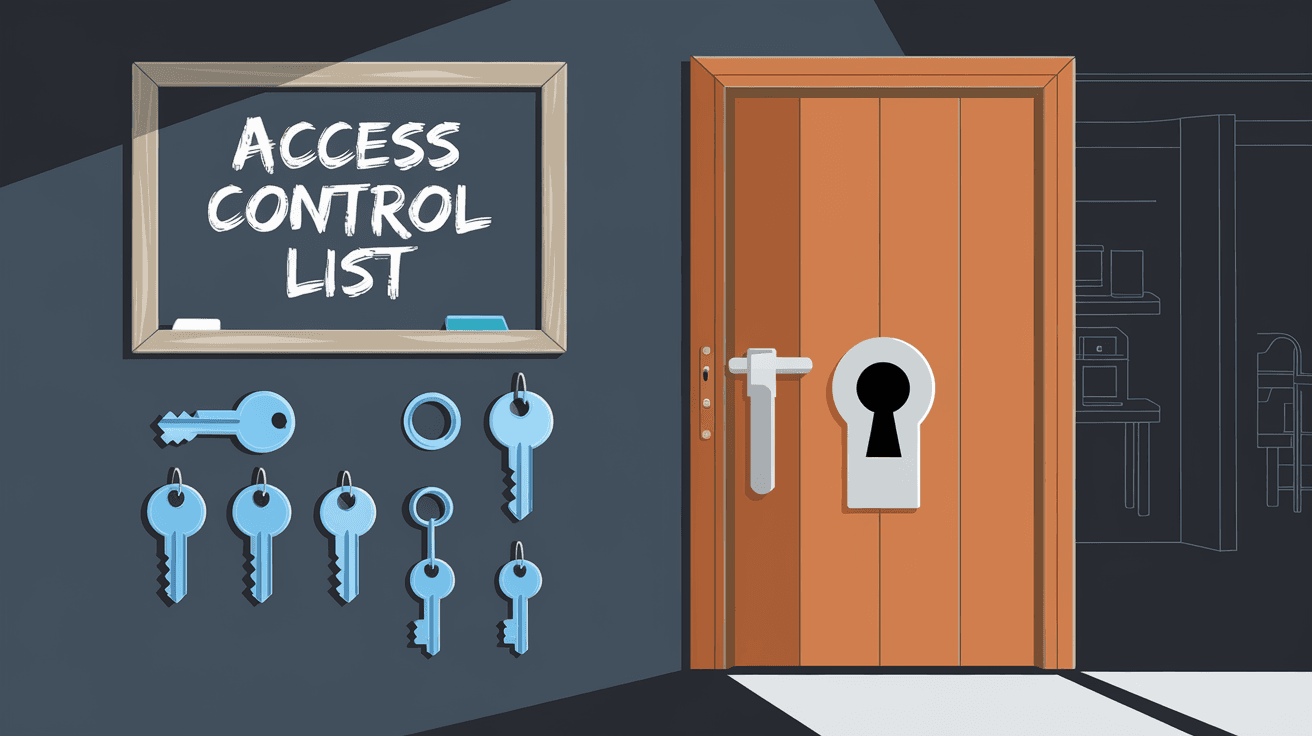
An Access Control List (ACL) is a set of rules used to control access to resources in a computer system or network. Think of it as a guest list for a party. Only the people on the list can enter, and others are kept out.
ACLs specify which users or systems can access certain files, directories, or network devices, and what actions they can perform. These actions might include reading, writing, or executing a file, or sending data through a network.
How ACLs Work
- Entries: Each ACL contains multiple entries, each defining a permission.
- Subjects: These entries apply to users, groups, or devices.
- Permissions: The rules specify allowed or denied actions.
- Order: ACLs are usually processed in order, stopping at the first matching rule.
For example, an ACL might say, “User Alice can read and write this file,” but “User Bob can only read it.” This way, the system knows exactly who can do what.
Types of Access Control Lists
ACLs come in different types depending on where and how they are used. The two main types are:
1. File System ACLs
These control access to files and folders on a computer or server. They define who can read, write, or execute files.
- Used in operating systems like Windows, Linux, and macOS.
- Help protect sensitive data by limiting file access.
- Can be set for individual users or groups.
2. Network ACLs
Network ACLs control traffic flow in and out of network devices like routers and firewalls.
- Used to allow or block specific IP addresses or protocols.
- Help protect networks from unauthorized access or attacks.
- Often used in cloud environments and enterprise networks.
Why Are Access Control Lists Important?
ACLs are a fundamental part of security. They help you:
- Protect sensitive data: Only authorized users can access important files.
- Control network traffic: Block unwanted connections and prevent attacks.
- Meet compliance: Many regulations require strict access controls.
- Manage permissions easily: ACLs provide clear, organized rules.
Without ACLs, systems would be open to anyone, increasing the risk of data breaches and misuse.
How to Create and Manage ACLs
Creating and managing ACLs depends on the system or device you’re using. Here’s a general approach:
Steps to Create an ACL
- Identify resources: Decide what files, folders, or network parts need protection.
- Define users or groups: List who needs access.
- Set permissions: Choose what actions each user or group can perform.
- Apply the ACL: Attach the list to the resource.
- Test: Verify that the ACL works as expected.
Tips for Managing ACLs
- Keep ACLs simple to avoid confusion.
- Regularly review and update permissions.
- Use groups instead of individual users when possible.
- Document your ACL settings for future reference.
Examples of Access Control Lists in Use
Example 1: File System ACL on Windows
Windows uses ACLs to control file access. For example, a folder might have an ACL that allows:
- Administrators: Full control
- Users: Read and execute
- Guests: No access
This setup ensures only trusted users can modify files.
Example 2: Network ACL on a Router
A router might have an ACL that blocks traffic from suspicious IP addresses while allowing trusted devices to connect. For example:
- Deny all traffic from IP 192.168.1.100
- Allow traffic from IP range 192.168.1.0/24
This helps protect the network from unauthorized access.
ACLs vs. Other Access Control Methods
ACLs are one way to control access, but there are others:
- Role-Based Access Control (RBAC): Access is based on user roles, like “admin” or “editor.”
- Discretionary Access Control (DAC): Owners decide who can access their resources.
- Mandatory Access Control (MAC): Access is controlled by system policies, often used in high-security environments.
ACLs are flexible and easy to implement, making them popular for many systems.
Common Challenges with ACLs
While ACLs are useful, they can be tricky to manage:
- Complexity: Large ACLs with many rules can be hard to understand.
- Conflicts: Overlapping rules might cause unexpected access.
- Performance: Very long ACLs can slow down systems.
- Maintenance: Keeping ACLs updated requires effort.
Using tools and following best practices can help avoid these problems.
Best Practices for Using Access Control Lists
To get the most from ACLs, consider these tips:
- Use clear naming for users and groups.
- Limit permissions to the minimum needed.
- Regularly audit ACLs for outdated entries.
- Combine ACLs with other security measures like firewalls.
- Train staff on how ACLs work and why they matter.
Conclusion
Access Control Lists are a key part of keeping your digital world safe. They let you decide who can access files, networks, and devices, and what they can do with them. By understanding ACLs, you gain control over your data and reduce security risks.
Whether you’re managing a home network or a large company system, using ACLs wisely helps protect your information from unauthorized access. Remember to keep your ACLs clear, updated, and aligned with your security goals to maintain a strong defense.
FAQs
What is the main purpose of an Access Control List?
An ACL’s main purpose is to define who can access a resource and what actions they can perform. It helps protect files, networks, and devices from unauthorized use.
How does an ACL differ from a firewall?
An ACL is a set of rules controlling access to resources, while a firewall filters network traffic based on security policies. ACLs can be part of firewall rules but also apply to files and systems.
Can ACLs be used in cloud environments?
Yes, cloud providers like AWS and Azure use ACLs to control access to storage, networks, and services, helping secure cloud resources.
What happens if no ACL is set on a resource?
If no ACL is set, access may be open to all users or follow default permissions, which can lead to security risks.
How often should ACLs be reviewed?
ACLs should be reviewed regularly, at least every few months, or whenever there are changes in users or security requirements.




