
What Is a Wireless Access Point?
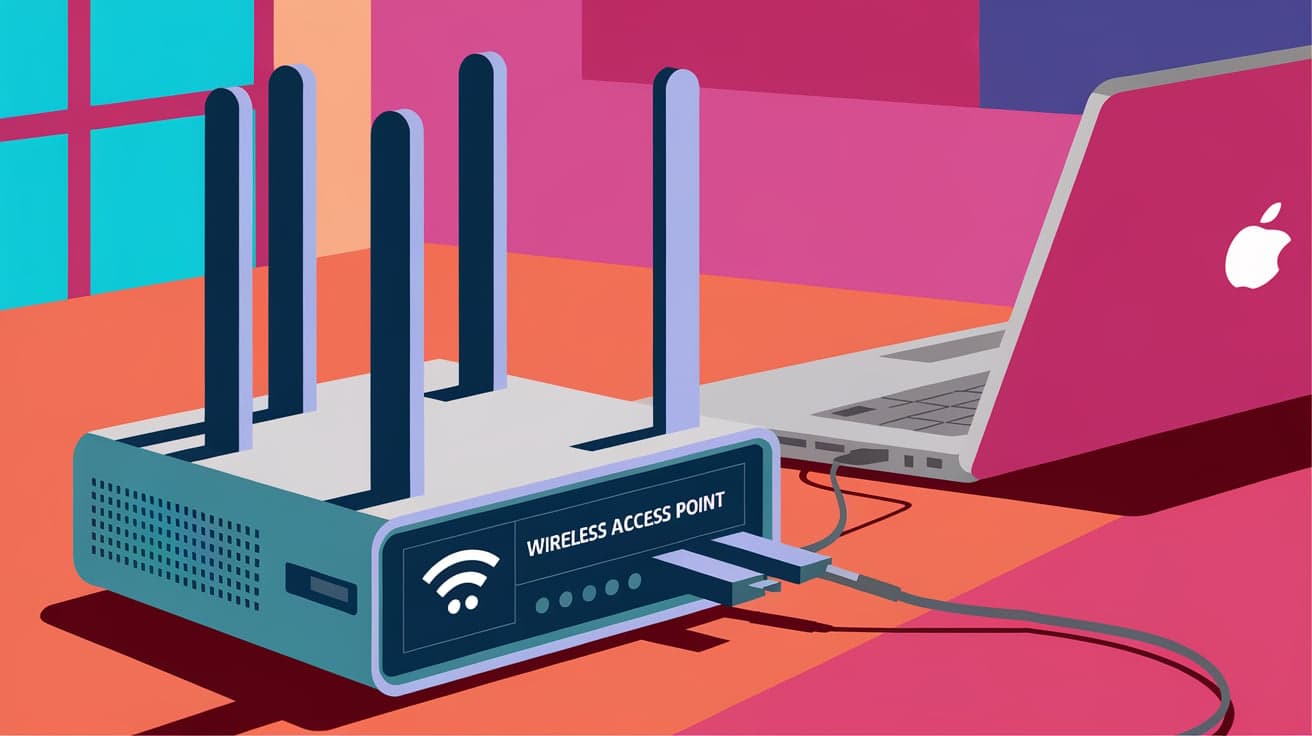
In today’s digital age, staying connected is essential, whether you’re at home, in the office, or even at a coffee shop. A wireless access point (WAP) is one of the key technologies making this possible. If you’ve ever wondered what a WAP is and how it differs from a router or other networking equipment, you’re in the right place.
A wireless access point acts like a bridge, extending your Wi-Fi network so multiple devices can connect seamlessly. While routers are often the backbone of a network, WAPs provide the flexibility and coverage you need in larger or busier spaces. Let’s explore what a WAP is, how it works, and why it might be the missing piece in your network setup.
What Is a Wireless Access Point?
A wireless access point (WAP) is a networking device that allows wireless-capable devices like smartphones, laptops, and tablets to connect to a wired network. Think of it as a hub that extends the reach of your internet connection.
Key Features:
Connectivity: WAPs enable Wi-Fi devices to connect without cables.
Network Extension: They expand the range of your existing network, making them useful in large homes or offices.
Device Management: Many WAPs allow you to manage multiple devices on the same network.
Unlike a router, which manages your entire network, a WAP focuses on extending wireless access.
How Does a Wireless Access Point Work?
A WAP connects to your network, usually via an Ethernet cable, and converts the wired connection into a wireless signal. This allows devices within range to access the network.
How It Works:
Connection: The WAP is linked to your router or switch.
Signal Distribution: It broadcasts a Wi-Fi signal that your devices can detect and connect to.
Data Transmission: Once connected, the WAP handles data transmission between devices and the main network.
The WAP doesn’t replace your router; it works alongside it to ensure seamless coverage.
Wireless Access Point vs. Router: What’s the Difference?
People often confuse WAPs with routers, but they serve different purposes in a network.
Routers:
Act as the main control center for your network.
Connect to your internet service provider (ISP) to provide access.
Include features like firewalls and network management.
Wireless Access Points:
Extend the router’s network to cover more space.
Focus on providing Wi-Fi connectivity.
Require a router to function.
If you have a large area to cover or experience Wi-Fi dead zones, adding a WAP is the perfect solution.
Types of Wireless Access Points
WAPs come in different types, each suited to specific needs. Understanding these options can help you choose the right one.
1. Standalone Access Points
Operate independently and are ideal for small setups.
Simple to install and configure.
2. Controller-Based Access Points
Managed through a centralized controller, making them ideal for businesses.
Offer better scalability and monitoring.
3. Mesh Access Points
Part of a mesh system that provides seamless coverage across large areas.
Great for homes and offices with multiple floors or thick walls.
Choosing the right type depends on your specific requirements, such as the size of your space and the number of devices.
Benefits of Using a Wireless Access Point
Adding a WAP to your network offers several advantages, especially if you struggle with limited Wi-Fi coverage or network performance issues.
1. Extended Coverage
- A WAP eliminates dead zones, ensuring reliable connectivity in every corner of your space.
2. Support for Multiple Devices
- WAPs handle more devices simultaneously, which is essential for busy environments like offices or schools.
3. Improved Network Performance
- By distributing the load, a WAP reduces congestion, resulting in faster and more stable connections.
These benefits make WAPs a valuable addition to both home and professional networks.
Setting Up a Wireless Access Point
Installing a WAP is straightforward, even if you’re not tech-savvy. Here’s how to set it up:
Steps:
Choose a Location: Place the WAP in an area with poor Wi-Fi coverage.
Connect to the Router: Use an Ethernet cable to link the WAP to your router or switch.
Configure Settings: Access the WAP’s settings via its IP address to customize the network name and password.
Test the Connection: Ensure devices can connect to the WAP and access the internet.
Follow the manufacturer’s instructions for best results, and don’t forget to secure your WAP with a strong password.
Common Use Cases for Wireless Access Points
WAPs are versatile and can be used in various scenarios to enhance connectivity.
1. Home Use
Extend Wi-Fi to outdoor spaces or multiple floors.
Support smart home devices like cameras and thermostats.
2. Business Environments
Provide stable Wi-Fi for employees and customers in large offices or retail spaces.
Manage multiple access points through a centralized controller.
3. Educational Institutions
- Ensure reliable connectivity for students and staff across campuses.
WAPs are an excellent solution for anyone needing better Wi-Fi coverage and performance.
Security Considerations for Wireless Access Points
While WAPs improve connectivity, they also introduce potential security risks. Taking precautions is essential to protect your network.
Tips for Securing Your WAP:
Use WPA3 Encryption: Ensure your WAP uses the latest encryption standard for better security.
Change Default Settings: Update the default network name and password to something unique.
Enable Network Monitoring: Use tools to monitor connected devices and detect unauthorized access.
A secure WAP protects your data and prevents unauthorized users from accessing your network.
Conclusion
A wireless access point is a valuable tool for enhancing your Wi-Fi network. Whether you’re dealing with dead zones at home or need reliable connectivity in a business setting, a WAP can provide the extended coverage and performance you need. By understanding how WAPs work, the benefits they offer, and how to set them up, you can ensure a seamless and secure internet experience.
Take the time to choose the right type of WAP for your needs, secure it properly, and enjoy improved connectivity across your space.
FAQs
1. What is the difference between a wireless access point and a Wi-Fi extender?
A WAP connects directly to your router to create a new wireless network, while a Wi-Fi extender amplifies your existing Wi-Fi signal.
2. Can I use a WAP without a router?
No, a WAP requires a router or switch to connect to the network and provide internet access.
3. How many devices can connect to a WAP?
This depends on the model, but many WAPs support 50 or more devices simultaneously.
4. Are WAPs suitable for gaming and streaming?
Yes, WAPs can provide stable and fast connections, making them ideal for gaming and streaming.
5. How do I troubleshoot a wireless access point?
Ensure it’s connected to the router, check for firmware updates, and restart the device if needed. If issues persist, consult the manufacturer’s support.




